An integrated development environment (IDE) is a software application that provides comprehensive facilities to computer programmers for software development.
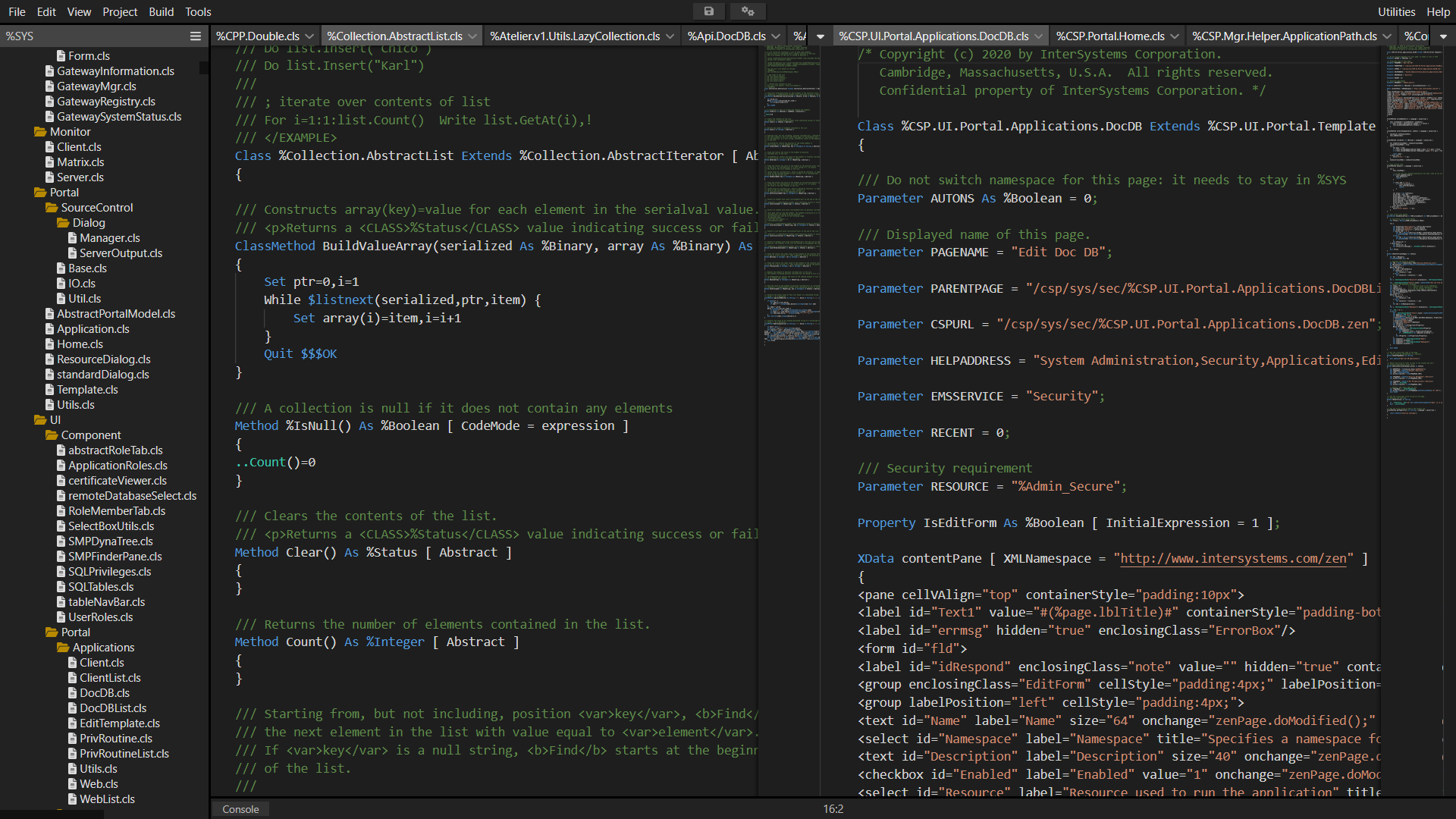
The official IDE for InterSystems Data Platform products is Atelier.
Hope most of you already familiar with project CachéQuality from @Daniel Tamajon. For those who don’t know about it, it is a static syntax analyzer for your code written for InterSystems products. It may help you to find and solve many different types of issues in your code, and even possible bugs before clients will find it in production. So, with help of CachéQuality you will be able to deliver a better product. You can find the complete list of rules used to check ObjectScript code here.
It was already available in Studio. And now it is also available in VSCode.
The VS Code extension development team is looking for beta testers to provide feedback on a proposed overhaul of the client-side editing workflow. The full list of changes can be found in the GitHub pull request description. Here are the highlights:
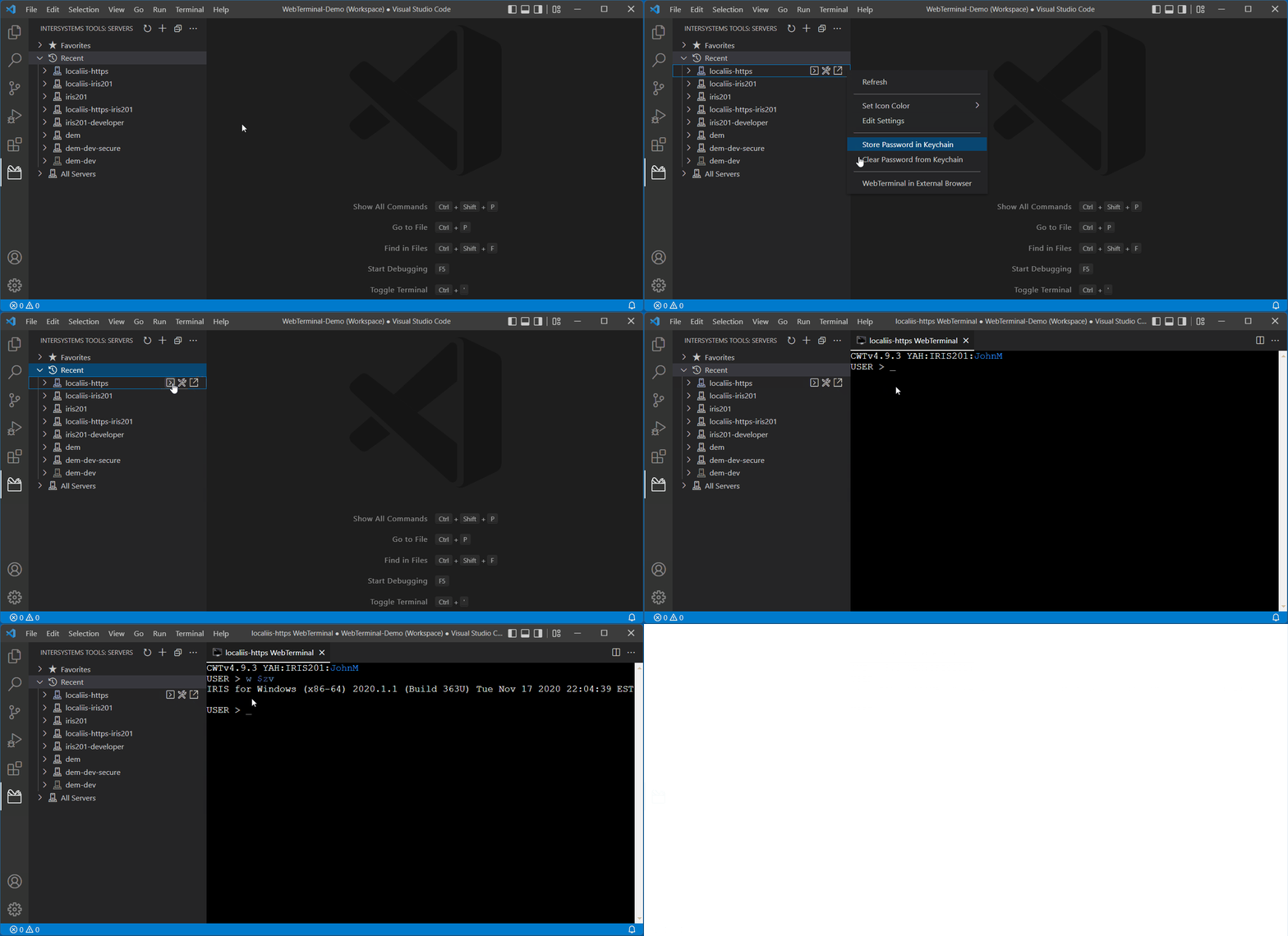
I am pleased to announce that the web terminal project, Caché WebTerminal version 4 gets its release! After long period of enhancing this web application from 2013, it came to the version 4, which features major stability and security improvements, intelligent autocomplete and syntax highlighting, convenient SQL mode and a lot of other useful features.
The goal of this article is to spread the knowledge about this project over the InterSystems community.
Atelier has reached a threshold of feature completeness. Atelier 1.3 which is currently in flight will mainly focus on supporting the latest release of Eclipse Photon. After release, Atelier and Studio will continue to receive critical software corrections.
I'm building a browser only code editor for IRIS. Here is a video demonstration. It's still very much "work in progress", more updates to come. I will also add it to ZPM soon.
I'm pleased to announce version 2.6.0 of the VS Code ObjectScript extension, containing a number of enhancements that make a developer's life easier. Some highlights are described below. As always, find the full list of modifications in the CHANGELOG, including many bug and vulnerability fixes.
Heretofore is announced a new project which aims at providing a usable library for both running unit tests and collecting code coverage information at the same time:
Hi all, I have released the latest version of VSCode extension for ObjectScript already a month ago, and finally a time for the info about this new release.
So, what's new in the release:
What's new in this version
added export setting "objectscript.export.addCategory" if enabled uses the previous behaviour, adds category folder to export folder, disabled by default
added Server actions menu, by clicking on server info from status bar. Open Management portal, Class Reference and toggle connection.
Class Suggestion in ##class, Extends, As, CompileAfter, DependsOn, PropertyClass
$SYSTEM suggestion by Classes from %SYSTEM
Import and compile folder or file by context menu in File Explorer
Server Explorer, now possible to open any other namespace
We at George James Software are pleased to announce that our acclaimed code debugger and editorSerenji is now available as a Visual Studio Code extension.
As well as supporting the latest InterSystems IRIS platform Serenji also works with earlier platforms, including versions lacking the server-side Atelier API support required by other VS Code extensions.
Serenji connects you directly to the code in your namespaces, resulting in an experience more familiar to existing Studio users. No need to export and import classes and routines.
We believe Serenji is the first extension to bring VS Code's powerful debugging features to ObjectScript developers.
We are glad to announce that DBeaver has supported InterSystems IRIS out-of-the-box since version 7.2.4. You don't need to configure it manually anymore, just find the IRIS icon in the Connections list.
At the George James Software booth at Global Summit last year we took the wraps off the work we've been doing to make our popular editing and debugging tool Serenji available on the Visual Studio Code platform.
Rather than requiring you to pull code from your namespaces into local files, then push the changes back to the namespace to run it, you work directly in the namespace. In other words, the editing experience is like Studio rather than like Atelier.
As well as editing code you can also debug it directly from VSCode.
I'm pleased to announce the latest version of extensions for ObjectScript. Just a month has gone since my latest update, and I already have something new to show.
Important. In this version connection to the server will be disabled by default. You have to activate connection through the settings:"objectscript.conn.active" = true.
Most notably, take advantage of enhancements to compiling with InterSystems IRIS. You can find more information about the additions in the release notes here.
I’m pleased to announce the 0.9 release of the ObjectScript extension for Visual Studio Code. Earlier this year I announced that InterSystems would be joining the community in evolving this already popular tool. Since then, we have been hard at work solidifying the code base and building a slew of new features.
The Atelier 1.2 stable release update site (https://atelier.artifactoryonline.com/atelier/updates/stable/1.2/) has been updated to 1.2.119. This build contains all of the new features and enhancements the 1.2.118 beta build has as well as a number of bug fixes. Additionally, we have documented a list of the top time-saving keyboard shortcuts to help you become more productive. Give Atelier 1.2 a try and let us know what you think! Some of the key highlights include:
To simplify the upgrade processes and to keep up with industry standards, we decided to make Atelier only available as an Eclipse plugin. Those of you who are currently using a standalone Atelier client will not be able to upgrade to a later version.
Please go to the Atelier Download page or see the sections below for the detailed instructions about installing Eclipse and the Atelier plugin. Feel free to reach out to support or leave a comment down below if you have any questions.
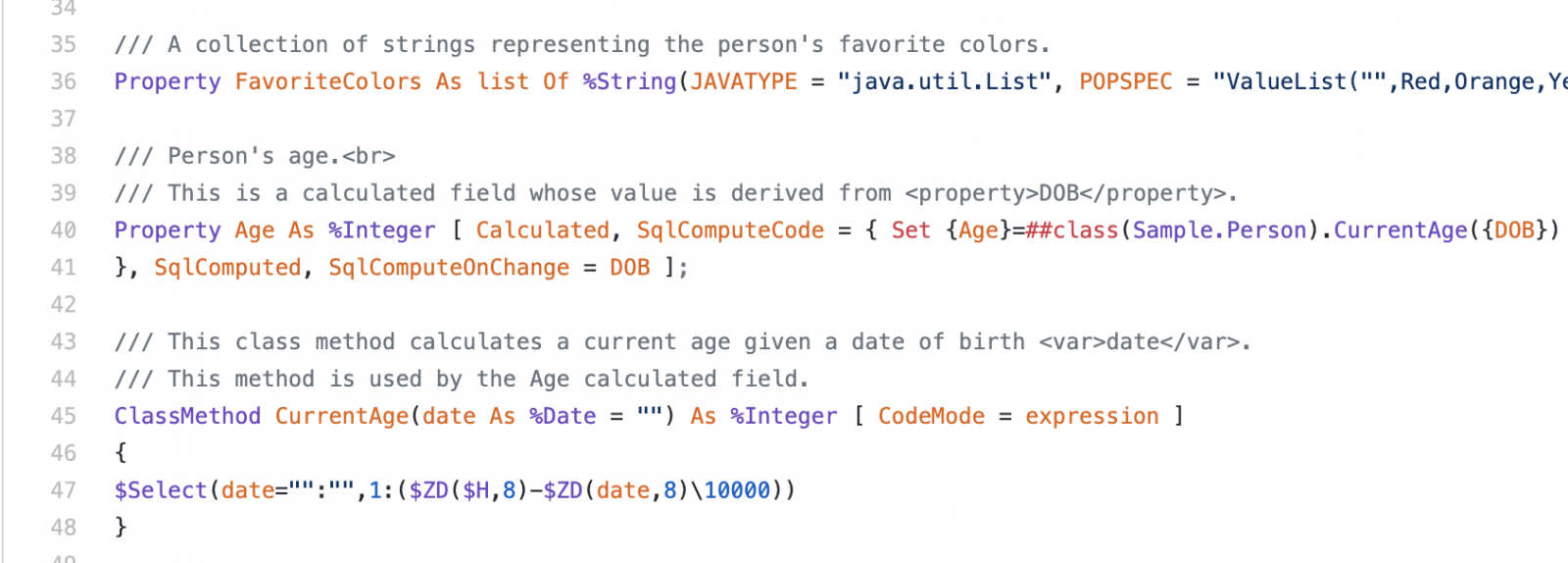
I have very good news for the developers, who are using GitHub to host projects with InterSystems ObjectScript. GitHub introduced the support of InterSystems ObjectScript this week!
How does it work?
Now all the .cls files in your repository are considered as InterSystems ObjectScript and highlighted according to the language rules of ObjectScript. For example WebTerminal, Samples-Data.
We are proud to annouce our latest release of CachéQuality to help you to find and solve coding errors, refactoring, help to follow you coding guidelines, etc. You can check the latest release notes here.
For several years now Visual Studio Code has supported the notebook coding paradigm with a maturing UX and an API that is enabling a notebook extensions ecosystem to grow. One of the best-known notebook platforms is Jupyter Notebooks. A Microsoft team publishes an extension that allows VS Code to handle .ipynb notebook files. These can either work against a local Python environment or connect to a Jupyter Server, which typically hosts remote Python environments with beefier resources.
What if your InterSystems IRIS environments, whether local on your workstation or remote in your organization / cloud, could operate as Jupyter Servers? And not only for Embedded Python but also for ObjectScript and SQL
Atelier 1.1.386 is now available! If you haven't subscribed to the NEW Atelier Beta channel, please follow the instructions on the Atelier Download page.

 By replies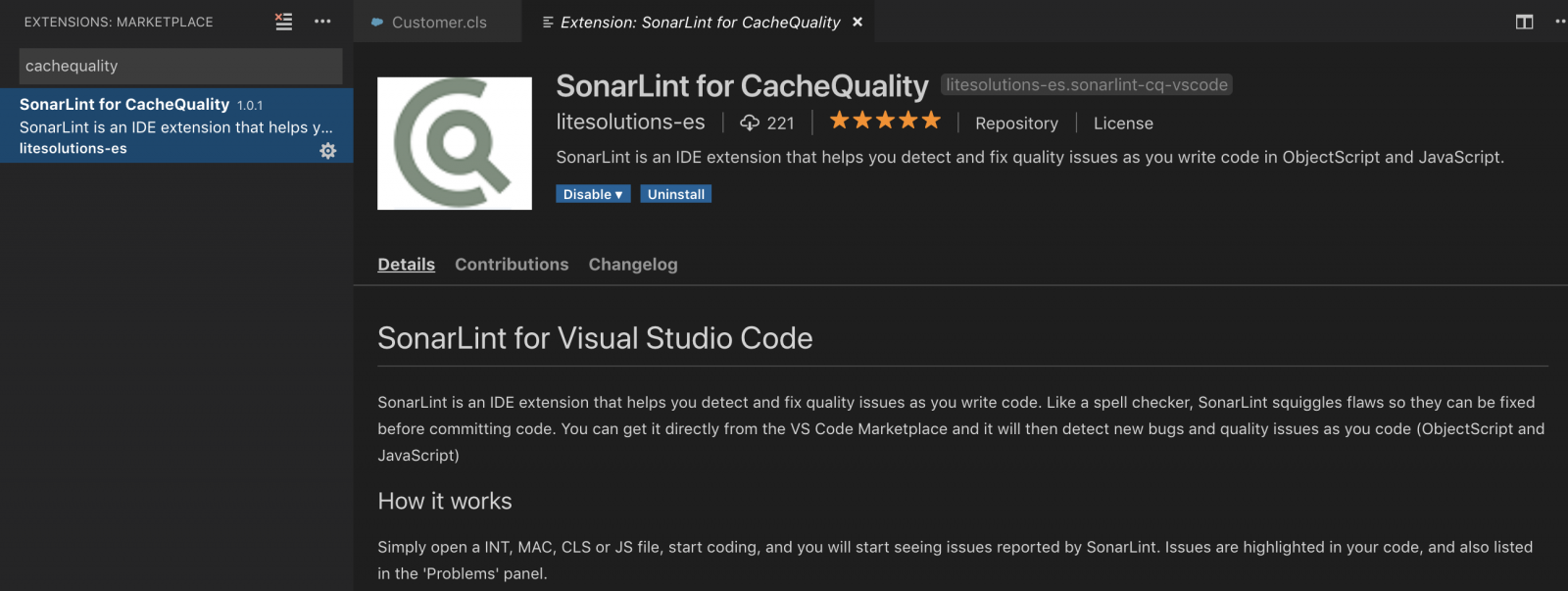
 Open Exchange app
.png)