How would you like to be able to access the Web Terminal directly from your VSCode?
.png)
An integrated development environment (IDE) is a software application that provides comprehensive facilities to computer programmers for software development.
The official IDE for InterSystems Data Platform products is Atelier.
How would you like to be able to access the Web Terminal directly from your VSCode?
If you do your IRIS development in Visual Studio Code and wish you had a convenient way to get a terminal session on your server, take a look here:
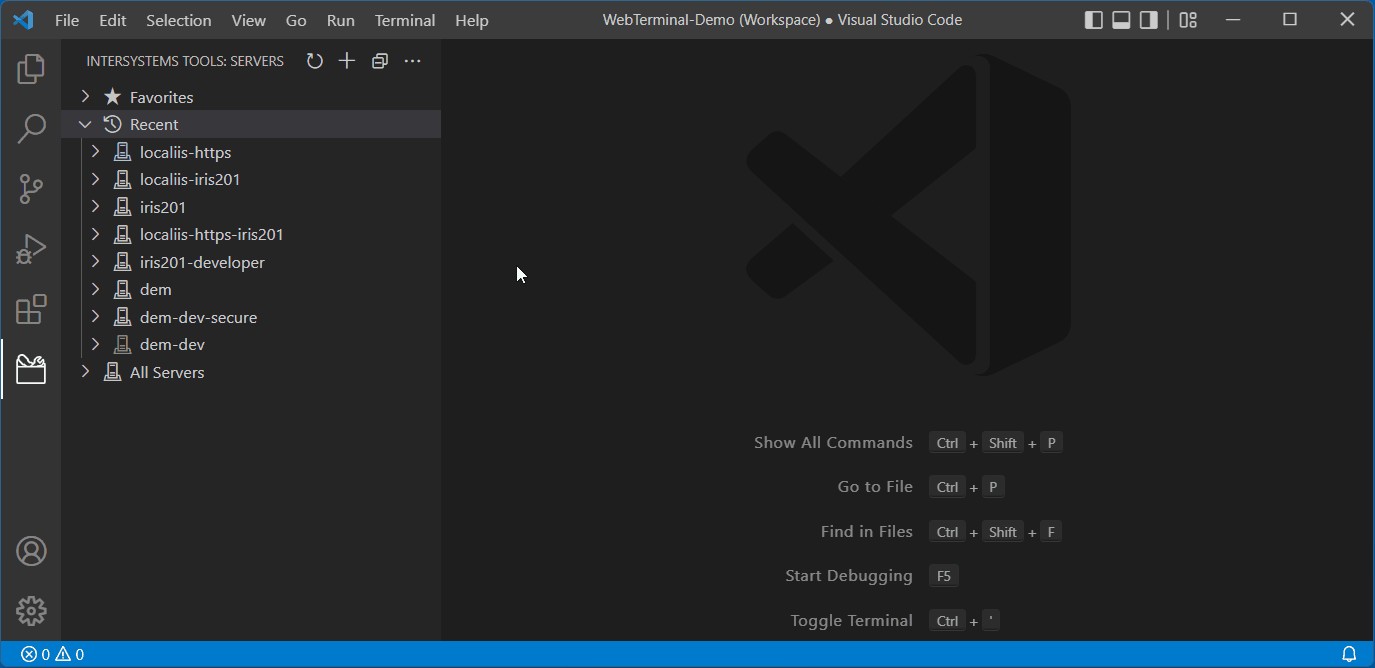
A new VS Code extension leverages the popular and well-established WebTerminal package to bring you this experience.
If you like it, please vote for webterminal-vscode in the current contest. Voting closes at midnight on Sunday 5th.
Hi Community,
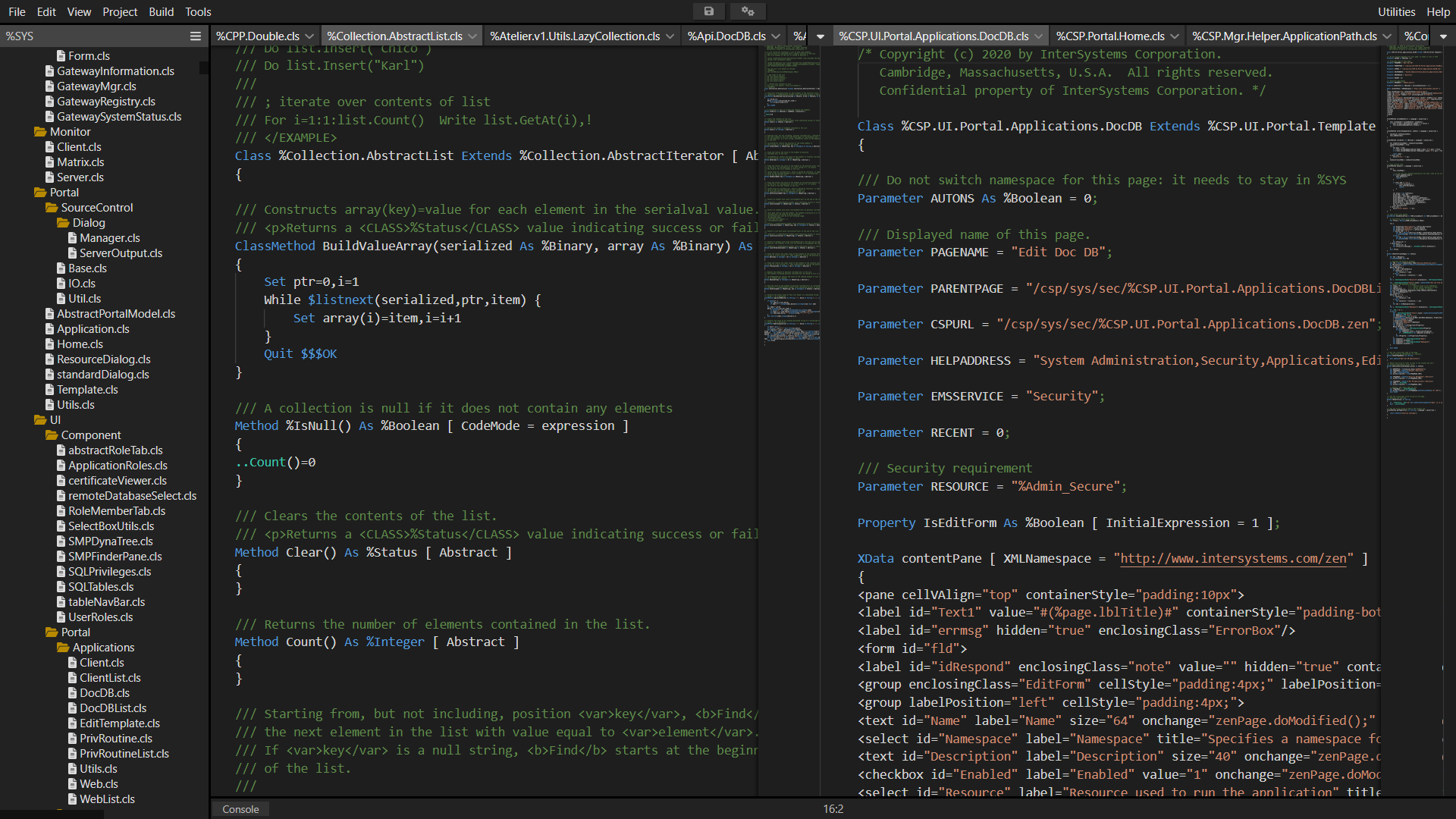
I'm building a browser only code editor for IRIS. Here is a video demonstration. It's still very much "work in progress", more updates to come. I will also add it to ZPM soon.
https://www.youtube.com/watch?v=Am6QAvrPPPg
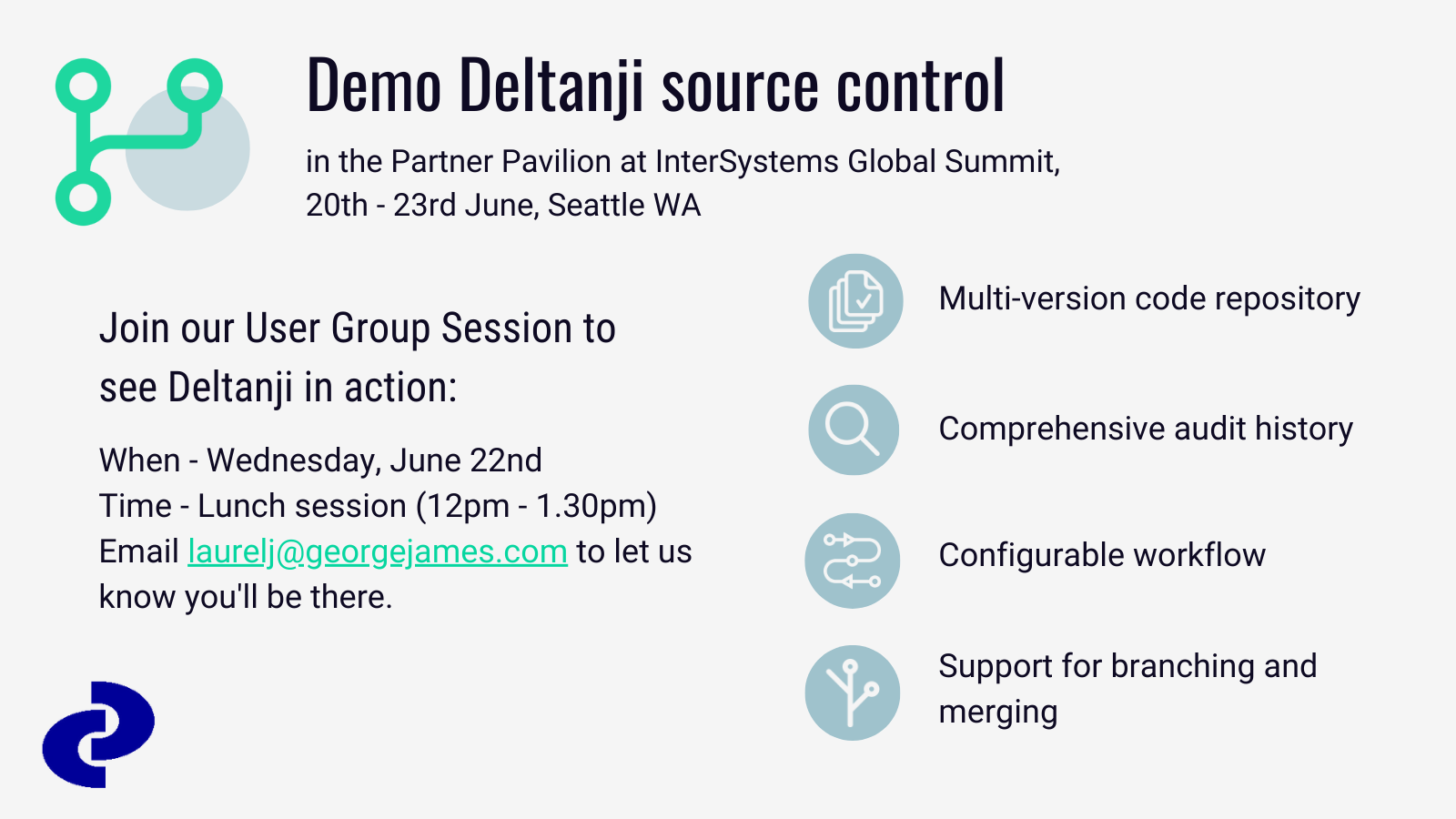
We're looking forward to seeing everyone at the InterSystems Global Summit next week!
George James Software will be there offering demos of our Deltanji source control. It has been proven to improve efficiencies within for individual developers, larger organizations, and everyone in between by bringing clarity to the development of your system. It encourages configuration management, versioning, and process control to improve the quality of your code.
If you would like to find out more, look out for us in the Partner Pavilion or book in for our User Group session during lunch on Wednesday, June 22nd. Email laurelj@georgejames.com to let us know you'll be there.
This month I announce the release of version 1.8.0 of the VS Code extension, which contains the following enhancements and bug fixes.
The big news is support for server-side project files as some of you old-timers will remember from Studio. If you work client-side, VS Code already has great project management features. You can simply use a folder as a project, or use multi-root workspaces. But if you work server-side, you might appreciate some better artifact management capabilities, and that's what this feature is about. Read more in this new Projects chapter of the documentation.
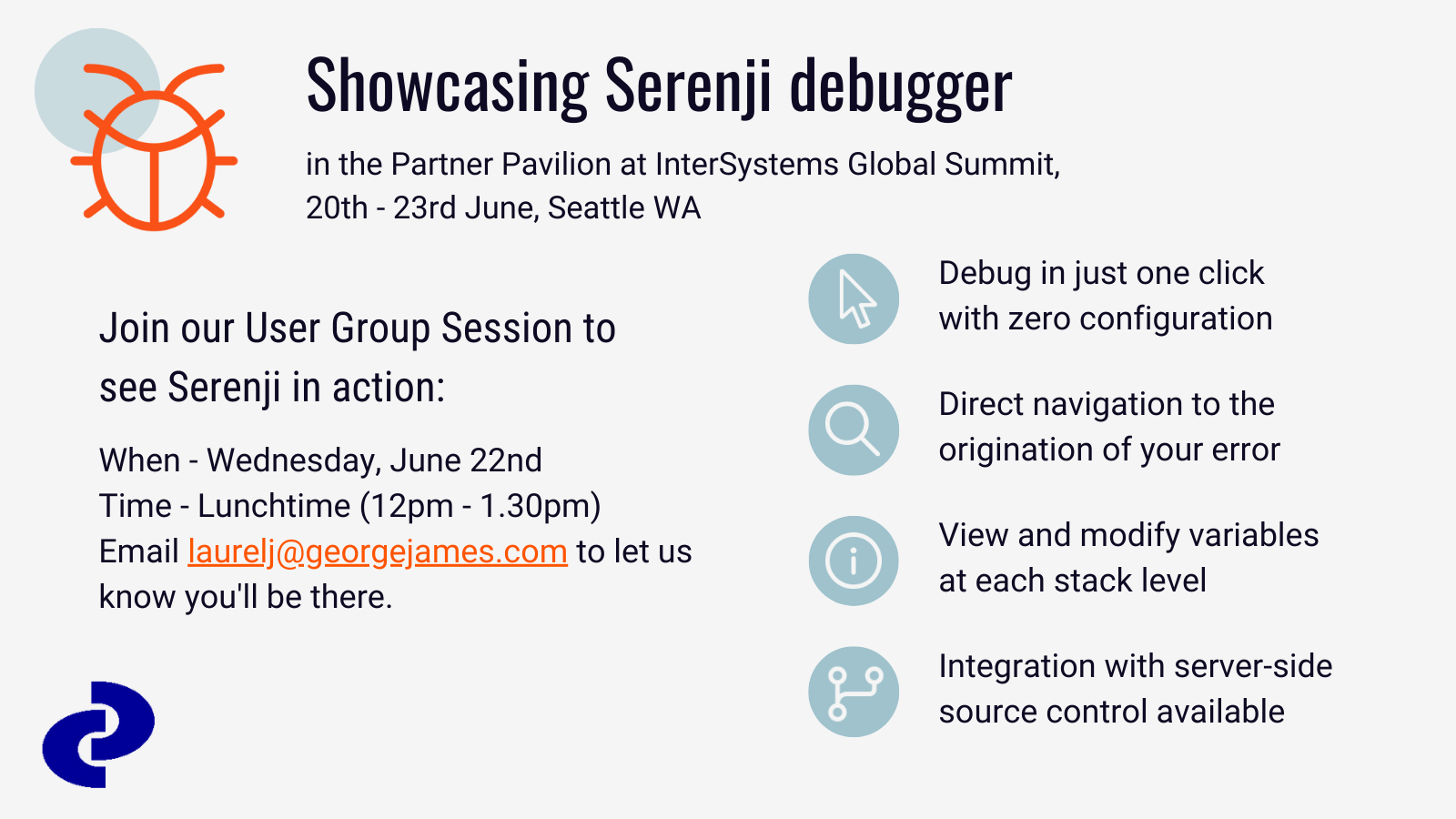
Come and say hi to us in the Partner Pavilion at the Global Summit!
We’ll be showcasing our Serenji on-the-spot debugger which has undergone some big changes in the last year—users can now enjoy a seamless debugging experience with zero configuration, along with taking advantage of the latest features in VS Code itself, enabling users to smoothly identify and quickly fix errors in your code, contributing to the production of quality, maintainable code.
If you want to see Serenji in action look for us in the Partner Pavilion, we'll be on hand to show you a demo. Prospective users are also welcome to join our User Group Session during the lunchtime session on Wednesday, June 22nd. Email laurelj@georgejames.com to let us know you'll be there.
Very recently Docker showed a very new feature added to their Docker Desktop tool. It was a good way to start using Docker on macOS and Windows, and they also released the same tool for Linux as well. And new feature Extensions add an ability to extend this GUI application with some extra abilities from extensions.
.png)
I have been developing this project for many years. He helps me a lot in my daily work as a DBA and full stack developer. This project has grown into a platform on which many of my other projects are based. You can read more about the project in the article. And I proposed this project for the contest, maybe it will be useful to you.
Hi Developers!
This is yet another short post that is intended to simplify developers' life. Now we'll talk about how to make GitHub run unit tests with every push to the repository by adding just one file to the repo. For free. On Github Cloud. Sounds great, isn't it?
It is possible and very easy to do. Credit goes to @Dmitry Maslennikov (and his repo), ZPM Package Manager, and GitHub Actions. Let's see how this all works!

I'm pleased to announce the release of version 1.4.4 of the VS Code extension, which contains the following enhancements and bug fixes. Links will take you to the GitHub issue being addressed. As always, if you already have the extension installed, VS Code should automatically update your extension. If you're a new user, use these instructions to get started.
objectscript.explorer.I want to be able to view generated items from visual studio code. In Studio there was an option in the open dialog:
.png)
Specifically, I added a namespace to my workspace for editing (Using InterSystems Server Manager) and I want to be able to access the generated items in this namespace.
We have an implementation with a bunch of users, and a bunch of namespaces, both of which are added and removed frequently, and the users have restrictive perms in the namespaces (lets just say, not %All)... and the users are utilizing the VSCODE extension for development.
Per the instructions and the user experience, we need to run:
GRANT EXECUTE ON %Library.RoutineMgr_StudioOpenDialog TO ${user}For ... each Namespace, and additionally %SYS for Web Apps.
Hey Community,
New video is already on InterSystems Developers YouTube:
For some years I missed being able to offer, to everybody interested in ObjectScript, a tutorial more or less complete, to start with ObjectScript. Something that could help more and make things easier to those new developers that come to our technology... something intermediate, halfway between the common "Hello World!", that doesn't really get you further, and the "Advanced Training", that is unaffordable because of lack of time,etc.
If there were something truly helpful not only as an introduction to the ecosystem, but as a starting point, as a boost, to really start to walk into ObjectScript and move forward by yourself... wouldn't that be awesome?
For those that, at some point, need to test what means that of ECP for horizontal escalability (computing power and/or users and processes concurrency), but they're lazy o have no much time to build the environment, configure the server nodes, etc..., I've just published in Open Exchange the app/sample OPNEx-ECP Deployment .
Hi Guys,do we hv any 3rd party UI screen design software that works well with IRIS or we recommend? Thx!
The InterSystems Server Manager extension for Visual Studio Code lets you define connections to your servers, list their namespaces and edit or view code there. You can also launch Portal for a server.
Server Manager 3.0 improves security by becoming a VS Code Authentication Provider. It is my entry for the November 2021 InterSystems Security Contest. Click here to visit the contest page where you may decide to vote for this entry. Please ignore the clickable "Contestant" label on this article header above, as it relates to a different contest for new DC articles. If you want to support me in that contest, simply "like" this post.
Any suggestion that can make programming with Studio easier and smarter is welcome.
I want to demonstrate using Git via Server-side Source Control hooks (to allow both Studio and Atelier to access a Shared Dev namespace), and I was planning to use the popular Caché Git hooks:
https://github.com/intersystems/cache-tort-git
Unfortunately, when I installed and configured them I realized that they will not work in a Shared Dev configuration because those hooks rely on calling the TortoiseGit Windows executable, which means that your IDE and your Caché instance must both be running on the same machine (this doesn't make sense for Shared Dev configurations).
How to develop an interoperability solution in one code base and then use it to generate many individual interfaces
Overview
In 2009 I wrote the first of several Interfaces for LabTrak. The Interfaces allowed existing National Health Laboratory Services (NHLS) clients to send Patient Demographics and Orders to LabTrak. LabTrak would, in turn, send the results of those tests back to the client. I wrote 3 or 4 at the time and an Interface that fed data from LabTrak into the NHLS Corporate Data Warehouse.
We're hosting our Deltanji and Serenji user group session tomorrow - there's still time to register, if you haven't already.
We'll be showcasing some advanced features of Deltanji and Serenji in VS Code with time for a discussion - so feel free to bring along any problems you need help solving or share your feedback on our tools. We'd love to hear your thoughts. If you're interested in our tools this is a great chance to hear what others have to say, as well as asking your own questions.
Date: Wednesday, November 3rd
Time: 11-12pm EDT / 3-4pm GMT.
Let us know you'll be attending on Eventbrite.
We hope to see you tomorrow, but if you're unable to make it you can email me at laurelj@georgejames.com and I can share a recording of the session.
I wrote a step by step tutorial in the qewd-howtos repository how you can write state of the art multi-page web apps with Node.js using a QEWD-Up WebSocket/REST api back-end integrated with a mainstream web framework like NuxtJS & Vue.js. In particular with the latest NuxtJS/Vue.js frameworks, writing web applications becomes fun again, allowing you to write your applications very efficiently, hiding all boilerplate code from you.
The tutorial should be very easy to try out on your development machine and consists of two parts:
Hi developers,
We're hosting a User Group session for our Deltanji source control and Serenji debugger users on Wednesday, November 3rd at 11-12pm EDT / 3-4pm GMT.
We'll be showcasing some advanced features of Deltanji and Serenji in VS Code with time for a discussion - so feel free to bring along any problems you need help solving or share your feedback on our tools. We'd love to hear your thoughts.
You can find out more on Eventbrite.
Everyone is welcome. If you're interested in our tools this is a great chance to hear what others have to say, as well as asking your own questions.
We hope to see you on November 3rd!
The latest release of Serenji focuses on the debug experience. Not only can you now debug on the spot, no matter where you are or what you're doing, but we've also added some smaller features that will make debugging more straightforward.
Find out more in our release notes here.
Hi developers,
We've incorporated VS Code's support for multiple concurrent debug sessions and consoles into the latest release of Serenji.
So if you're working with processes that relate or are dependent on each other, you can now debug them together. Just launch a second Serenji debug session (F5) whilst the first one is still active.
This short video below shows how it works. We hope you find this feature useful!
Laurel
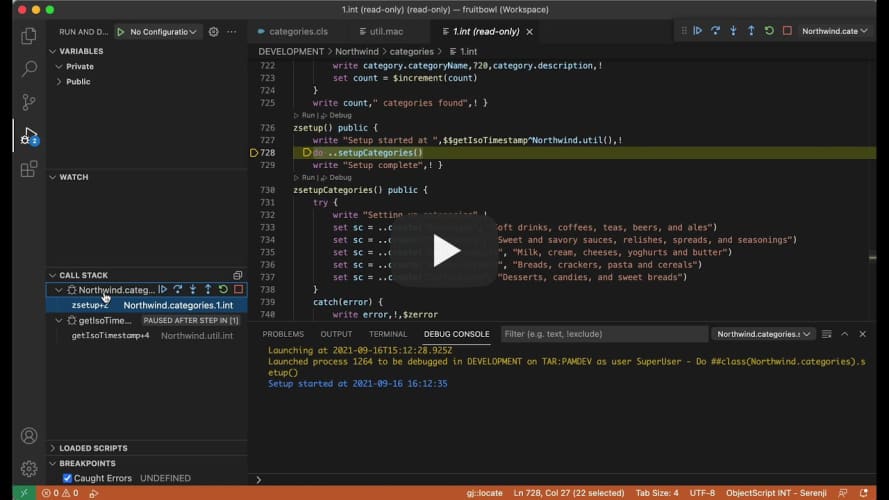
The most recent release of Serenji features our innovative gj::locate technology. It was a standalone tool we originally created for a Developer Community contest earlier this year, but we've incorporated it into our debugger after some great feedback from developers.
It works by navigating you directly to the source of your server-side errors in just a couple of clicks - enabling you to quickly fix errors without the need to count tedious lines of code.
Hi developers,
Serenji 3.2.0, the latest version from George James Software, was released last week and our current users have been enjoying trying out the new features (which you can find more about here).
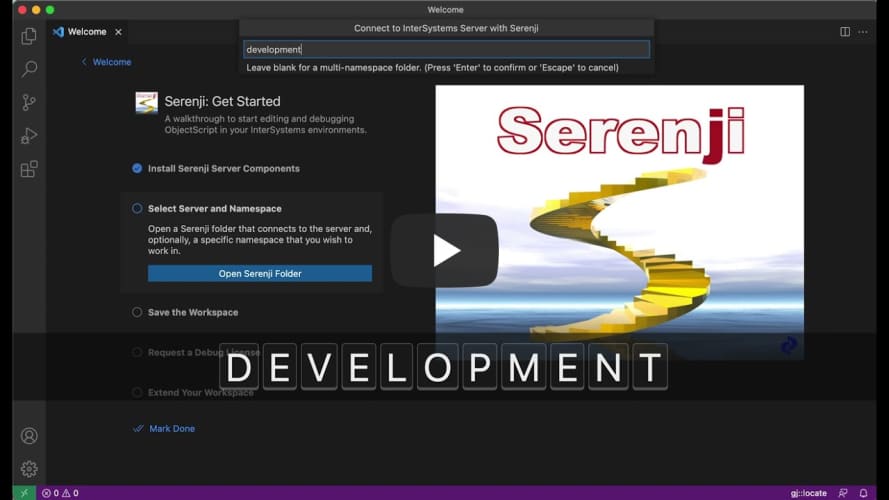
If you're thinking about trying Serenji for the first time, we've made it easier to get set up by adding a walkthrough on the VS Code Welcome page. It takes you through:
We've also added prompts and guidance throughout VS Code to open and add Serenji folders to your workspace and when going to run and debug code.
This is just one of the ways we've enhanced the Serenji debugger to make straightforward and easy to use - so all you need to do is focus on your code.
The latest release of Serenji by George James Software introduces zero configuration debugging, so it's ready to go in just one click - no matter where you are or what you're doing, your on-the-spot debugger is ready to go.
We have introduced a host of new features to enhance the debugging experience so you can focus on identifying and fixing errors, without losing focus by spending time setting up a launch configuration.
Check out the new features in our release notes.
If you've already started using Serenji 3.2.0 let us know how you're getting on!
I want to start this project and wants to know the best practices, you guys using to arrange the project. I have done lot of mvc projects and API's in c#. But Intersystems is new to me. Please give me some suggestions like how can I Arrange the objects. Like for eg. Where can I store the productions objects like services,process and operations. will that be like under each resouces folder name? and what are the base classes, and how can I store them? basically please give me some idea about how Can I arrange them .
Thank you
Sai
Hi developers,
We have just published an update to the Deltanji version control extension for Visual Studio Code.
When used in certain Deltanji workflows, triggering an automatic checkout on first keystroke could result in the developer working on an outdated copy of the code and only being notified of this later when saving their changes. In order to prevent this from happening checkout now reloads the document immediately.
Error messaging has been improved in two areas - when attempting to cancel code that is not checked out, and when trying to register new code onto a withdraw system.
We have also improved interoperability between the Deltanji extension and the InterSystems ObjectScript one, as well as its handling of multi-component objects.
If you're already a user of Deltanji then your extension with automatically update. You can find out more information on Deltanji and the latest release here.