#Tips & Tricks

12 Followers · 325 Posts

Pieces of experience in InterSystems Technology which solve some particular problem in elegant or unusual way.

New
Article Alyssa Ross · Feb 20 6m read

One objective of vectorization is to render unstructured text more machine-usable. Vector embeddings accomplish this by encoding the semantics of text as high-dimensional numeric vectors, which can be employed by advanced search algorithms (normally an approximate nearest neighbor algorithm like Hierarchical Navigable Small World). This not only improves our ability to interact with unstructured text programmatically but makes it searchable by context and by meaning beyond what is captured literally by keyword.

In this article I will walk through a simple vector search implementation that Kwabena Ayim-Aboagye and I fleshed out using embedded python in InterSystems IRIS for Health. I'll also dive a bit into how to use embedded python and dynamic SQL generally, and how to take advantage of vector search features offered natively through IRIS.

0
0 108
New
Article David Hockenbroch · Feb 18 7m read

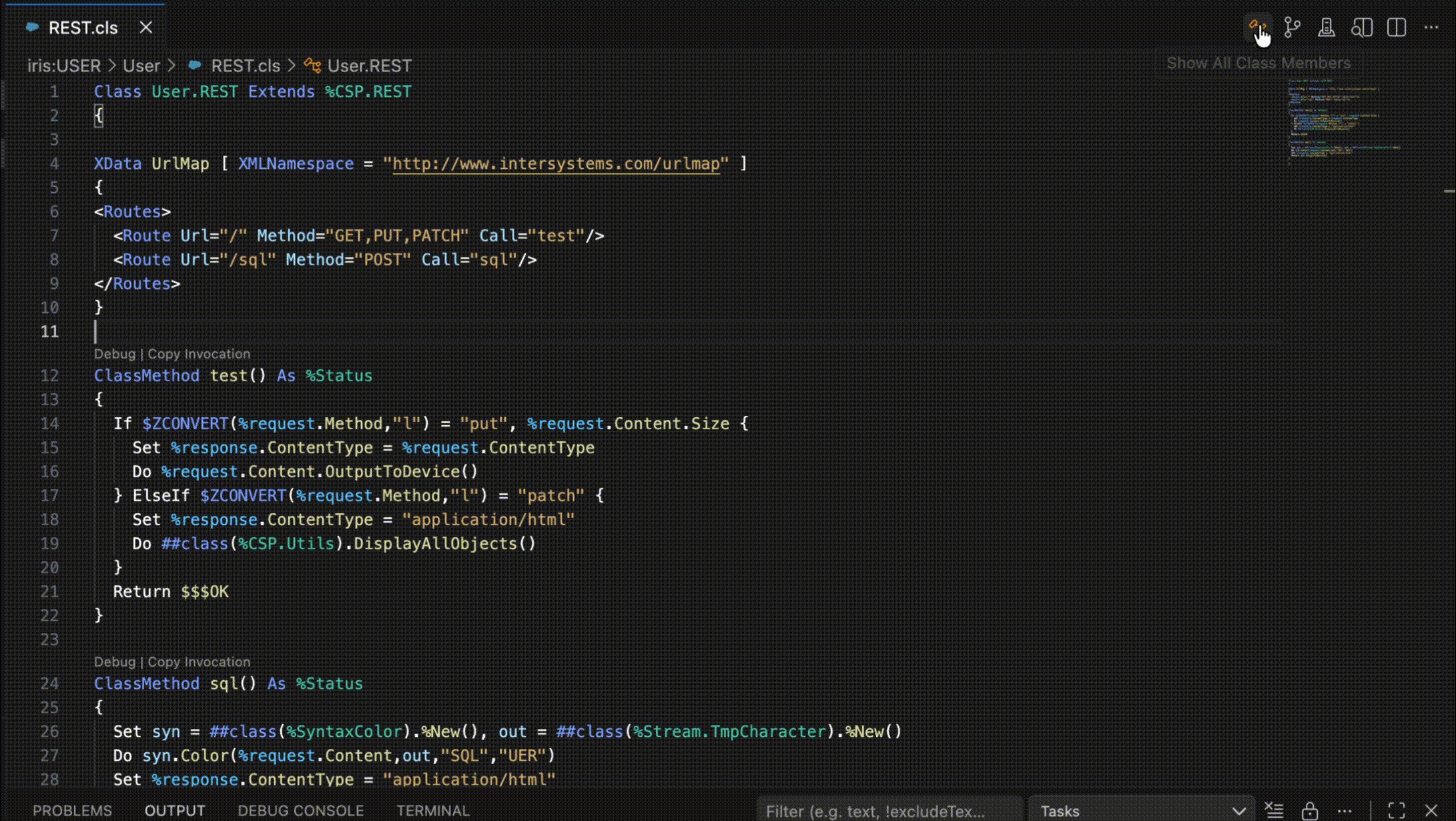
In the previous article, we examined how we can use the %CSP.Request and %CSP.Response classes to test a REST API without having the API fully set up and accessible across a network with an authentication mechanism. In this article, we will build on that foundation to perform some simple unit testing of one of our REST API methods.

0
0 22
Article Ben Schlanger · May 7, 2025 4m read

Here at InterSystems, we often deal with massive datasets of structured data. It’s not uncommon to see customers with tables spanning >100 fields and >1 billion rows, each table totaling hundred of GB of data. Now imagine joining two or three of these tables together, with a schema that wasn’t optimized for this specific use case. Just for fun, let’s say you have 10 years worth of EMR data from 20 different hospitals across your state, and you’ve been tasked with finding….   every clinician within your network      who has administered a specific drug         between the years of 2017-2019

3
6 377
Article David Hockenbroch · Jan 7 7m read

There are numerous excellent tools available for testing your REST APIs, especially when they are live. Postman, various web browser extensions, and even custom ObjectScript written with %Net.HttpRequest objects can get the job done. However, it is often difficult to test just the REST API without inadvertently involving the authentication scheme, the web application configuration, or even network connectivity. Those are a lot of hoops to jump through just to test the code within your dispatch class. The good news is that if we take our time to understand the inner workings of the %CSP.REST class, we will find an alternative option suited for testing only the contents of the dispatch class. We can set up the request and response objects to invoke the methods directly.

5
7 261
Article Tani Frankel · Dec 24, 2025 2m read

You send an HTTP request and get back an HTTP error but with an HTML error page which you didn't expect... what's happening?... 🤔

Specifically for example, perhaps you tried to READ a FHIR Resource (e.g. /Patient/123) and you get back a 404 error page, even though with other Patient IDs, you get back the Resource payload, so "the page" definitely does exist... why should you be getting a 404 error page? 🙄

0
0 107
Article Tani Frankel · Dec 22, 2025 1m read

Looking at my database I see I have a very big ^rINDEXSQL global? Why is that? 😬

In the Management Portal SQL page, under "SQL Statements" I see a 'Clean stale' button - what does this do? 🤔

In the list of Statements some have a 'Location' value and some don't? How is that? 🤨

0
1 86
Article Megumi Kakechi · Dec 18, 2025 1m read

InterSystems FAQ rubric

If you try to kill a global that is mapped at the subscript level from the top node, you will get a <SLMSPAN> error and it will not be deleted. This is because the kill command for subscript-level mapped globals cannot be used across mappings.

// Suppose subscript-mapped globals exist in different databases, as shown below:^TEST(A*~K*) -> database A
^TEST(L*~Z*) -> database B

// Trying to kill from the top level will result in a <SLMSPAN> error.
NAMESPACE>Kill^TEST
<SLMSPAN> <- This error is output.
0
0 74
Article Kurro Lopez · Dec 18, 2025 2m read

Hi everyone.

I'm going to give you a quick tip on how to implement an AI agent to search the Intersystems documentation integrated into Teams.

Yes, I know the documentation page has its own AI search engine and it's quite effective, but this way we'd have faster access, especially if Teams is your company's corporate tool.

You can also create another AI agent to search articles published in the developer community (which also has its own integrated AI search engine).

0
1 73
Article Andrew Sklyarov · Nov 8, 2025 4m read

When I started my journey with InterSystems IRIS, especially in Interoperability, one of the initial and common questions I had was: how can I run something on an interval or schedule? In this topic, I want to share two simple classes that address this issue. I'm surprised that some similar classes are not located somewhere in EnsLib. Or maybe I didn't search well? Anyway, this topic is not meant to be complex work, just a couple of snippets for beginners.

0
0 114
Article Tomoko Furuzono · Nov 6, 2025 2m read

InterSystems FAQ rubric

When exporting using the Export() method of the %Library.Global class, if the export format (fourth argument: OutputFormat) is set to 7, "Block format/Caché block format (%GOF)," mapped globals cannot be exported (only globals in the default global database of the namespace are exported). To export mapped globals in "Block format/Caché block format (%GOF)," specify the database directory to which you want to map them in the first parameter of %Library.Global.Export().

An example of execution is shown below. 

0
0 112
Article Timothy Scott · Feb 28, 2025 7m read

High-Performance Message Searching in Health Connect

The Problem

Have you ever tried to do a search in Message Viewer on a busy interface and had the query time out? This can become quite a problem as the amount of data increases. For context, the instance of Health Connect I am working with does roughly 155 million Message Headers per day with 21 day message retention. To try and help with search performance, we extended the built-in SearchTable with commonly used fields in hopes that indexing these fields would result in faster query times. Despite this, we still couldn't get some of these queries to finish at all.

1
8 297
Article Andrew Sklyarov · Nov 2, 2025 7m read

Over time, while I was working with Interoperability on the IRIS Data Platform, I developed rules for organizing a project code into packages and classes. That is what is called a Naming Convention, usually. In this topic, I want to organize and share these rules. I hope it can be helpful for somebody.


4
4 161
Article Evgeny Shvarov · Feb 13, 2022 2m read

Folks!

Recently I found several one-line long ObjectScript commands on DC and think that it'd be great not to lose it and to collect more!

So I decided to gather a few first cases, put in one OEX project, and share them with you!

And here is how you can use them.

1. Create client SSL configuration.

set $namespace="%SYS", name="DefaultSSL" do:'##class(Security.SSLConfigs).Exists(name) ##class(Security.SSLConfigs).Create(name)

Useful if you need to read content from an URL.

Don't forget to return to a previous namespace. Or add 

n $namespace
23
8 1319
Article Kurro Lopez · Oct 23, 2025 1m read

Hi all,

This is a quick tip about how to use case insensitive URL in REST API.

If you have a class that extends from %CSP.REST and Ens.BusinessService, to create a REST API service, and you have defined your WebApplication in lowercase

XData UrlMap [ XMLNamespace = "http://www.intersystems.com/urlmap" ]
{
<Routes>
    <Route Url="/user" Method="POST" Call="User"/>
    <Route Url="/login" Method="POST" Call="Login"/>
</Routes>
}

Only accepts the url in lowercase, i.e. http://myserver/myproduction/user

If you have any uppercase character, the url doesn't work. http://MyServer/MyProduction/user

2
0 112
Article Pietro Di Leo · Nov 16, 2023 5m read

Introduction

Since InterSystems has recently announced the discontinuation of support for InterSystems Studio starting from version 2023.2 in favor of exclusive development of extensions for the Visual Studio Code (VSC) IDE, believing that the latter offers a superior experience compared to Studio, many of us developers have switched or are beginning to use VSC. Many may have wondered how to open the Terminal to perform operations, as VSC does not have an Output panel like Studio did, nor an integrated feature to open the IRIS terminal, except by downloading the plugins developed by InterSystems.

10
12 2357
Article Megumi Kakechi · Oct 2, 2025 2m read

InterSystems FAQ rubric

The ^%GCMP utility can be used to compare the contents of two globals.

For example, to compare ^test and ^test in the USER and SAMPLES namespaces, it would look like this:
*In the example below, 700 identical globals are created in the two namespaces, and the contents of one of them is changed to make it the detection target.

0
1 122
Article Kurro Lopez · Sep 29, 2025 13m read

I am truly excited to continue my "InterSystems for Dummies" series of articles, and today, we want to tell you everything about one of the most powerful features we have for interoperability.

Hey, even if you have already had a go, we plan to take a really close look at how to get the most out of them and make our production even better.

2
5 286
Article Megumi Kakechi · Sep 25, 2025 2m read

InterSystems FAQ rubric

One way to optimize query performance is to use query parallelism on a per-query or system-wide basis (a standard feature).

This is a technique for dividing the execution of a particular query among processors on a multi-processor system. The query optimizer will execute parallel processing only if there is a possibility of benefiting from parallel processing. Parallel processing is only applicable to SELECT statements.

0
0 99
Article Victoria Castillo · Mar 19, 2024 5m read

I have been walking through this with a few team members and as such I thought there might be others out there who could use it, especially if you work with HL7 & Ensemble/HealthConnect/HealthShare and never venture out past the Interoperability section. 

First, I would like to establish that this is an extension of the already established documentation on importing and exporting SQL data found here: https://docs.intersystems.com/iris20241/csp/docbook/DocBook.UI.Page.cls?KEY=GSQL_impexp#GSQL_impexp_import

2
1 739
Article Derek Gervais · Sep 8, 2025 3m read

Hey folks! Having recently onboarded to InterSystems, I realized that despite having a totally free and awesome Community Edition, it's not super clear how to get it. I decided to write up a guide highlighting all the different ways you can access the Community Edition of InterSystems IRIS:

Get InterSystems IRIS Community Edition as a Container

Working with a containerized instance of the Community Edition is the recommended approach for folks who are new to developing on InterSystems IRIS, and in my opinion it's the most straightforward. InterSystems IRIS Community Edition can be found on DockerHub; if you have an InterSystems SSO account, you can also find it in the InterSystems Container Registry.

In either case, you'll want to pull the image you want using the docker CLI:

docker pull intersystems/iris-community:latest-em
// or
docker pull containers.intersystems.com/intersystems/iris-community:latest-em

Next, you'll need to start the container: In order to interact with IRIS from outside the container (for example, to use the management portal) you'll need to publish some ports. The following command will run the IRIS Community Edition container with the superserver and web server ports published; note that you can't have anything else running that depends on ports 1972 or 52773!

docker run --name iris -d --publish 1972:1972 --publish 52773:52773 intersystems/iris-community:latest-em
0
2 353