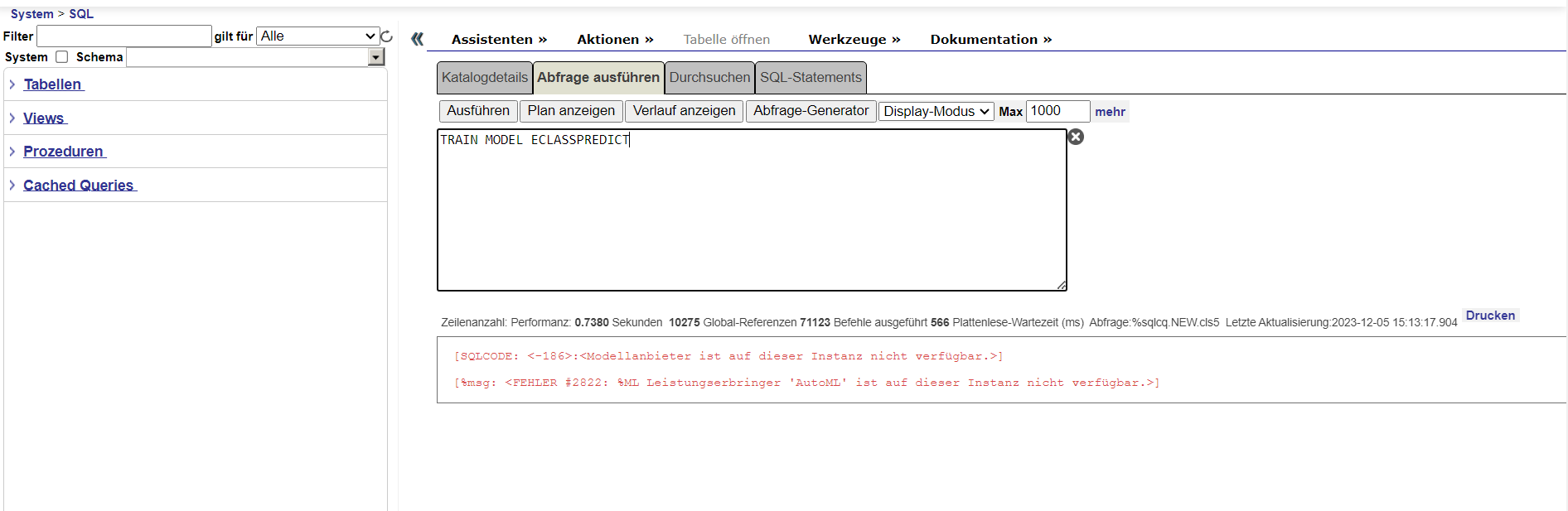
Embedded Python is about to get a whole lot more powerful, and we’re looking for a few volunteers to give it a try.
What’s the Flexible Python Runtime?
The Flexible Python Runtime option allows you to use a Python runtime of your choosing with Embedded Python. Previous to this, you could only use the operating system's default Python, which was limiting especially for customers using the latest and greatest AI & ML tools close to their data.
When InterSystems introduced Embedded Python in InterSystems IRIS in 2021.
.png)
.png)
.png)
.png)
.png)
.png)
.png)
.png)
.png)