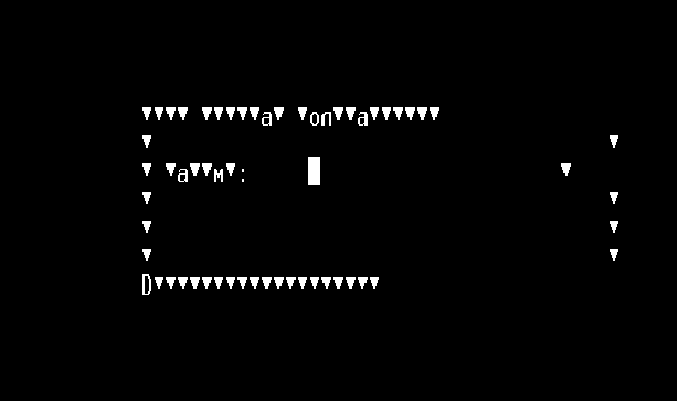
When I open a BPL in Atelier and right click 'Open diagram editor' I get a Java Incompatible browser error message (see below).
I'm using Windows 8.1, Atelier 1.0.190 and IE 11.
All the M.S. updates are up to date.
I also have firefox and chrome installed.
Trying to change default browsers etc. did not work.
java.lang.RuntimeException: Incompatible browser is installed. Please update your system browser.
    at com.intersys.eclipse.studio.ui.bpl.WebEditor.createPartControl(WebEditor.java:168)
    at org.eclipse.ui.internal.e4.compatibility.CompatibilityPart.createPartControl(CompatibilityPart.