#VSCode

14 Followers · 440 Posts

VSCode is a short name form for a popular cross-platform editor VisualStudio Code from Microsoft.

Learn more.

InterSystems staff + admins Hide everywhere
Hidden post for admin
Question Zach McKinney · Sep 30, 2022

Issue

Breakpoints do not work when using VS Code Debug this method feature on a ClassMethod. Debug runs like normal and I can sometimes see 'running' on the CALL STACK menu. In the BREAKPOINTS menu, the breakpoints will start red, like normal, but eventually turn gray. On-hover for a grey breakpoint is the message "Breakpoint Cannot Be Mapped". After the method finishes, the breakpoint turns red again. No error messages appear. This is an intermittent issue, as sometimes it runs fine. So far, I have not been able to figure out the conditions to re-create this issue.

Any suggestions?

Edit: 

6
0 596
Question Dominic Chui · Oct 4, 2022

When using VS Code for Objectscript, is there a way to directly open % classes, like %Library.String, without needing to search for a property of that type and right clicking->"Go to Definition"?

I know it is possible to use "system=1" in the workspace uri definition to see all the % classes, but that tends to clog up the left side viewer with many extra directories. There is also the option in the settings to selectively hide some by defining files.exclude, but it seems fairly complicated to set up a filter for exactly the relevant directories.

So does anyone know the best workaround?

4
1 553
Announcement John Murray · Oct 4, 2022

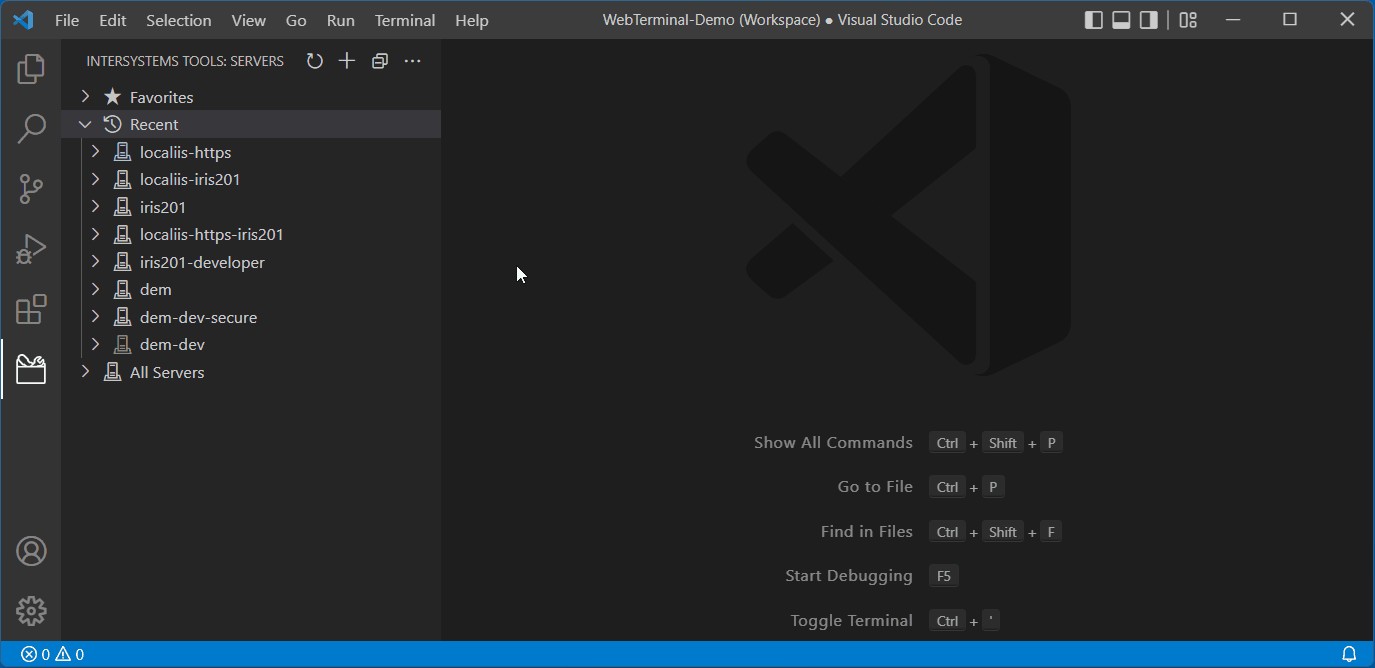
Server Manager is a Visual Studio Code extension that helps you manage the server connection definitions you probably need when working with the InterSystems ObjectScript extension for VS Code.

For the past ten months version 3 of Server Manager has been available as a pre-release extension, providing better security for stored passwords.

Today Server Manager came out of preview. If you use Server Manager please check for updates in VS Code's Extensions view. The version number of today's release is 3.2.1.

0
0 207
Discussion Evgeny Shvarov · Sep 25, 2022

Hi folks!

We have a bunch of templates on OEX that provide a handy foundation for building a particular application with IRIS.  And the basic principle of each and every template is that we take vanilla IRIS images, load code, and files into the image using Dockerfile, and create a new docker image as a solution. And then we develop running this image and rebuilding it when returning to development.

Some developers ask me why we need to build the docker image to work with the code. Indeed, if at the end of the day I need to develop a ZPM package and not a docker image why don't run the vanilla image and load the code and everything in it? 

The problem I have with the building image approach is that often I can wait a lot to build an image and it fails on some Objectscript problem in the source that I cannot fix as the image is not building. and 

Any thoughts? How do you develop with docker?

4
1 517
Article Jimmy Xu · Aug 19, 2022 2m read

I am happy to share with you my first experience of using a docker container version of IRIS for Health to explore your interest in using or having a trial by taking the advantage of a docker container that is lightweight, and easy to deploy. This cookbook will go through the implementation steps using the GitHub repository called ENSDEMO written by Renan Lourenco.

Steps for setting up an IRIS for Health Community Edition docker container environment

  1. Docker up and running
  2. Download the docker image

docker pull containers.intersystems.com/intersystems/irishealth-community:2022.2.0.304.0

3
0 575
Question sween · Apr 1, 2022

Upgraded IRIS/Connect to 2022.1 and /api/atelier no longer works through a Web/CSPGateway.  Also upgraded the Web/CSPGateway to version WebGateway-2022.1.0.152.0 on Ubuntu and HTTPD Server version: Apache/2.4.29 (Ubuntu) with no luck as well.

It doesnt seem to matter if I add /api/atelier or /api/monitor to the enabled applications list, these routes do not make it back to the instance, however /csp, /csp/sys still does.

2
0 372
Question Wietze Drost · Aug 24, 2022

Hi,

Is there a way to include a prefix for the instance name in the server connection? I have 1 server with multiple iris instances, using 1 webserver. Each instance can be reached using a prefix in the url: (for example https://localhost/instance1/...).

I want to use VS code remote, but can't add the prefix to the hostname (or ip), and also not to the port, as this is numeric. Any idea how to solve this?

4
0 449
Article Muhammad Waseem · Jul 26, 2021 2m read

Healthcare interoperability is instrumental in improving patient care, decreasing healthcare provider costs, and providing a more accurate picture to providers. However, with so many different systems, data is formatted in many different ways. There are many standards that have been created to try to solve this problem, including HL7v2, HL7v3, and CDA but each one has its drawbacks.

2
1 2994
Question Gertjan Klein · Jul 28, 2022

I am writing documentation in VS Code, using markdown, and am including some COS snippets in it, e.g.:

```objectscript
[Some COS snippet]
```

The IRIS language server (etc.) is enabled, and classes in the repository this documentation is in, are syntax highlighted properly. However, the code fragment in the documentation isn't. Syntax highlighting for e.g. XML does work.

Am I doing something wrong, or is this not supported?

3
0 1127
Article Lucas Enard · Jul 27, 2022 7m read

Following this GitHub we will see how the FIX protocol can be implemented easily using IRIS and Python.

If you don't have much time focus on the Send a Quote before the Order part near the end, as it will, in a matter of minute, tell you how to send a Quote Request followed by an Order Request and show you the result from the server, and that in no more than five clicks.

IRIS-fix-protocol

Implementation of the fix protocol using an IRIS python container for the initiator and a regular python container for the acceptor.

4
0 1123
Announcement John Murray · May 30, 2022

If you do your IRIS development in Visual Studio Code and wish you had a convenient way to get a terminal session on your server, take a look here:

A new VS Code extension leverages the popular and well-established WebTerminal package to bring you this experience.

If you like it, please vote for webterminal-vscode in the current contest. Voting closes at midnight on Sunday 5th.

5
0 701
Article Lucas Enard · May 3, 2022 44m read

This formation, accessible on my GitHub, will cover, in half a hour, how to read and write in csv and txt files, insert and get inside the IRIS database and a distant database using Postgres or how to use a FLASK API, all of that using the Interoperability framework using ONLY Python following the PEP8 convention.

This formation can mostly be done using copy paste and will guide you through everystep before challenging you with a global exercise.
We are available to answer any question or doubt in the comment of that post, on teams or even by mail at lucas.enard@intersystems.com .

1
1 832
Announcement John Murray · Jun 21, 2022
Many Developer Community members are probably already aware of the growing popularity of Visual Studio Code. Its architecture allows extensions to enhance the core product, so over the past few years individual DC members, partner companies such as George James Software, and InterSystems themselves have built some. As a result VS Code is now the recommended code editor for InterSystems platforms.
0
0 276
Announcement Laurel James (GJS) · Jun 16, 2022

Only a few days to go until the Global Summit! George James Software will be on hand to talk about any projects you may have on the horizon, such as application development, data and platform migration, system integration, training, and support – we can work with you to find practical and maintainable solutions that support the growing needs of your organization. 

We're also running a User Group Session on Wednesday, July 22nd at 12pm. It's a great opportunity to find out more about our tools and ask us (and current users!) any questions. 

0
0 230
Announcement Laurel James (GJS) · Jun 13, 2022

We're looking forward to seeing everyone at the InterSystems Global Summit next week!
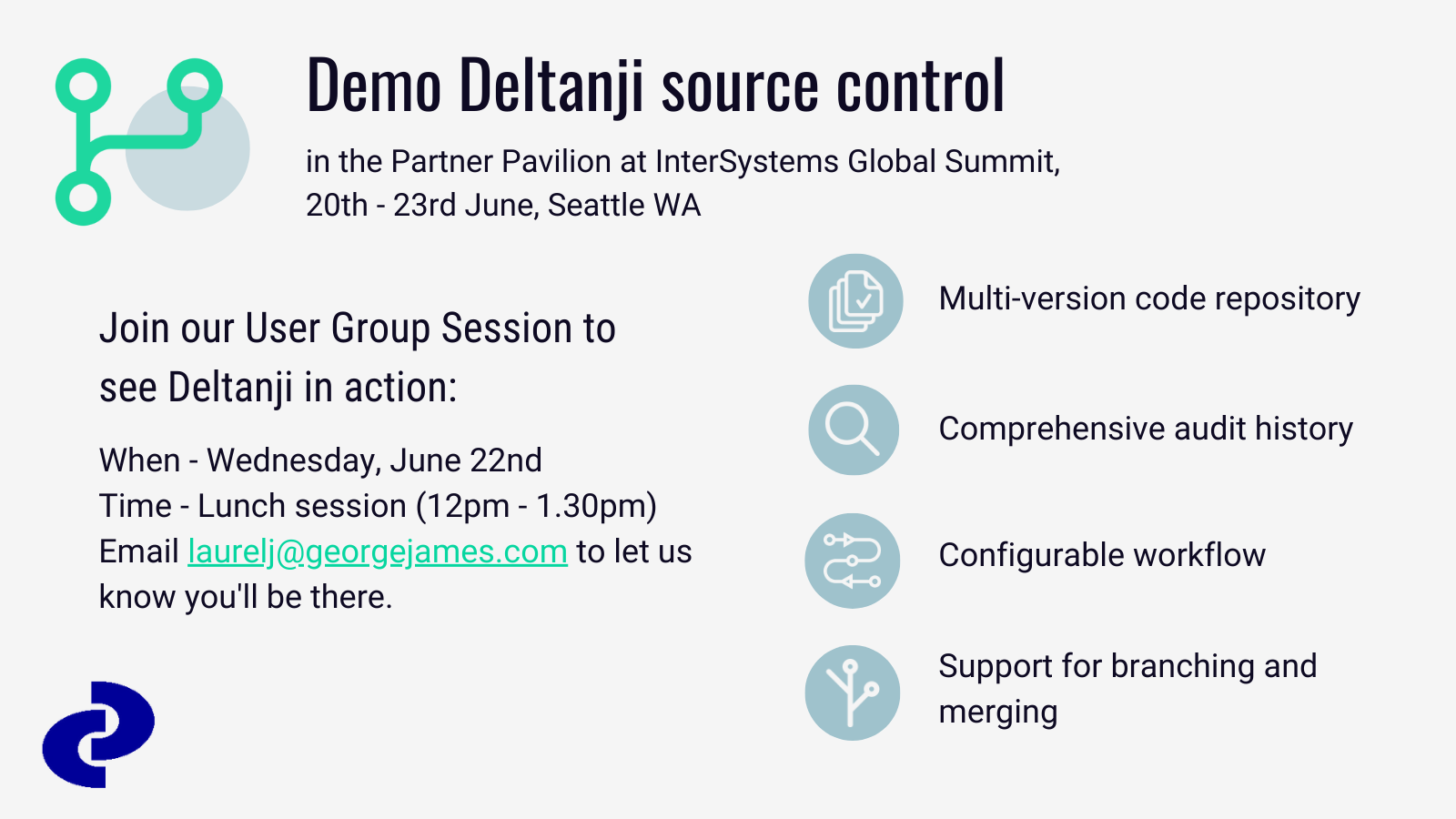
George James Software will be there offering demos of our Deltanji source control. It has been proven to improve efficiencies within for individual developers, larger organizations, and everyone in between by bringing clarity to the development of your system. It encourages configuration management, versioning, and process control to improve the quality of your code.
If you would like to find out more, look out for us in the Partner Pavilion or book in for our User Group session during lunch on Wednesday, June 22nd. Email laurelj@georgejames.com to let us know you'll be there.


0
0 291
InterSystems Official Raj Singh · May 2, 2022

This month I announce the release of version 1.8.0 of the VS Code extension, which contains the following enhancements and bug fixes.

The big news is support for server-side project files as some of you old-timers will remember from Studio. If you work client-side, VS Code already has great project management features. You can simply use a folder as a project, or use multi-root workspaces. But if you work server-side, you might appreciate some better artifact management capabilities, and that's what this feature is about. Read more in this new Projects chapter of the documentation.

3
1 513
Announcement Laurel James (GJS) · Jun 7, 2022

Come and say hi to us in the Partner Pavilion at the Global Summit! 
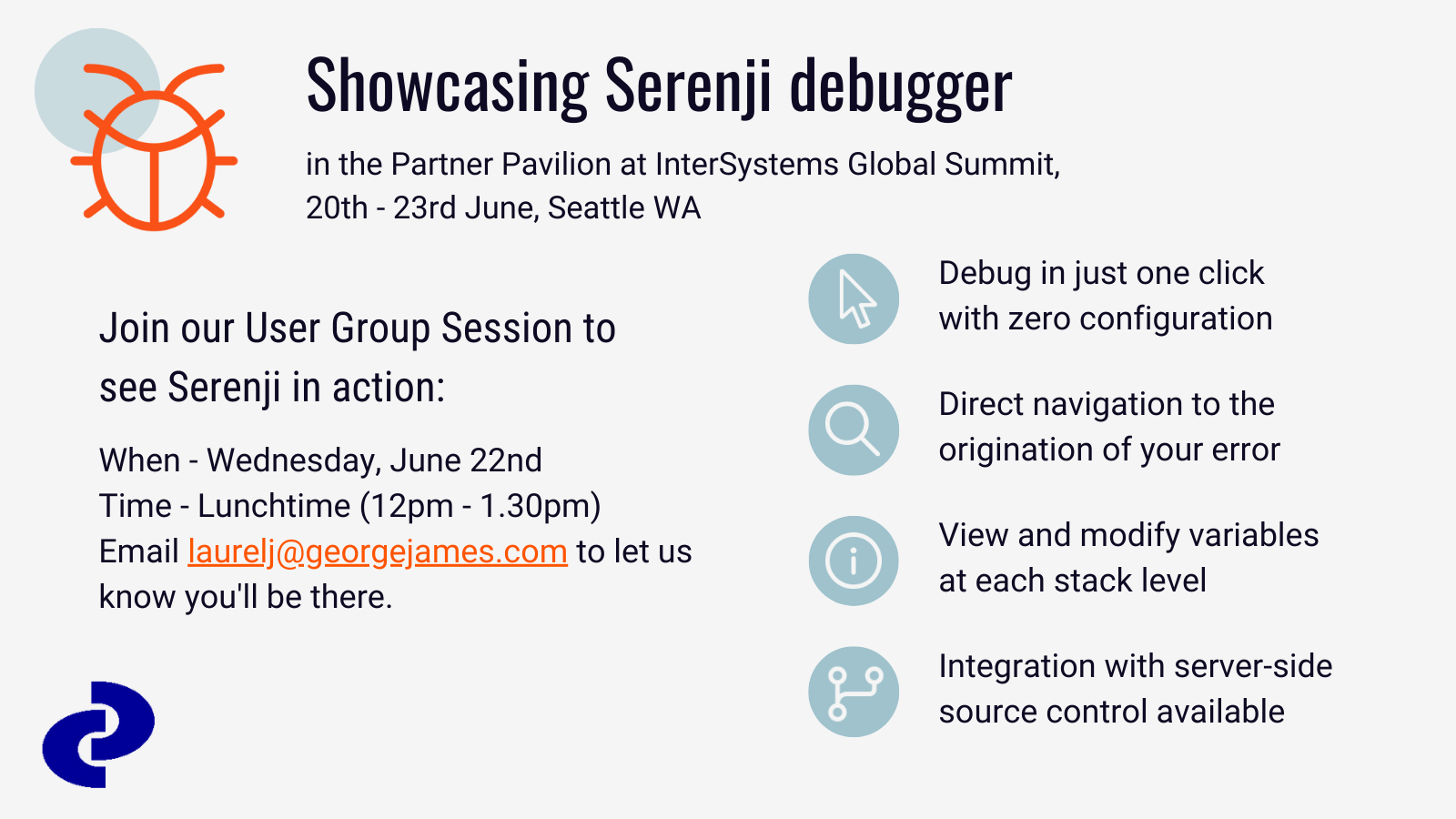
We’ll be showcasing our Serenji on-the-spot debugger which has undergone some big changes in the last year—users can now enjoy a seamless debugging experience with zero configuration, along with taking advantage of the latest features in VS Code itself, enabling users to smoothly identify and quickly fix errors in your code, contributing to the production of quality, maintainable code.
If you want to see Serenji in action look for us in the Partner Pavilion, we'll be on hand to show you a demo.  Prospective users are also welcome to join our User Group Session during the lunchtime session on Wednesday, June 22nd. Email laurelj@georgejames.com to let us know you'll be there.


0
0 265
Question Sagun Tangsrisanguan · May 30, 2022

Hi

I use VB.net and add reference VISM.OCX in my project to fetch my data in global ^ztonMS it had 4000 record 

code is

 AxVisM1.MServer = "CN_IPTCP:" & TCLServer & ":" & Authen
        AxVisM1.NameSpace = TCLNamespace

        AxVisM1.P0 = ""
        AxVisM1.P1 = ""
        AxVisM1.P2 = ""

        AxVisM1.P3 = ""

       AxVisM1.P4 = ""

        'AxVisM1.Execute("d RefRange^NHSNAV2")

        While True
            AxVisM1.Execute("set P0=$o(^ztonMS(""REF"",P0))")
            AxVisM1.Execute("s P1=$g(^ztonMS(""REF"",P0))")

            xP1 = AxVisM1.P0.ToString

1
0 199
Question Jonathan Lent · Apr 15, 2022

While I love using VSCode for IRIS development work, one of the persistent frustrations with it has been the inability to display an object hierarch in the variables window while debugging. Only the object's reference identifier is displayed. Cache Studio's handling of the same issue is a little clunky, but it does at least have the option to display something as an object.

For now, I make do with a combination of the watch window and the command line in the debugging console -- but this feels just a step away from log.debug()/console.log() level debugging sometimes.

2
0 786
Question Chip Gore · Sep 22, 2020

Hi -

I'm trying to get my VS Code instance that is connected to an AWS IRIS instance to edit/save/compile .csp files, but it's failing to work and I'm not sure why. The ".csp" is associated with the objectscript-csp code, and the server is connected, but things just don't act like they are enabled.

Should this work? and if so, what might I have missed in configuring things?

5
0 1035