https://www.youtube.com/embed/jApp3PHT5Hg [This is an embedded link, but you cannot view embedded content directly on the site because you have declined the cookies necessary to access it. To view embedded content, you would need to accept all cookies in your Cookies Settings]
For those of us building InterSystems workloads on Kubernetes, we are definitely spoiled with the InterSystems Kubernetes Operator (IKO) doing the heavy lifting and mirroring on day one. Where us spoiled brats jump up and down is when we try to add additional databases/namespaces when we provision from HealthConnect containers on day two, while others get to utilize HealthShare Mirroring for this task, the prerequisite of mirroring HSSYS out of the gate has been somewhat elusive. Here is example on how you can this powerful feature up and running with the employment of IKO and IrisClusters.
Did you know you can deploy InterSystems IRIS Community Edition on the cloud without paying for a license? You can try for free, and it could even come in handy if you want to show off that shiny new app you've created (maybe for the full stack competition..?)
In this article I will provide a complete walkthrough on how to deploy IRIS on Amazon Web Services (AWS), and will also add a follow up for deploying on Azure.
Now before I begin the walkthrough, I want to admit that I was terrified of using AWS the first time because I'd seen memes about how easy it is to rack up costs on AWS. So if you're thinking the same, I suggest you start by signing up to a Free Tier Account, which gives you $100 free credit to evaluate, and automatically shuts off to prevent charges. InterSystems IRIS Community Edition has a free license so if you pair the two, you can deploy without risk and completely for free. (Disclaimer: although I'm sure this is true, please do read the free account terms and make your own decisions 😅 )
InterSystems Certification is still looking for InterSystems EHR (TrakCare/Intellicare) integration specialists to help us beta test our new InterSystems EHR Integration Specialist Certification exam. This is a great way to earn the certification for free! The deadline to participate in the beta test has been extended to March 15th.
InterSystems France & Benelux Ready 2026 is all about learning, sharing, and connecting. And we’re extending the experience to the Developer Community with a fun, light Bingo challenge.
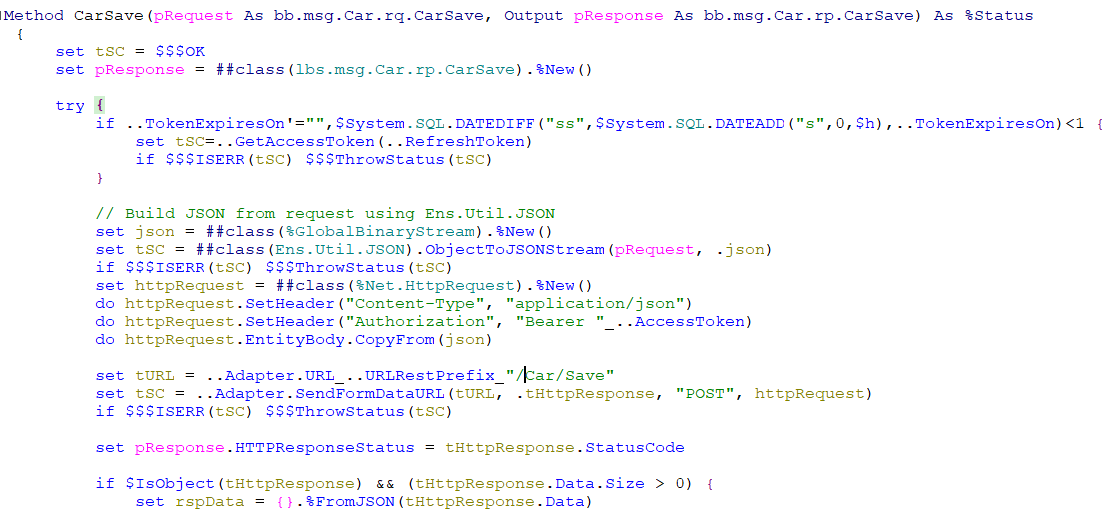
In my previous HttpRequests, I have used Content-Type = application/json but I have a vendor that is requesting we send application/x-www-form-urlencoded. How would I go about formatting the Payload as x-www-form-urlencoded?
If one of your packages on OEX receives a review, you get notified by OEX only of YOUR own package. The rating reflects the experience of the reviewer with the status found at the time of review. It is kind of a snapshot and might have changed meanwhile. Reviews by other members of the community are marked by * in the last column.
The Road to AI in Healthcare By Don Woodlock, Sean Kennedy, Alex MacLeod, Erica Song, James Derrickson, Julie Smith, Kristen Nemes, Varun Saxena, Dimitri Fane, Jonathan Teich, Judy Charamand
https://www.youtube.com/embed/8QpqZCZsiN4 [This is an embedded link, but you cannot view embedded content directly on the site because you have declined the cookies necessary to access it. To view embedded content, you would need to accept all cookies in your Cookies Settings]
I am currently setting up InterSystems API Manager (IAM) 3.4.3.11 using Docker. The installation is successful, the license is active, and I can access the Manager (port 8002).
I am now trying to secure the Administration Portal using basic-auth. I've found some documentation stating that I should:
https://www.youtube.com/embed/JE2ssBbsh8w [This is an embedded link, but you cannot view embedded content directly on the site because you have declined the cookies necessary to access it. To view embedded content, you would need to accept all cookies in your Cookies Settings]
I have always struggled with Iterating through a JSON response to pull out certain fields into a Data Class Structure to use to populate fields in a DTL. So I defined the whole structure for the following JSON, with the base structure extending Ens.Response, %XML.Adaptor, and %JSON.Adaptor.
I want to consume an API that provides HL7 messages. To achieve this, I have thought of the following workflow:
I have created a business service that periodically triggers a business process. The trigger request is forwarded to a business operation. There, a %Net.HttpRequest is assembled from scratch and then sent to the API endpoint. The corresponding HttpResponse then contains several HL7 messages encoded in UTF-8 in the message body. To further process the HL7 messages, the operation sends the HttpResponse back to the business process as EnsLib.HTTP.GenericMessage.
In Part 1, we laid the technical foundation of MAIS (Multi-Agent Interoperability Systems). We have successfully wired up the 'Brain', built a robust Adapter using LiteLLM, locked down our API keys with IRIS Credentials, and finally cracked the trick code on the Python interoperability puzzle.
https://www.youtube.com/embed/TLWXlDCpU84 [This is an embedded link, but you cannot view embedded content directly on the site because you have declined the cookies necessary to access it. To view embedded content, you would need to accept all cookies in your Cookies Settings]
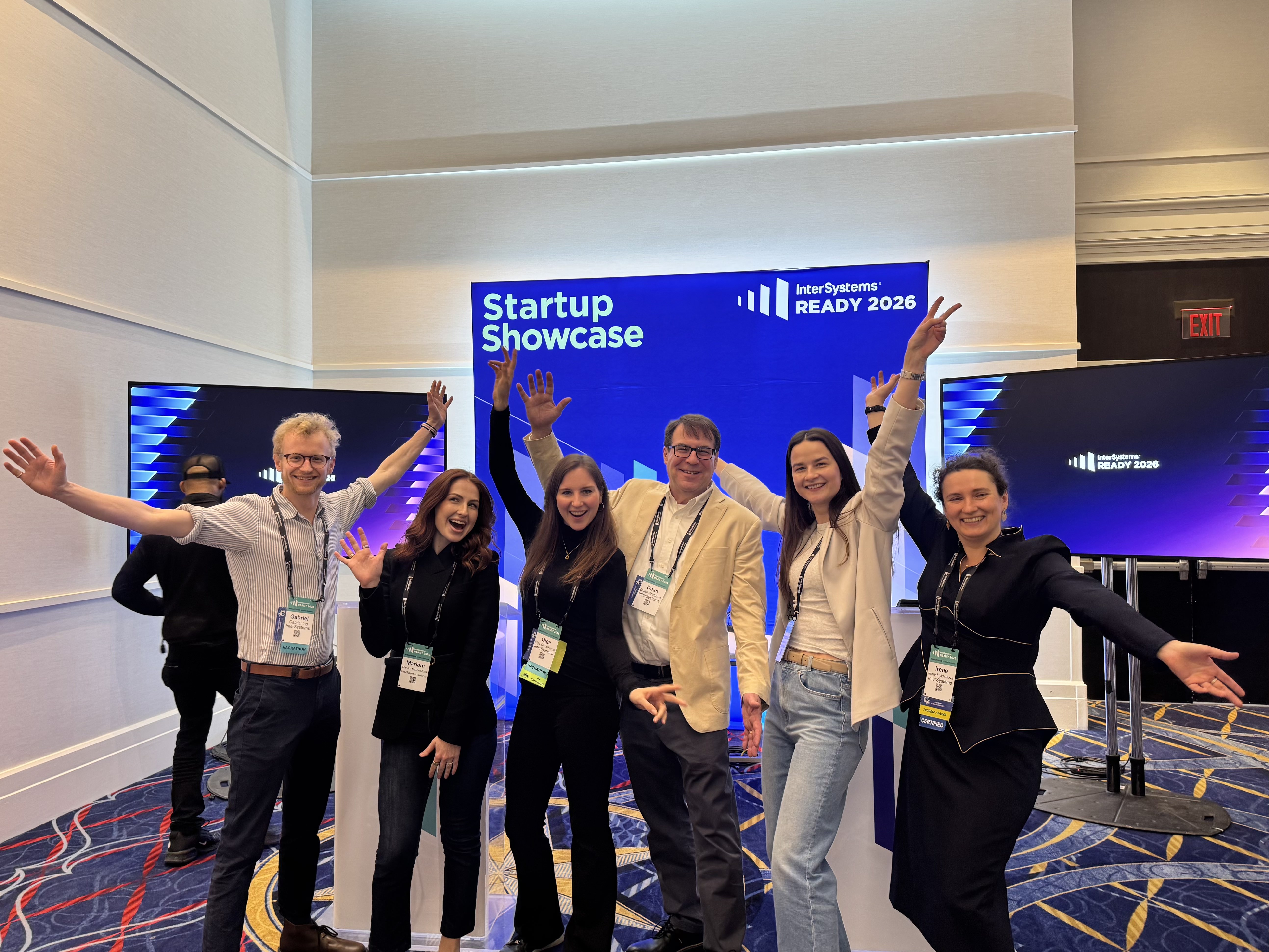
France & Benelux READY 2026 has just come to an end, and once again, these two days demonstrated how dynamic, curious, and engaged the Developer Community truly is. Here is a look back in words and images at this great edition.
The event kicked off with welcome remarks from @Adeline Icard and @Geoffroy Vitoux, setting the tone for the days ahead: innovation, sharing, and collaboration.