#Terminal

5 Followers · 220 Posts

Posts that relate to discussions on utilizing the Terminal tool.

Question Eduard Lebedyuk · Feb 11

When I build docker containers my build log usually looks like this:

#9 24.94 Using 'iris.cpf' configuration file
#9 25.82
#9 27.55 Starting Control Process
#9 27.55 Global buffer setting requires attention.  Auto-selected 25% of total memory.
#9 27.55 Allocated 4999MB shared memory
#9 27.55 3915MB global buffers, 391MB routine buffers
#9 29.84 This copy of InterSystems IRIS has been licensed for use exclusively by:
#9 29.84 No local key detected, trying license server.
#9 29.84 Copyright (c) 1986-2026 by InterSystems Corporation
#9 29.
2
0 67
Article Eduard Lebedyuk · Feb 13 2m read

Recent versions of IRIS come with Lite Terminal available from VSCode. It's a websocket server, with JSON messaging. Here's how to connect to it from Python:

import websocket
import argparse
import requests
import json


def terminal(host, port, namespace, username, password, command, secure):
    session = requests.Session()
    r = session.get(f"http{"s" if secure else ""}://{host}:{port}/api/atelier/", auth=(username, password))
    cookies = session.cookies.get_dict()
    ws = websocket.WebSocket()
    ws.
0
0 89
Question Scott Roth · Jan 7

I was trying to see if we could connect to another Server, we use to execute external scripts using %Net.SSH.Session.

TESTCLIN>set sshSession = ##class(%Net.SSH.Session).%New()

TESTCLIN>set user = <omitted>

TESTCLIN>set host = <omitted>

TESTCLIN>set privateKey = "/nfs/data/ssh/<omitted>"
TESTCLIN>set publicKey = "/nfs/data/ssh/<omitted>.pub"
TESTCLIN>Set statusConnection = sshSession.Connect(host)

TESTCLIN>set statusAuth = sshSession.
2
0 83
Article Pietro Di Leo · Sep 24, 2025 23m read

Table of Contents

  1. Purpose of the article
  2. What containers are and why they make sense with IRIS
     2.1 Containers and images in a nutshell
     2.2 Why containers are useful for developers
     2.3 Why IRIS works well with Docker
  3. Prerequisites
  4. Installing the InterSystems IRIS image
     4.1 Using Docker Hub
     4.2 Pulling the image
  5. Running the InterSystems IRIS image
     5.1 Starting an IRIS container
     5.2 Checking container status
     5.3 Executing code in the container terminal
     5.4 Accessing the IRIS Management Portal
     5.5 Connecting the container to VS Code
     5.6 Stopping or removing the container
     5.7 Setting a specific password with a bind mount
     5.8 Using durable %SYS volumes
      5.8.1 What gets stored with durable %SYS
      5.8.2 How to enable durable %SYS
  6. Using Docker Compose
     6.1 Docker Compose example
     6.2 Running Docker Compose
  7. Using a Dockerfile to run custom source code
     7.1 Dockerfile example
     7.2 Docker Compose example
     7.3 Understanding layers, image tagging and build vs. run time
     7.4 Source code and init script
     7.5 Building the image with Dockerfile
     7.6 Running instructions in the containerized IRIS terminal
  8. Conclusion and what’s next
9
10 525
Article Julio Esquerdo · Nov 21, 2025 1m read

Hi,

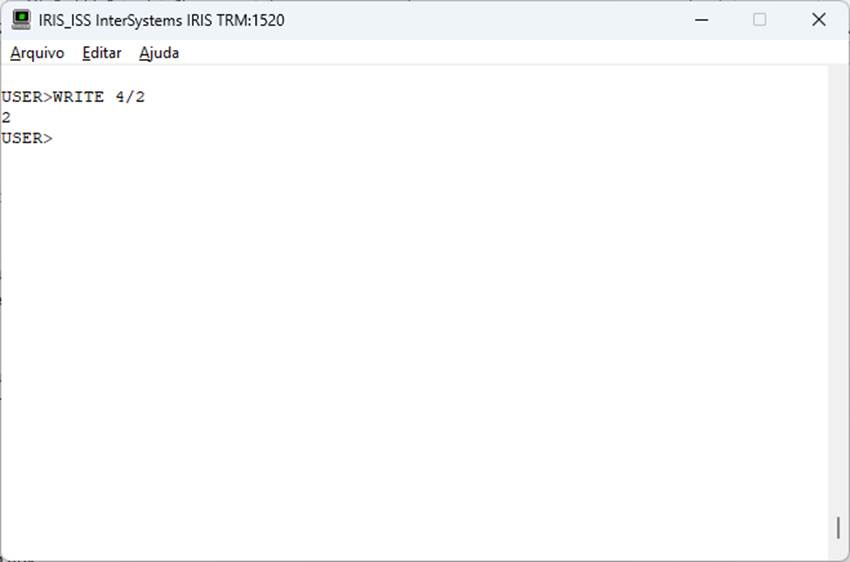
When we open a terminal in IRIS, we are entering the ObjectScript shell. Within this shell, we can execute IRIS commands, such as:

In other words, the ObjectScript command is executed in the current shell. But it's always good to remember that IRIS has other shells

  • SQL
  • Python
  • TSQL
  • MDX

One very interesting aspect is shortcuts. We can access these shells through their calls or via shortcuts, as shown in the table below:


Shell

Call

Shortcut

SQL

Do $SYSTEM.SQL.Shell()

:sql

Python

Do $SYSTEM.Python.Shell

:py

TSQL

Do $SYSTEM.SQL.

0
4 107
Question Jean Millette · Oct 15, 2025

Can someone help me understand what type of user error (?) is going on here please?

One one system, I write out a group of $c() values and get the expected results:

USER>for i=250:1:260 { write i," ", $c(i),! }
250 ú
251 û
252 ü
253 ý
254 þ
255 ÿ
256 Ā
257 ā
258 Ă
259 ă
260 Ą

USER>w $zv
IRIS for Windows (x86-64) 2023.1.4 (Build 580U) Fri Apr 19 2024 11:16:07 EDT
USER>

On another system, I get some unexpected results:

USER>for i=250:1:260 { write i," ",$c(i),!
4
1 148
Question Yone Moreno Jiménez · Aug 5, 2025

Hello, how are you?

First of all thanks for your time reading this question.


We are investigating how to validate the indexes of a global. We have read:

https://docs.intersystems.com/irisforhealth20251/csp/docbook/DocBook.UI…

And:

https://docs.intersystems.com/irisforhealth20251/csp/documatic/%25CSP.D…


We want to validate the inxedes of the global titled "Ens.Util.LogD". We have executed on the ObjectScript terminal, on the desired namespace:

ESBSSCC>set tSC = $SYSTEM.OBJ.

2
0 125
Article Guillaume Rongier · Jul 31, 2025 4m read

img

This article will introduce you to the concept of virtual environments in Python, which are essential for managing dependencies and isolating project from the OS.

What is a Virtual Environment?

A virtual environment is a folder that contains :

  • A specific version of Python
  • At start an empty site-packages directory

Virtual environments will help you to isolate your project from the OS Python installation and from other projects.

How to use it?

3
2 223
Article Vachan C Rannore · Jul 24, 2025 1m read

Are you curious about how to run Python scripts directly in your InterSystems IRIS or Caché terminal? 🤔 Good news it's easy! 😆 IRIS supports Embedded Python, allowing you to use Python interactively within its terminal environment. 

How to access the Python Shell?

To launch the Python shell from the IRIS terminal, simply run the following command:

do ##class(%SYS.Python).Shell()

This opens an interactive Python shell inside the IRIS terminal. From here, you can write and run Python code just as you would in a normal Python environment.

4
1 269