Hi Fab!
Try
docker system prune -f
And repeat
- Log in to post comments
Hi Fab!
Try
docker system prune -f
And repeat
The leaderboard looks like that now:
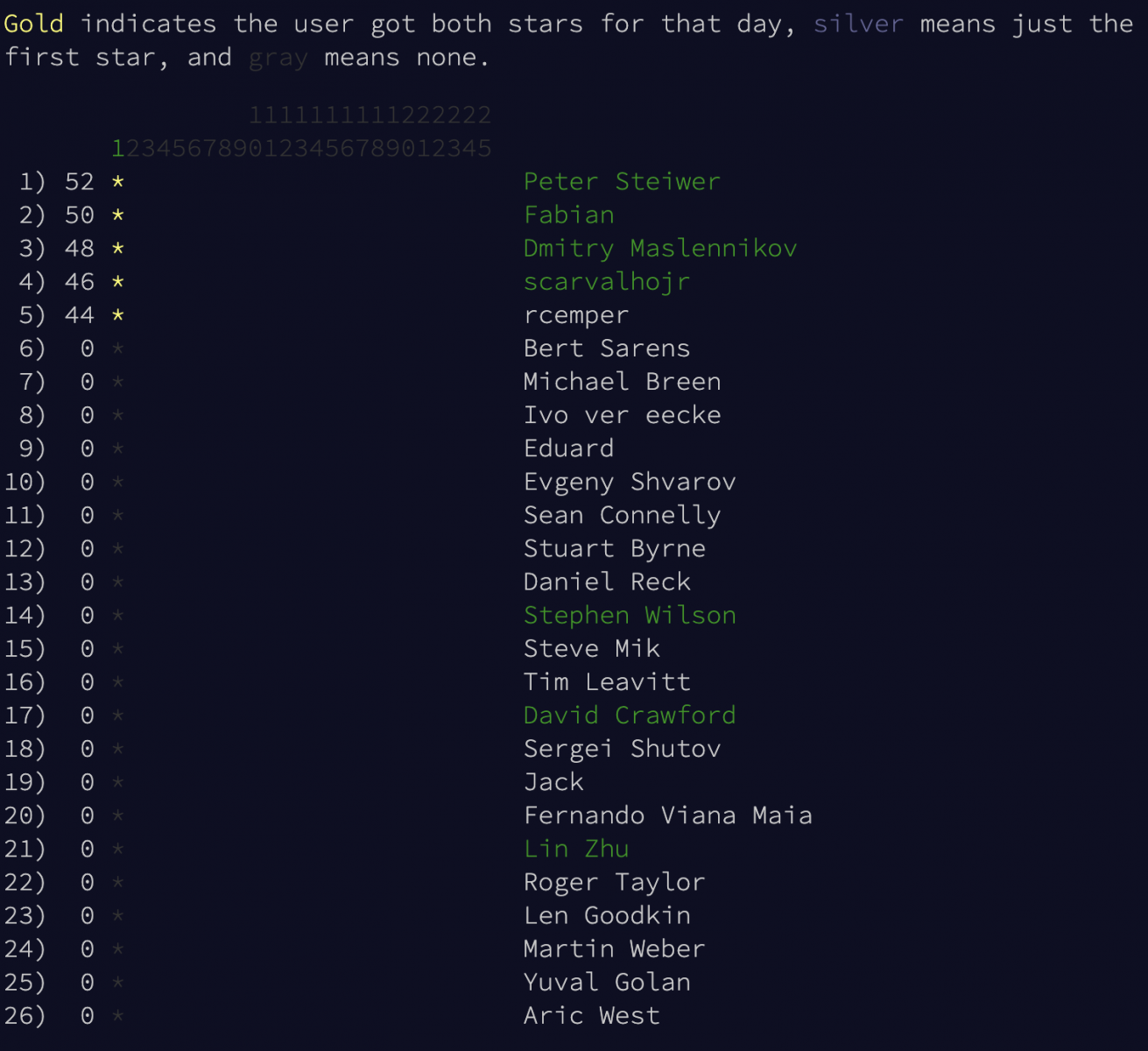
If you see these people in the list - you are in the right place ;)
Yes, Robert!
Thanks for rasing the topic!
Code is the same 130669-ab1f69bf
And it's the same @Dmitry Maslennikov's board he created last year and we are using again this year for ObjectScript contest.
Hi Lucas!
I hope you can manage this with custom class queries enveloping this into a stored procedure.
@Benjamin De Boe , @Wolf Koelling, @Eduard Lebedyuk any hint?
Hey!
The agenda is updated - I'll do the following sessions:
📌 21:00
ObjectScript Package Manager Introduction — Package Manager Client for InterSystems IRIS
📌 21:15
Open Exchange and other resources & services for InterSystems Developers
Come to chat!
Hi Michel!
have you seen how comic sans is viewed on mobile devices?
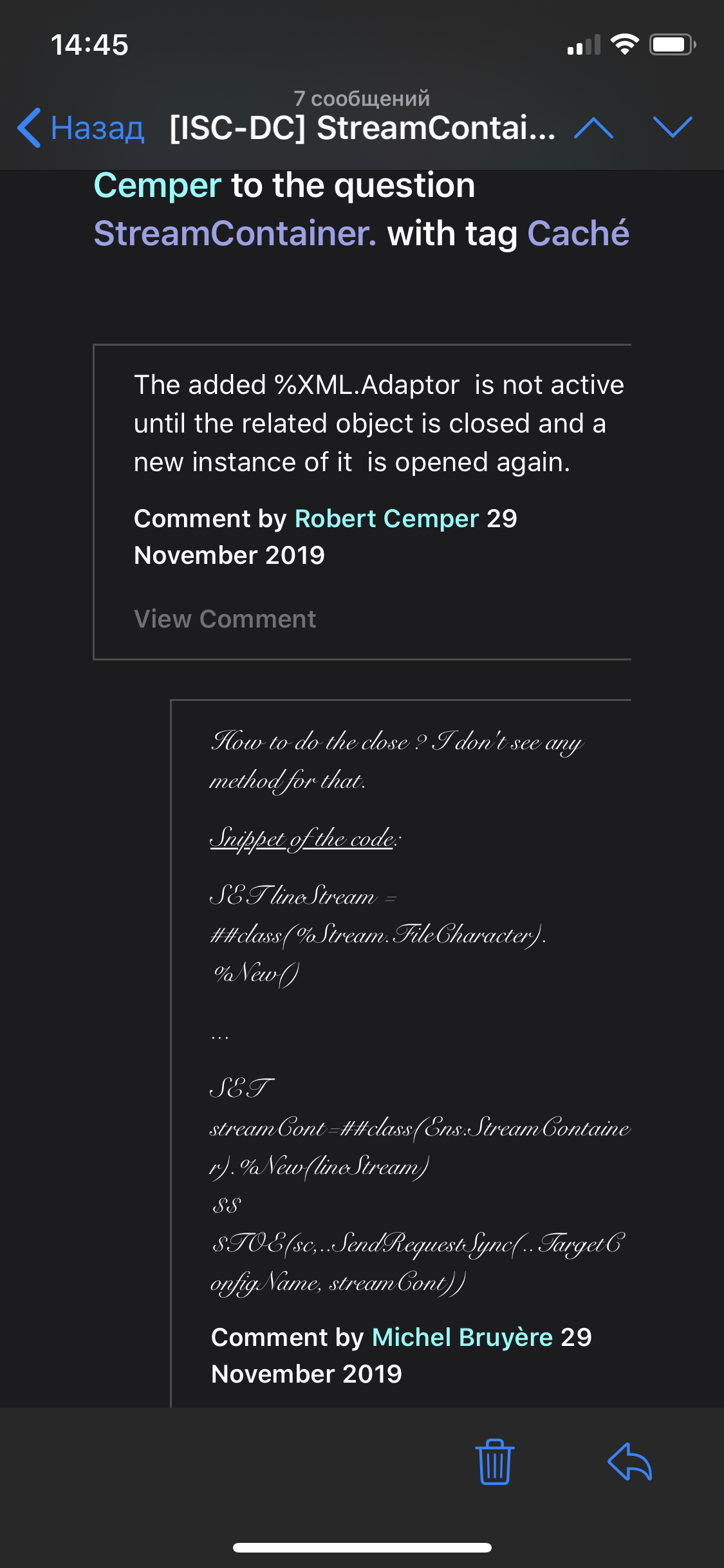
this is not very easy to read. Do you really need Comic Sans?
Every time you build cube you get your cube deleted and the data copied from persistent objects to the cube. Do you really want to delete persistent data?
Hi T!
Thanks for this, you are right.
Highcharts.js changes license terms through time.
I haven't found the license agreement actual for highcharts.js 3.0 which is delivered with the current DSW release. I remember it was something like "You pay for the support".
The license for the current version highcharts.js 7.2 is the following and could be purchased for commercial usage.
Yes, I see it. race car)
 I thought we added it )
you were 13 sec faster, @Peter Steiwer ;)
Hi Kevin!
The simplest solution is to create a Dimension which filters data upon Users or Roles and then implement %OnGetFilterSpec callback in a cube class where you can set up a filter additional filter for the queries to the cube on this user session upon $USERNAME or $ROLE variables of the logged user.
Hi Fred! Have you seen this introduction?
Community version of IRIS and IRIS for Health are available on download.intersystems.com
Community docker versions of IRIS and IRIS for health are available on InterSystems store at dockerhub.com with the following tags:
docker pull store/intersystems/iris-community:2019.4.0.379.0
docker pull store/intersystems/irishealth-community:2019.4.0.379.0
Enterprise versions of IRIS and Caché are available for download at wrc.intersystems.com .
Also InterSystems IRIS Enterprise and Community Edition are avaialble via InterSystems cloud offerings on AWS, GCP and Azure.
HTH
I'll participate in the meetup with the session:
📌 11:45 – 12:15
Resources and Services for InterSystems Developers. ObjectScript Package Manager Introduction
Takeaway: Attendees will learn about Developers Community, Open Exchange and other Resources and Services available for developers on InterSystems data platforms and will know about InterSystems Package Manager and how it can help in InterSystems IRIS solutions development
Come join InterSystems Developers Meetup in Israel!
Hi @Flávio Lúcio Naves Júnior !
Have you seen the IRIS PHP module and Caché PHP modules?
I don't see Classmethod API call there but there is 'xecute' command, so you can call the procedure.
Also check the related article by @Sergey Kamenev
And this is open source, so you can add it if you want.
Updated the Installer.cls file - now you can set up the namespace and path in variables "Namespace" and "app" respectfully at the top of Installer.cls.
<Default Name="Namespace" Value="IRISAPP"/>
<Default Name="app" Value="irisapp" />
This is convenient if you need to install the app to the namespace with your name.
Notice, that if you want instantly edit and compile the code of your project with VSCode don't forget to change the Namespace parameter in settings.json too.
Objectscript Package manager has the updated version 1.1.2 as well. So Analyzethis can be installed as:
USER:zpm>install analyzethis
Hi, @Asaf Sinay , @Peter Steiwer!
Yes, tried this on mac recently with 2019.3 on IRIS docker CE. This bug is solved - great!
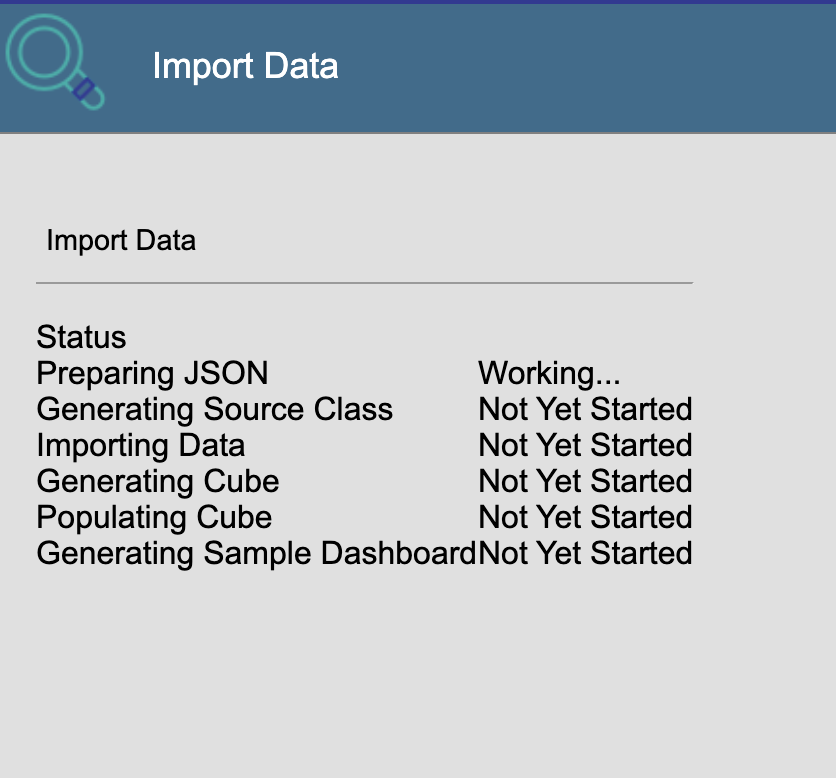
But on the final step, it says "It's working"... - and it's working for a long time. Never saw the result, yet)
Good point, Rubens! Now we'll see the real case of using Import directive )
But I see this as a good problem to have - to the moment the number of libraries available on ZPM is very few.
And I updated the post and added the part on packages names - thanks!
Hi Rubens! Thanks for the valuable input.
Yes, freedom is a great thing as soon as nobody harms you upon freedom concepts. What I mean everybody should enjoy the freedom and that's why we perhaps need some community rules to avoid chaos.
E.g. what if some developer will introduce another module Frontier then Rubens Silva's Frontier? And if I want these modules to run both in one namespace?
It's not rocket science, people already have invented naming conventions that's what I'm going to talk and agree about.
@Dmitry Maslennikov, you say VSCode has ObjectScript beautifier? Could you please demo the feature?
Nobody remembered the change of a.INC and not the reason for the change.
Git remembers everything ;)
Sure!
just add the volume mapping in docker-compose.yml file which maps folder /csp in sources into /csp directory in docker.
Hi @Warlin Garcia !
I pushed the commit into the repo which fixes Namespace and README issue, thanks!
Hi @Henrique.GonçalvesDias!
JFYI we have a new API in 2019.4 for IRIS monitoring. Is it possible to introduce its data into your module?
- The notes/documentation say that code will be loaded into USER namespace, however it's actually being loaded into IRISAPP (as configured in docckerfiles).
Because I made an update to the code recently) And not to the documentation) PR is welcome, or I'll change it by myself soon. Or add an issue!
- The jason.config is pointing to USER namespace so any new files and changes to existing will be actually loaded into USER instead of IRISAPP
Yes, it's a bug from previous version. Need to be fixed, thanks!
- The webapp (irisweb) is missing a config for the directory where to store files. I fixed this by modifying the app in management portal. Need to address the installation file/dockerfile
Cool!
Do you want to make a PR?
- Haven't been able to make CSPs flow to the container the same as classes. I'm sure I'm missing something but haven't figured out what yet. Any tips? Maybe I'm placing files in the wrong location? Right now I created a csp/irisweb folder under src folder.
You need to COPY this files from /csp in sources to /usr/irissys/mgr/csp/yourwebapp in Dockerfile
Hi @Conor Walsh! Thanks for sharing Container tools! Cool stuff!