basis for German was posted here on June 28
https://community.intersystems.com/post/translate-number-text#comment-52821
- Log in to post comments
basis for German was posted here on June 28
https://community.intersystems.com/post/translate-number-text#comment-52821
Thanks Ben,
that's excellent news. Checkpointing is a feature I was missing already in Caché.
I see no urgency in timing yet as we are still a starting phase.
- check available disks space for CACHETEMP (initial size)
- check access rights of the account starting Caché
|| is the concatenation operator in SQL
1||1 results in 11 as you have seen
'1||1' in single quotes should do it
for cleaning up:
All I know about python is "Monty Python" ![]()
OK.
The table you want to control needs to get a parameter
Then you can use this class to trace changes, new, delete
so get your actual changes
and switch to next version by
.
But you have to have full access to Caché as you have to make the DB "talking" to be able to "listen"
If you have just SQL access you may wrap a class around ^OBJ.DSTIME to select changes
in combination with DeepSee there is a class parameter DSTIME to track additions, changes deletes for this purpose.
https://docs.intersystems.com/latest/csp/docbook/DocBook.UI.Page.cls?KEY=D2IMP_ch_current
You have to test on server = "www.intersystem.com" not just domain.
443 is ok

There are some mistakes.
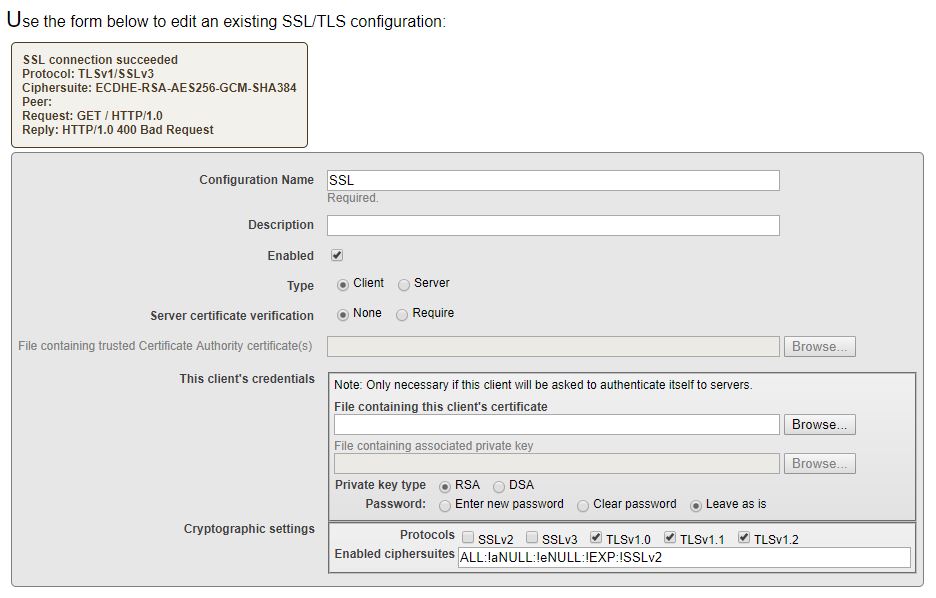
#1 the links should be "HTTPS://www.intersystems.com" and you didn't set a ssl/tls config.
if you use
you get ERROR #6159: ===> SSL missing
#2 HttpResponse is an ObjectReferce not a Property
The content is in a Stream!!
So Write is totally inappropriate to show it. Instead:
You may also want to check your message against the definition in WSDL. (e.g with XMLspy or similar)
there are enough SOAP services around that don't fit to the WSDL they publish.
Hi Thomas,
If you generate your webservice from a WSDL you should check your classes
for correct hierarchical structure AND for properties flagged as required in WSDL.
Typical situation:
an address is optional but inside the address, the street is required.
This can cause the whole address to be interpreted as required.
You may either remove the required in properties or before generating the classes you edit the WSDL ( often easier).
Your Sales Rep or Sales Engineer should also be a trustworthy resource.
(probably not on Sunday morning / afternoon)
reply posted as an answer
As by your concrete question
I'm not aware of a "customized" collation.
But this might be an appropriate workaround:
- for your property, you define an additional calculated property that results out of your customized collation
- for this new calculated property, you define COLLATION = EXACT to avoid default surprises (SQLUPPER !!!)
If you index it, you should get what you expected without impact to the rest of your table
BTW. it is just 1 single line to be commented out.
On Win you could just swith on terminal logging.
For Linux, you could connect to your server using PuTTY or similar and enable logging.
Or make your personal copy %GSIZE => %zGSIZE and disable the artificial page breaks.
(an interesting programming exercise)
$EXTRACT(string,*-4,*)
should do it . * marks the last char in the string
*-4 ist he first of the last five chars
if there is a problem with the single quote it should be in the query above as well.
Your LAB person may look different to it. No by SQL.
Very interesting result.
You fall in timeout even with CallbackComment IS NULL !!!!!
so single quotes can't be part of the game.
So this should also work
SELECT LENGTH(CallbackComment) FROM SQ.CBPhoneResult_View WHERE PhoneDateODBC = '2018-04-09' AND CallbackComment IS NOT NULL
and this too
SELECT LENGTH(CallbackComment), CallbackComment FROM SQ.CBPhoneResult_View WHERE PhoneDateODBC = '2018-04-09' AND CallbackComment IS NOT NULL
This will indicate that some empty (NULL) element is causing the troubles.
It might make sense to initialize all NULL CallbackComments with something.
You can do an additional check directly in the table that holds CallbacKComment
From the Query Plan I assume it is
something like
SELECT ID, LENGTH(CallbackComment), CallbackComment FROM SQ.CB_Contact WHERE CallbackComment IS NOT NULL
this should lead you to the critical point and someone with enough
privileges could take a look at the stored data if it is really a single quote or something else
As it stops also with the REPLACE let'S do 2 other checks:
SELECT CallbackComment FROM SQ.CBPhoneResult_View WHERE PhoneDateODBC = '2018-04-09' AND CallbackComment IS NULL
this verifies that the day plays no role
SELECT LENGTH(CallbackComment) FROM SQ.CBPhoneResult_View WHERE PhoneDateODBC = '2018-04-09' AND NOT CallbackComment [ ''''
Now we exclude all single quotes
If this one fails means that we see a single quote but it might be some other character
I also changed to LENGTH as it should not interfere with single quotes
[ is the contains operator
If you limit the result set and increase the number, does it show any rows or other impact?
SELECT TOP 50
REPLACE(CallbackComment ,'''','?')
FROM SQ.CBPhoneResult_View
WHERE PhoneDateODBC = '2018-04-09'
Just met some previous reply indicating 489 rows.
So you also have no chance to add indices, check for implicit joins and other useful stuff.
And of course no terminal access.
OK. You found 801 entries with ~200 k global access.
and the query works as expected
So
SELECT COUNT(*)
FROM SQ.CBPhoneResult_View
WHERE PhoneDateODBC = '2018-04-10'for Tuesday Apr.10 it should return 801
What is the count for Monday 2018-04-09 ? I 'd expect more
SELECT
COUNT(*)
FROM SQ.CBPhoneResult_View
WHERE PhoneDateODBC = '2018-04-09' As you see the query plan is significantly shorter.
Your original refers to 3 other tables.
To find out why and how to improve would require all table/class & view definitions
Without the related class definition it is hard to say how these tables link to each other
But you really should run it from the terminal prompt to see your result at least once:
Do you have developer access to your Caché at all?
Can you see the class definitions in Studio ?
You may also reformulate your SELECT to read directly from the tables used
starting with the one holding PhoneDateODBC and forget all the other burden.
OK,now your timeout is clear.
with a Relative Cost of ~2 millions, your query requires some support to speed up.
You just see the first 6 empty results.
First reason: you run over ALL records in ...PhoneMaster
with an inner loop in ...Testmaster on IndexCall,OrdeCode, TestCode,...Result_Index
So your timeout is not surprising.
I'd suggest creating an Index on PhoneDateODBC to speed up your query. >> lower Relative Cost
with 2 million I'm quite sure that you even timeout over ODBC.
So I'm back to my earlier suggestion:
Let your query run from terminal prompt,
have a coffee or two and maybe it is completed then.
This is not your fault.
Blame the designer of that ugly VIEW