VSCode: Formatter not found
Hi,
I am using VSCode together with IRIS 2021.1.
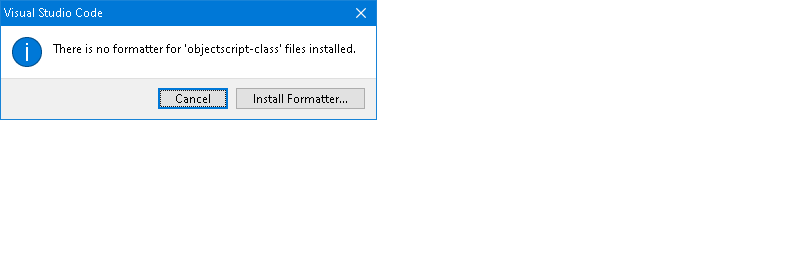
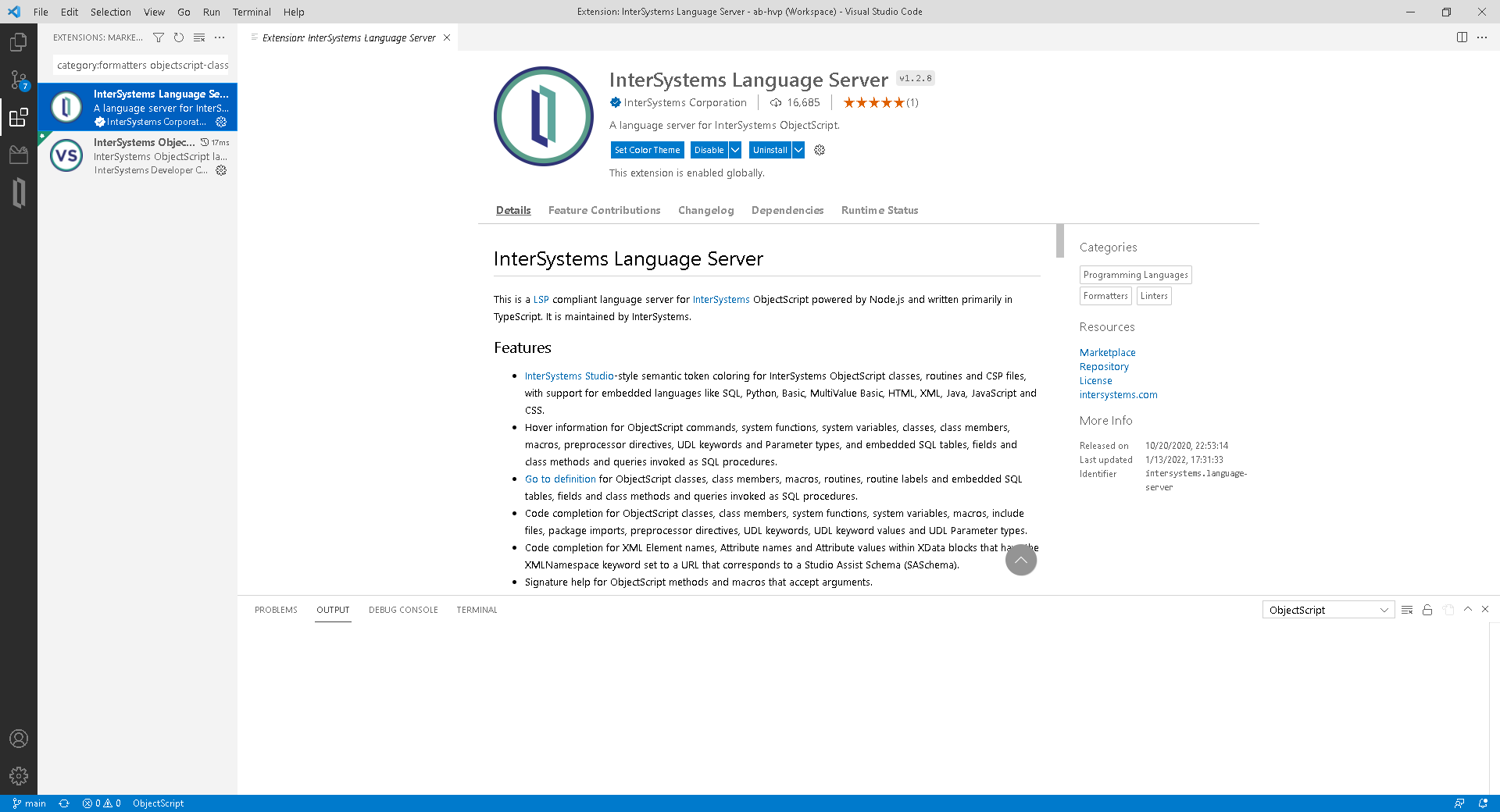
When using Shift+Alt+F to reformat a class file, it pops up with the below message. When I select install formatter, it routes me to the extensions page, where it shows the extensions as being installed. Any advice will be appreciated.
Comments
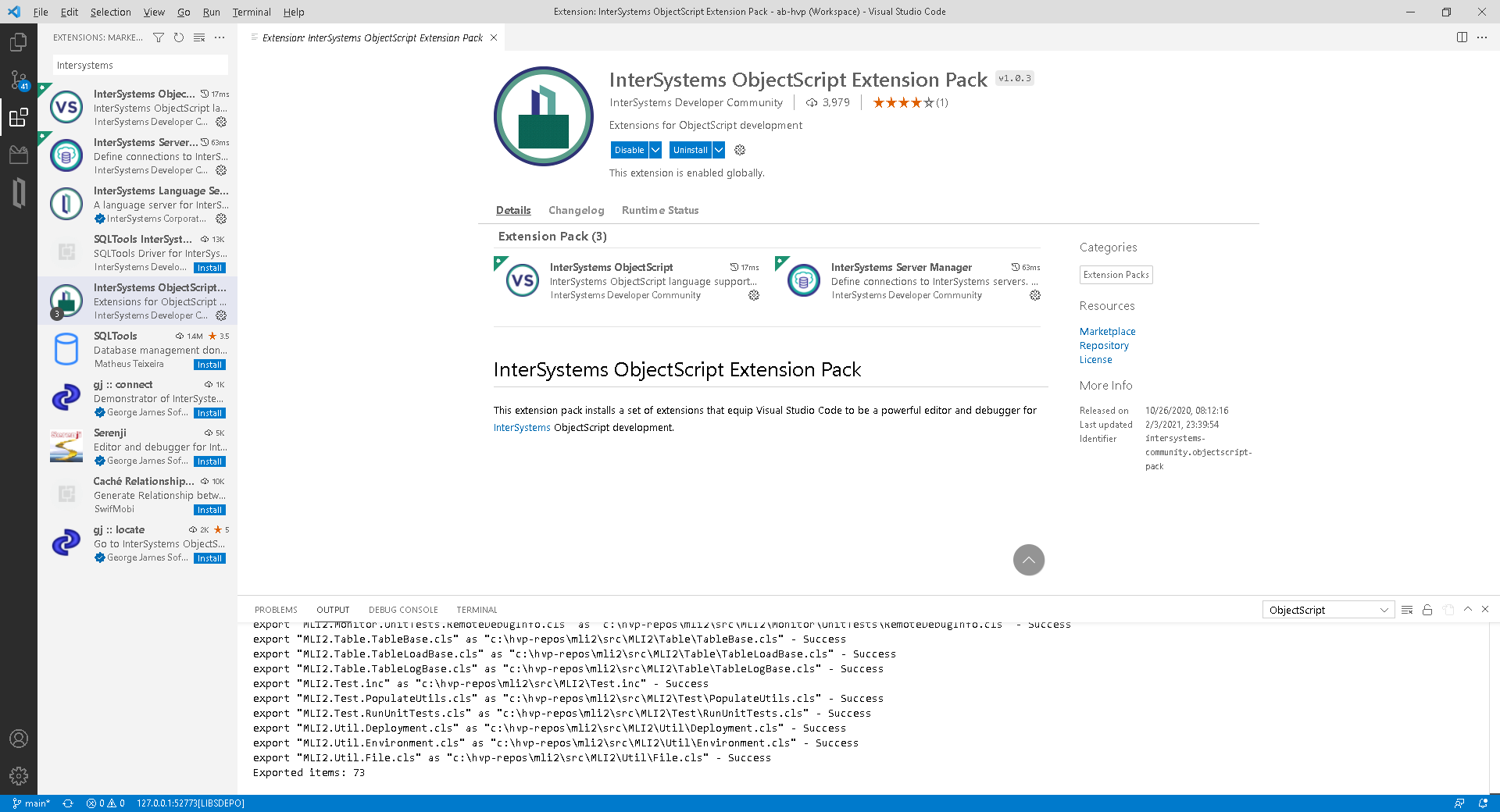
You should install the InterSystems ObjectScript Extension Pack to get full support for ObjectScript in VS Code. The InterSystems Language Server provides formatting support. You can view our documentation here and the Language Server README here.
I have had the Pack installed from when I installed VSCode.
I'm sorry, I misread the end of your post.Can you please answer Julian's question below? If the class is saved then the formatter should work.
Hey Stefan.
Is the file saved as a class when trying to run the formatter? I found previously that it's not enough to just set the language in a new class, but the file needs to be saved as the formatter relies on the file extension.
The files are .cls.
I have noticed now a popup error on the bottom right regarding the Java Runtime Environment and sonarlint.
I will look into this first, I probably missed instructions somewhere.
I installed the latest JDK, then updated the sonarlint JavaHome setting to align.
I am getting the following now, and I have no idea on how to resolve it.
Unable to load component class org.sonarsource.sonarlint.core.analyzer.sensor.PhaseExecutor
Stupid question: Do I need to be running a SonarQube locally?
From the Command Palette please run "Format Document With...".
Do you see this?
.png)
If not, what does the "Configure Default Formatter..." option show (assuming it is there for you)?
There is only a Format Document option, not a "with" one.

If all else fails, uninstall all the extensions related to CacheQuality and ObjectScript.
Restart VSCode
Install the Extension Pack
It works.