Cannot log into another user in Management Portal
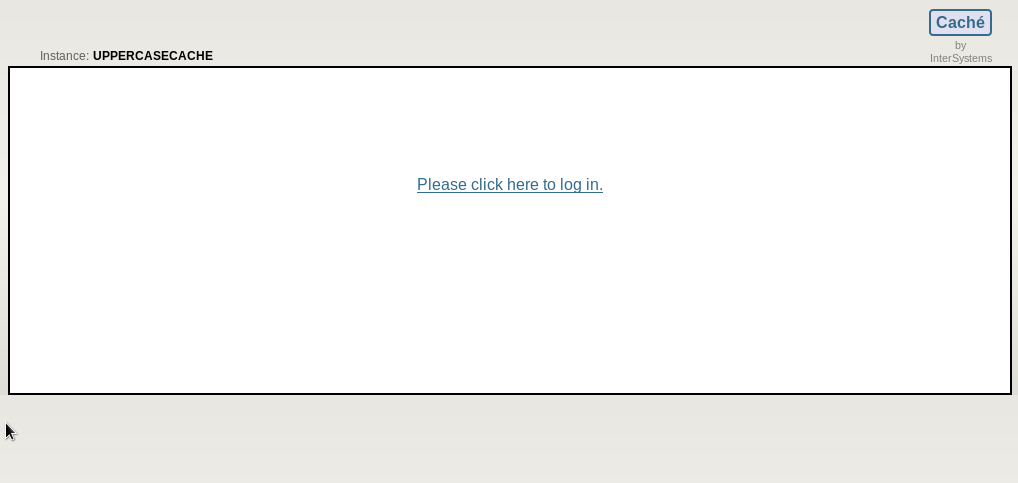
In System Management Portal, I'm on UnknownUser (which I've accidentally removed the %All role from), so I log out of UnknownUser and try to log in as root or Admin, but only see the following screen:
I want to see a screen like this so I can change the user I log into:
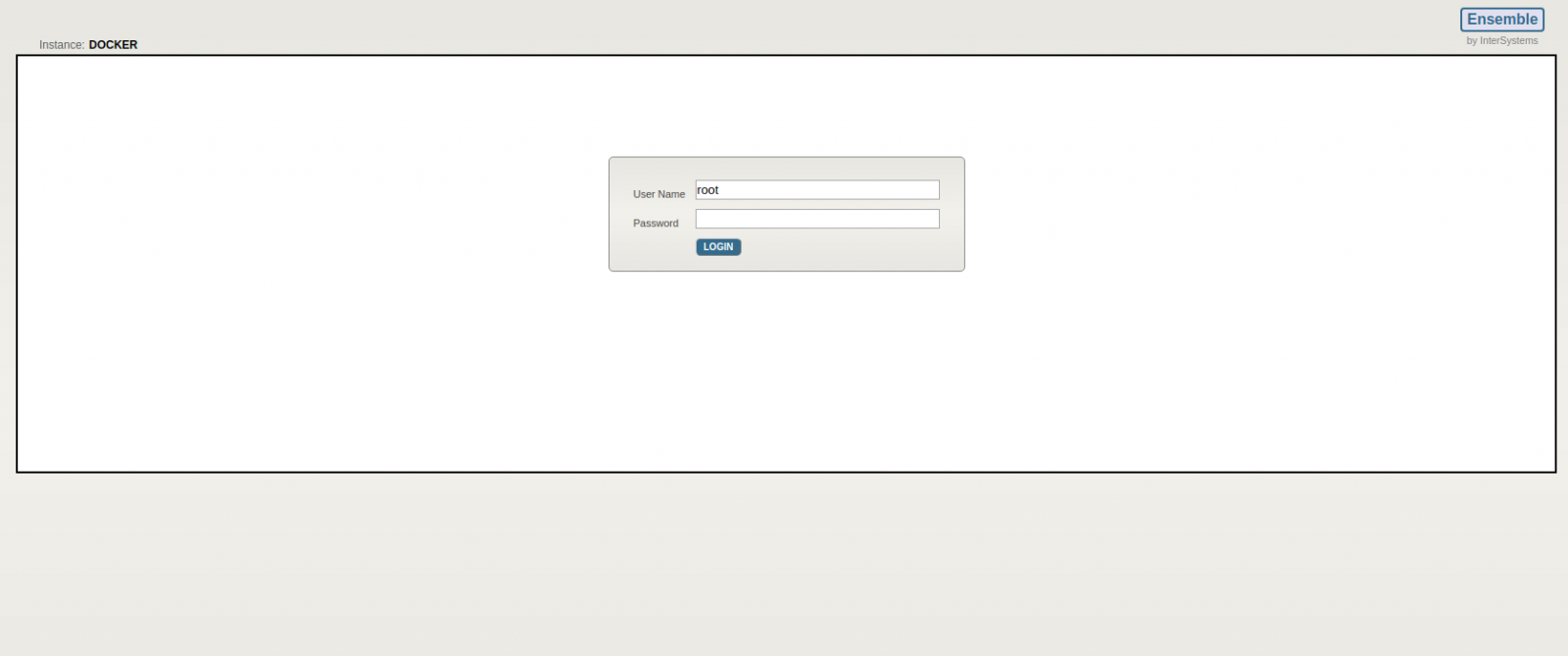
How do I change the user in Management Portal?
Comments
When you installed Cache, what type of security did you specify?
Minimal
Normal
Locked Down
I set it to minimal when I installed it, but accidentally (I'm a new to cache and all) removed the %All role from UnknownUser which was the user my log on defaulted to.
Log In over Terminal as Privileged User and move to Namespace %SYS and fix your Security
USER>ZN "%SYS"
%SYS>DO ^SECURITY

1) User setup
2) Role setup
3) Service setup
4) Resource setup
5) Application setup
6) Auditing setup
7) Domain setup
8) SSL configuration setup
9) Mobile phone service provider setup
10) OpenAM Identity Services setup
11) Encryption key setup
12) System parameter setup
13) X509 User setup
14) Exit

Option? 5

1) Create application
2) Edit application
3) List applications
4) Detailed list applications
5) Delete application
6) Export applications
7) Import applications
8) Exit

Option? 2

Application to edit? ?

 Num  Name                           Namespace
  1)  /api/atelier                   %SYS
  2)  /api/deepsee                   %SYS
  3)  /csp/samples                   SAMPLES
  4)  /csp/samples/docserver         SAMPLES
  5)  /csp/user                      USER
  6)  /isc/studio/usertemplates      %SYS
  7)  /TEST                          SAMPLES
  8)  /webShop                       USER
  9)  /csp/broker                    %SYS
 10)  /csp/docbook                   DOCBOOK
 11)  /csp/documatic                 DOCBOOK
 12)  /csp/sys                       %SYS
 13)  /csp/sys/bi                    %SYS
 14)  /csp/sys/exp                   %SYS
 15)  /csp/sys/mgr                   %SYS
 16)  /csp/sys/op                    %SYS
 17)  /csp/sys/sec                   %SYS
 18)  /isc/pki                       %SYS
 19)  /isc/studio/rules              %SYS
 20)  /isc/studio/templates          %SYS

Application to edit? 12 /csp/sys
Description? System Management Portal =>
Enabled? Yes => Yes
CSP/ZEN Enabled? Yes => Yes
DeepSee Enabled? No => No
iKnow Enabled? No => No
Inbound Web Services Enabled? Yes => Yes
Require resource to use application? No => No
Role to always add to application?
New match role to add to application?
Do you want to go back and re-edit any match roles or target roles? No => No
Allow Not authenticated access? Yes => NO
Allow Password authentication? No => YES
Accept Login Tokens created by other CSP applications? No =>I actually can't even log in on the terminal. I have Caché installed on Linux, and when I run "sudo csession UppercaseCache" on the terminal, I get the following message:

How do I log on as a Privileged User?
Please contact support@intersystems.com and provide your phone number. We can help walk you through this, and explain exactly what's going on here. This is a discussion better suited for a phone call.
For posterity:
On a minimal security install unauthenticated access is the only authentication method enabled for most services. We document the risk of modifying roles for UnknownUser (used for unauthenticated access) and cover some other security considerations here:
https://cedocs.intersystems.com/latest/csp/docbook/DocBook.UI.Page.cls?KEY=GCAS_tighten
If you end up in a situation where your security settings no longer allow you to access Caché, you can use emergency startup mode as documented to log into Caché and fix your settings:
https://cedocs.intersystems.com/latest/csp/docbook/DocBook.UI.Page.cls?KEY=GCAS_secmgmt#GCAS_secmgmt_emerg
Much appreciation to my colleague Jon who walked through these steps with Joshua.
Before you try a re-install ation of Caché emergency access could be your last chance.
Follow the guide very strictly there is a high risk to cause unrecoverable damage.
This is what ended up fixing the problem. I contacted support@intersystems.com on Pete Greskoff's advice, and they guided me through that process.
a very wise step !! 