The recently published tutorial "Introduction to InterSystems Data Studio" inspired me to check out this product. And I think it’s an interesting look at how to manage a data fabric without deep-diving into complex code. It allows you to connect disparate data silos, transform the data through automated pipelines, and load it into a unified environment for analysis. So, I decided to write up an example of how you can use it. Basically, I'll walk you through the tutorial in case you don't have time to do it on your own. Though I would definitely suggest you actually follow the tutorial - it has lots of useful information.
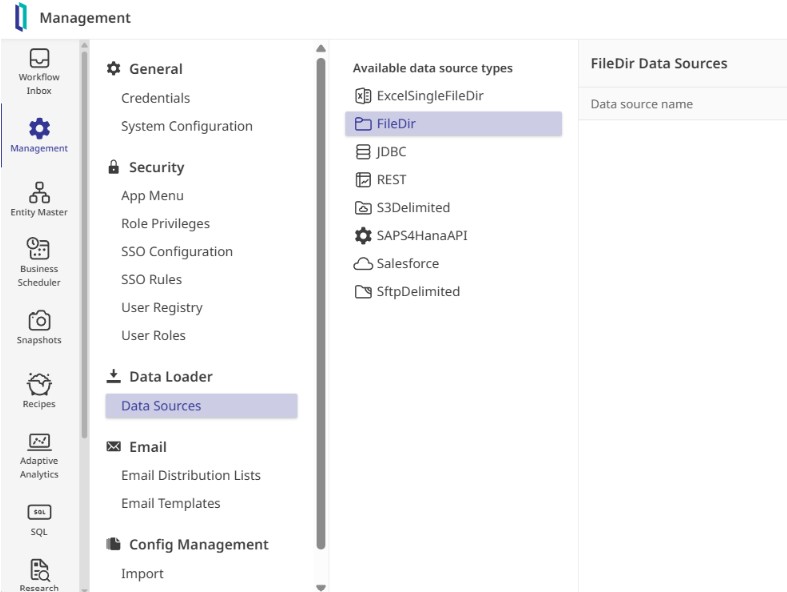
To see how it works, I stepped into the shoes of a system administrator, logging in with the provided credentials to explore the interface. The layout centers on a few core pillars: defining where data comes from, cataloging its structure, and building automated "recipes" to move it into production.
And the very first step is to establish a connection to my data.