also empty records and csv export were introduced
- Log in to post comments
also empty records and csv export were introduced
Here is a small Loom video on how it works
if you want to play with test data there are several dataset apps, like the medical dataset from @Muhammad Waseem or the Health Dataset from @Yuri Marx
Hi @Jacinto Busquets !
I think your request is interesting, and I spent a vibecoding evening to introduce a sample that can help with the task.
So I've built a backend on IRIS that goes through persistent classes in a namespace and provides stats on the columns of every class how are they filled. And built a frontend for it. Here is the demo server:
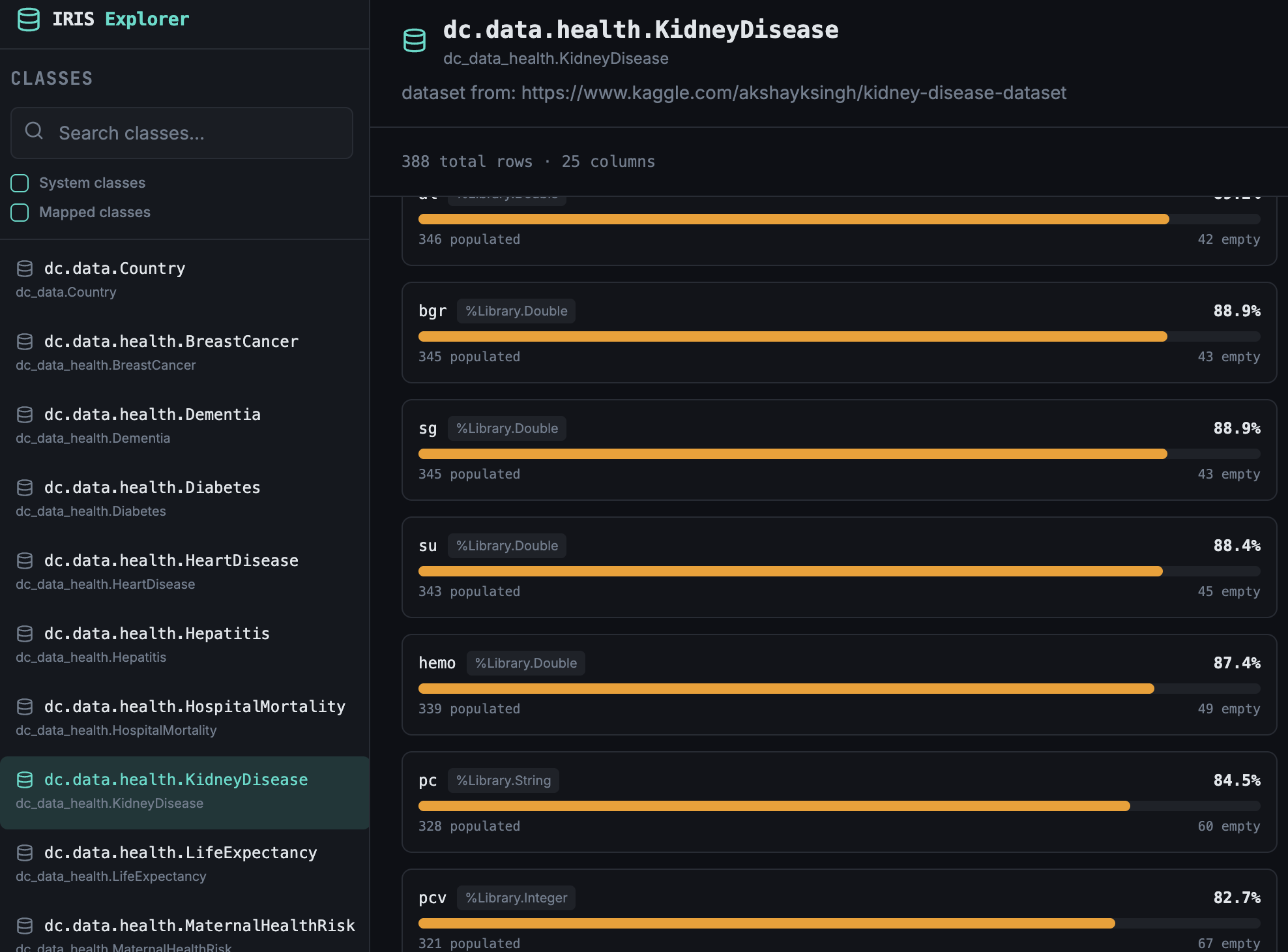
How to have it on your own server:
you should have IPM client installed, and then do:
USER> zpm "install iris-table-stats-frontend"
and
USER>zpm "install esh-iris-table-stats"
and open the UI at /iris-table-stats-ui/index.html endpoint of your IRIS server.
Wow. There are really many applications! Thank you, @Eduard Lebedyuk
Second for Codex with ObjectScript too! Plus a relevant Agent.md :)
Yes, every day - GPT-Codex and Claude Code.
Hi @Raef Youssef !
Thanks for sharing! But where is the app? May I try it on my local IRIS?
Great stuff, @Guillaume Rongier !
Could you please also publish at https://openexchange.intersystems.com ?
It's not a matter of ResultSet availability in another namespace; it's a matter of the data you have access to in one namespace and not in another.
if you need the access to data that is available in namespace A to namespace B, there are many ways to make it work:
But reconstructing the ResultSet, which is just an object in memory suitable to access the data that is still in Namespace A, I wouldn't follow the idea.
Well deserved, @Ashok Kumar T ! Thanks to all your contributions to this community!
Glad to see more ideas find its solutions! Thanks a lot to everyone involved!
Sure, @Flávio Lúcio Naves Júnior ! Glad you like it!
Also, never name the classmethod in disp or impl Login() or login() - it compiles, but the IRIS CSP/REST-API engine doesn't work with such names - it seems they are reserved ones.
Thank you, @Tani Frankel !
Very useful, didn't know that there was an SQL access to ^%ISCLOG
Also, make sure you DON'T change the method nomenclature in the impl class - spec compilation will change it (not touching the methods' implementation, though). It can cost you some time to investigate what's going on, as this will appear in the deployment phase only.
e.g. consider method in the impl class:
Classmethod foo (bar as %String) as %Status {
 if bar="" write "bar is empty."
return $$$OK
}
If you change nomenclature, e.g. introduce the default value
Classmethod foo (bar as %String ="" ) as %Status {
 if bar="" write "bar is empty."
return $$$OK
}
It will work on a dev stage, and you will have class with a default value in your GitHub repository, but once the solution is deployed, the spec file compilation will change the nomenclature back to the original "without default" stage, as it is stated according to specs:
Classmethod foo (bar as %String ) as %Status {
 if bar="" write "bar is empty."
return $$$OK
}Thanks for sharing, @Lorenzo Scalese!
"Oh my god!" Thanks for sharing @Steven Hobbs !
And thanks god we don't have a need to use goto anymore, as it is quite a legal way to shoot yourself in both feet.
Thank you, @Stephen Canzano ! Will take a look!
Thanks, @Kurro Lopez! Agree!
The only moment - I don't recommend using %All in production as it is a very broad permission.
Thanks @Eduard Lebedyuk! It looks like return is being used indeed!
Kudos to all the DC heroes!
Thanks for sharing, @Robbie Luman
Thanks @Ali Nasser! Very interesting, I'll take a look - and "Yes", I still debug with B "L" sometimes.
Right. I was thinking, too, that AI might code directly in obj-code for "efficiency" maybe with unit-tests keeping "taking care" of logic consistancy.
Thank you @Vitaliy Serdtsev ! It seems this is what I was looking for.
Added a poll.
Wow, @Herman Slagman! And you did it before the ideas portal had come into existence, notice @Irène Mykhailova @Anastasia Dyubaylo ! Thank you, anyway!
Could you share why and when you use it?
Thanks @Enrico Parisi ! I'm not that strict about return inside FOR and DO WHILE, as I see it as the clearest difference over the quit.
Oh, I didn't know that you cannot quit "result" out of Try Catch, thank you @Pietro Di Leo