Font Style Change
Hi All,
Can any one know how to change the font style as Italics in Terminal
Comments
Do you wish to do this under program control or as a global change to your terminal session?
Under program control you can use ANSI escape sequences, but their interpretation may be different based on platform. Unfortunately, italics doesn't seem to be a supported option. Try:
for i=1:1:108 w $C(27)_"["_i_"mText Attribute - "_i_$C(27)_"[0m"_$C(13,10)to see what you get. On Windows, I don't see any changes after 84, but on Linux (csession) I see additional color options from 90-107.
For the session, using the Windows version of Terminal:
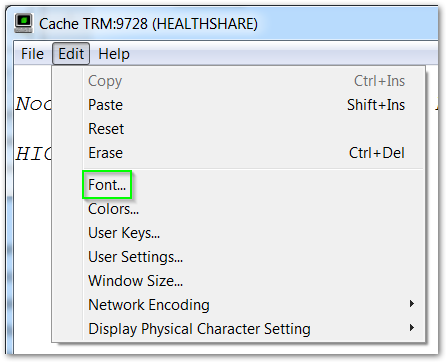
Then:
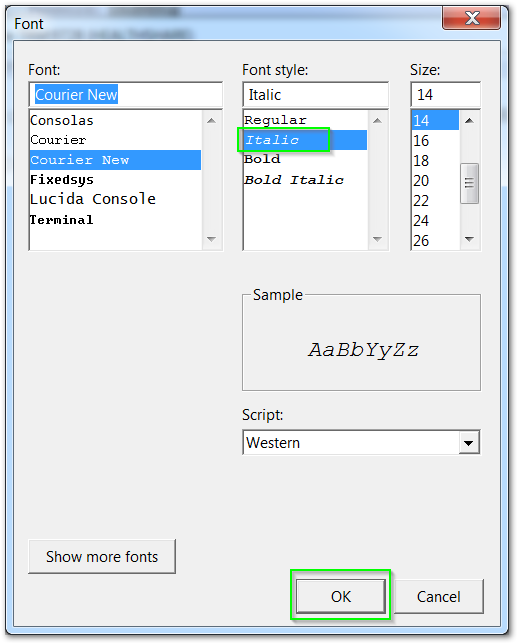
If you're referring to csession under Unix/Linux, font selection will be a function of your terminal emulator.
Interestingly, $C(27)_"[3m" provides italics when running csession under GNOME Terminal (v3.28.2) on Linux.
Thanks Jeffrey,
Can we display dimension values in italic in DeepSee Analyzer? For example, in below screenshot, Doctor names should be displayed as Italic.
I tried including the above $C characters in architecture of the dimension property, but it is not working.
.png)
Sorry, can't help you there ... but your screenshot is not a terminal display, so I would not expect the terminal control sequences to do anything useful. HTML (<i>, </i>) might, but I've not spent much time with DeepSee. I'll leave that for someone else to answer.
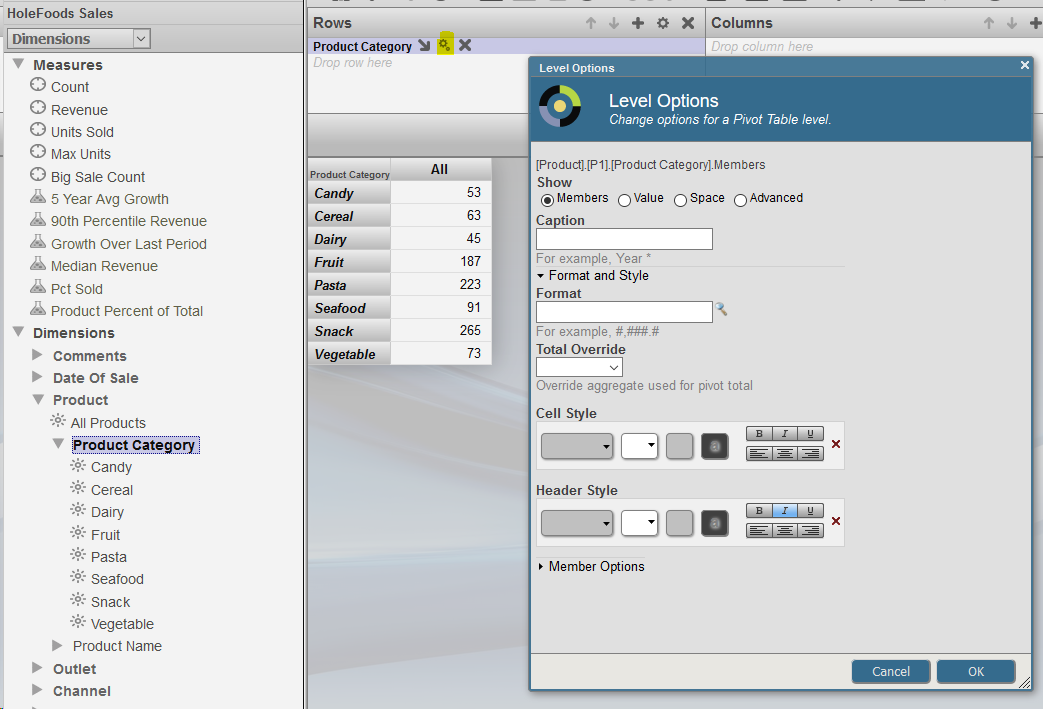
You can do that in Analyzer.
Choose the row/column you want displayed this way, click on it's settings and set italic header: