Cache Compile Problem
Hi Guys,
We experiencing a strange problem with one of the clients on Cache 2008, for time to time they can't run any of their Crystal reports and each time we had re-compile the classes used in the affected report to get it running, then it happens again for the same reports.
re-compiling all classes with $System.OBJ.ComplieAll("c-k-l") doesn't help and the only way to get the reports running is to open the related classes in Studio and compile them one by one and that would work for only a period of time before coming back!
The client's server has enough disk (22 free space) space and not experiencing any memory or hardware problems, and has been running Cache for year with no such problem and also having other clients running the same Cache version with no issue, so don't know what could be the problem!?
any help pls?
Thanks
Comments
What error are they getting?
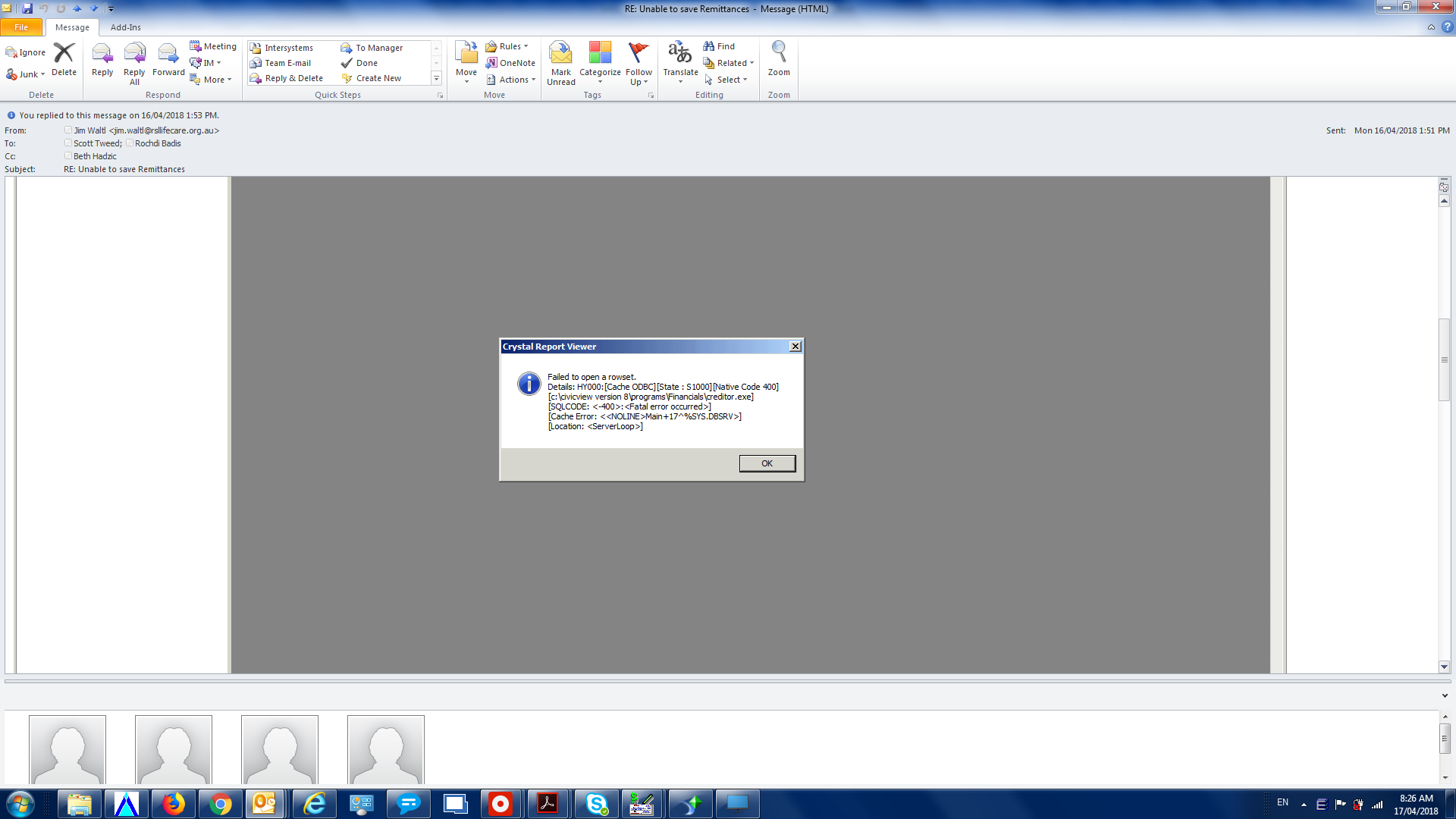
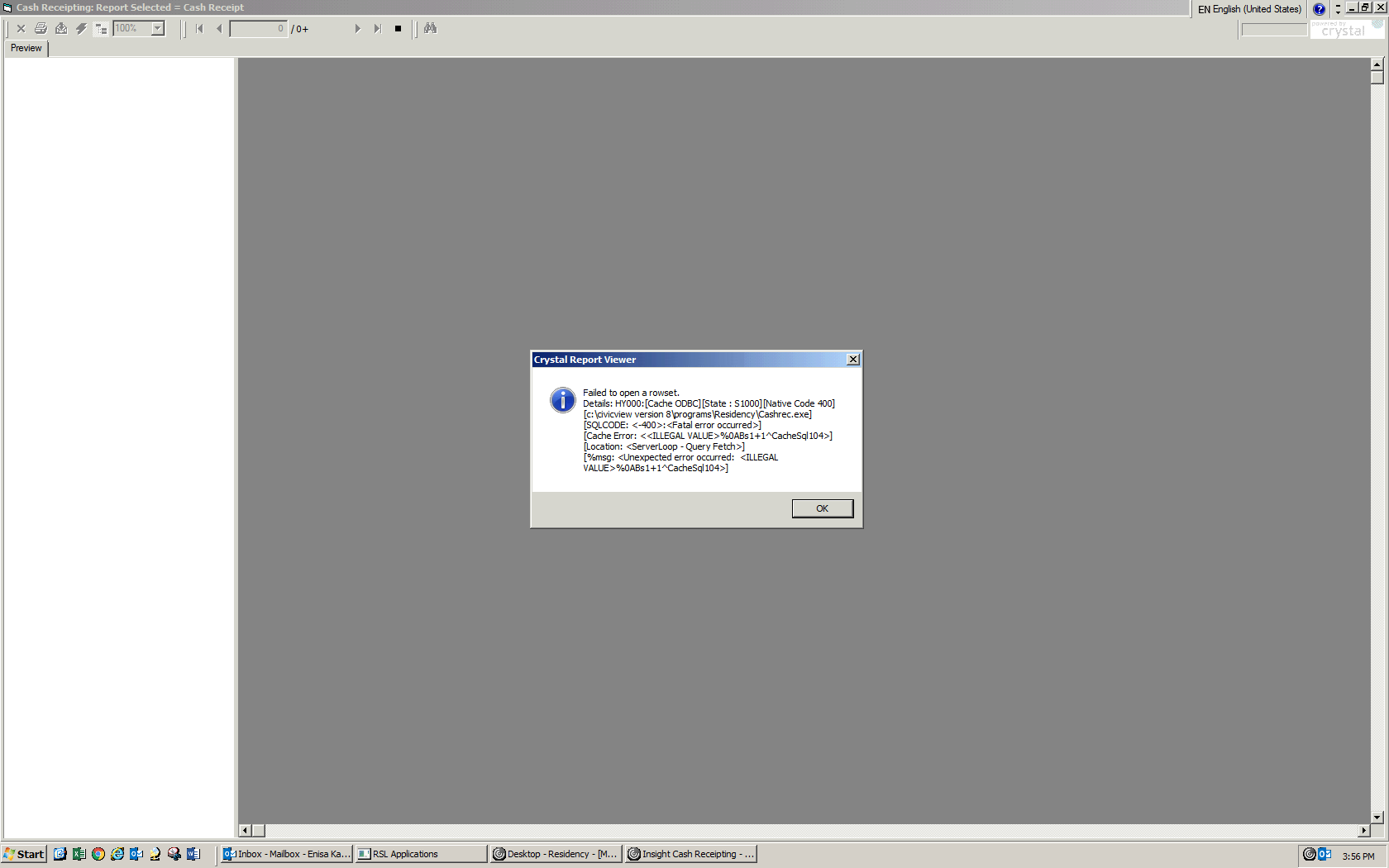
It looks like you are going the wrong way. If it fails if even classes have not changed and have not recompiled.
Could you show exact error, which fails to run your reports?
I think, the issue may be in SQL cache, so, you can try to purge it
Do $SYSTEM.SQL.Purge()
Hi Eduard,
The problem is that sometimes we could get these two different errors for the same report (See attached Screens) and they go away by recompiling their related classes from Studio.
I've tried purging cached SQL and see how we go.
Thanks Eduard
Recompile deletes all Cached Queries !
See Dmitry's comment.
and Mgmt Portal > System Explorer > SQL > Actions > Purge...

Hi Guys,
I've Purged all queries using System Management portal and also by running D $SYSTEM.SQL.Purge(), then recompiled all classes with $System.OBJ.CompileAll("c-k-l"), but our Clients are still getting those errors when running Crystals, where I had to open the affected classes in Studio compile them and get the crystals running again. any suggestions please?
Thanks
If this is customer with valid and supported license, report the problem to WRC (InterSystems Worldwide Response Center).
BTW, Caché version 2008 is way too old, could you upgrade it to some more recent and supported one?