Vs code debug iris classmethod get error code #6718
i want to debug classmethod in vs code,bu it get error !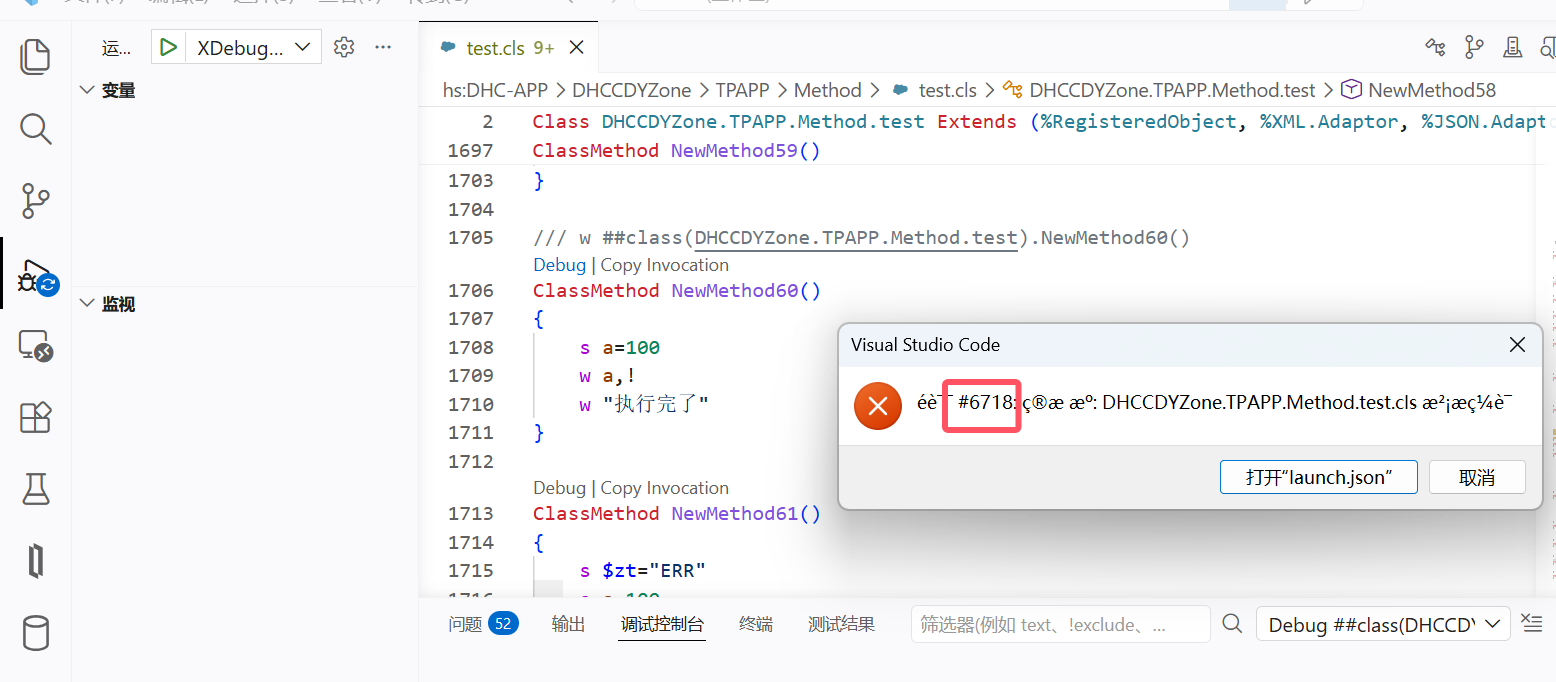
Comments
For debugging a classmethod in VS Code and resolving potential issues, consider the following steps based on the provided information:
-
Ensure Configurations and Environment Are Properly Set:
- Install necessary extensions for debugging ObjectScript, such as the InterSystems ObjectScript Extension Pack. Proper configurations in VS Code such as
launch.jsonand server settings are needed for smooth debugging 1. - Set up the right namespace and connect to the correct instance while testing the classmethod. If you’re unsure of the namespace, verify it in the terminal or configuration files 2.
- Install necessary extensions for debugging ObjectScript, such as the InterSystems ObjectScript Extension Pack. Proper configurations in VS Code such as
-
Compilation and Connection Issues:
-
Handling Debugging Errors Such as ‘Breakpoint Cannot Be Mapped’:
-
Debugging Process and Common Steps:
- Place breakpoints and test the classmethod by invoking it directly through debug commands.
- Utilize helpful debugging commands and tools like inspecting variables, using the Debug Console for expressions, and ensuring communication issues with WebSockets are resolved if using REST APIs or web-based functionalities 56.
-
Troubleshooting Debugger Issues:
Following these practices should help resolve debugging challenges in VS Code related to classmethods in InterSystems IRIS. If the specific error persists, check related documentation or consider consulting the wider developer community. 132
Sources:
The error #6718 says: "Target source: %1 is NOT compiled", which means some classes or routine related to a target class is not compiled.
Try this command to re-load and re-compile all your classes
Do $SYSTEM.OBJ.LoadDir("path/to/your/classes", "ck",,1)
Additionally to DC AI bot suggested articles check this one
https://community.intersystems.com/post/debugging-101-your-first-breakpoint-and-tracing-variables-vs-code
thank you! i create a new class ,but it still gets error ,no other class relateds to it,and how to make it show right error text info? 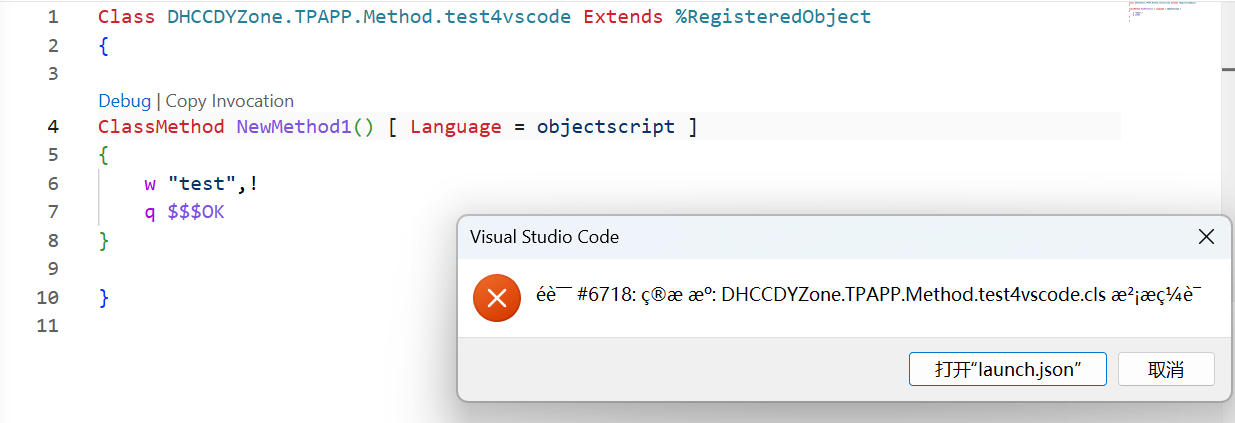
VS Code对远程代码进行debug 在IRIS实例上面操作: 创建web 应用程序,在需要远程连接的IRIS实例上面建立一个名为/_vscode的web应用程序,https://cn.community.intersystems.com/post/production%E7%BB%84%E4%BB%B6… it's the right answer