JDBC Connection Issue: Cache 2018.1 Access Denied
Hello Community,
I am facing a JDBC connection issue after migrating from Caché 2016 to Caché 2018.1. When I attempt to connect using the following connection settings:
CACHE_DATASOURCE_URL=jdbc:Cache://localhost:1972/TEST
CACHE_DB_USERNAME=test
CACHE_DB_PASSWORD=test
I consistently receive the following error:
[Cache JDBC] Communication link failure: Access Denied
This configuration worked perfectly with Caché 2016. I have verified the following:
- The namespace (
TEST) exists and is correctly specified in the connection URL. - The credentials (username:
test, password:test) are correct. - The Caché instance is running on the correct hostname and port (
localhost:1972)
Has anyone encountered a similar issue? Are there any known differences or required configurations for JDBC connections in Caché 2018 that weren’t present in Caché 2016?
I appreciate any guidance or support.
Thank you!
Comments
Does the test user account have the right security resources to access the database you're trying to log into? The quick easy way to check if you have a security-related issue is to give the test user the %All role and see if the issue goes away. If it does, you need to figure out what resource/role is missing for the user account. You don't want to permanently leave the %All role on there.
Yeah the test user has %All role is there any way to intercept the error at Cache DB level ?
If you have Auditing turned on, you can check your audit log for login failures in system management portal. That will tell you why the login failed, which might point you in the right direction.
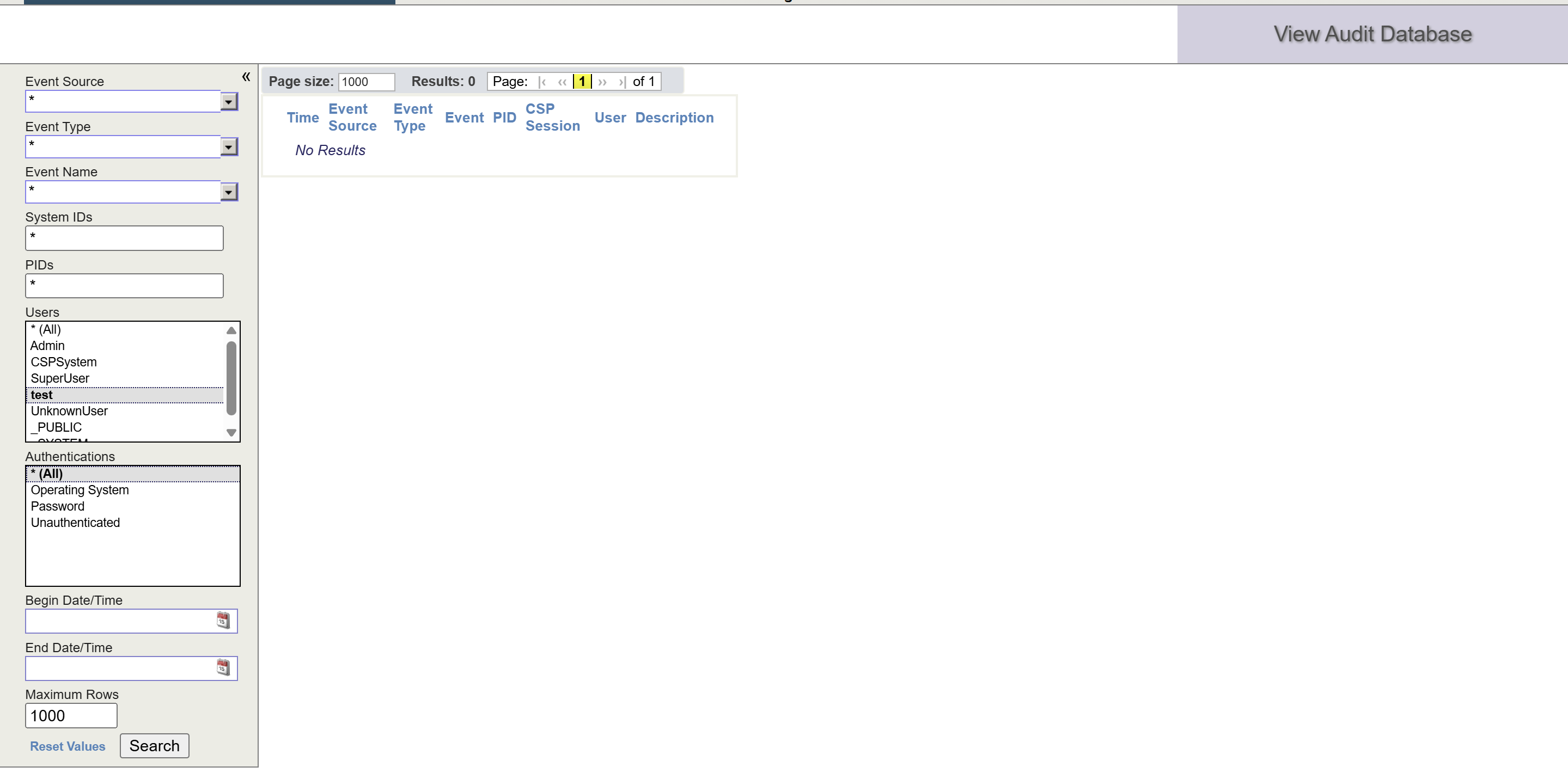
JDBC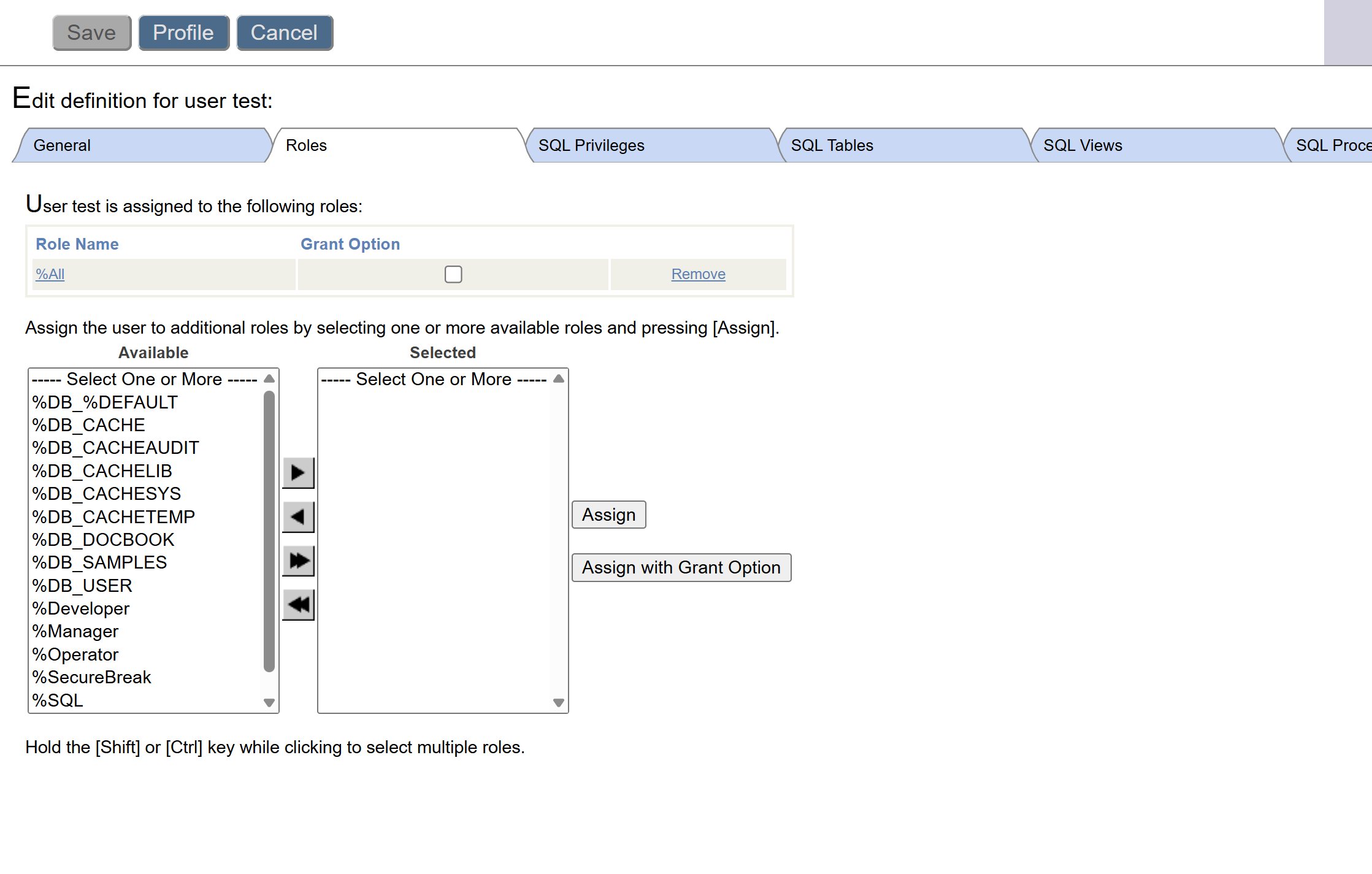
JDBC error : [Cache JDBC] Communication link failure: Access Denied
Is the %Service_Bindings enabled with password authentication?
Check in Management Portal:
System Administration -> Security -> Services
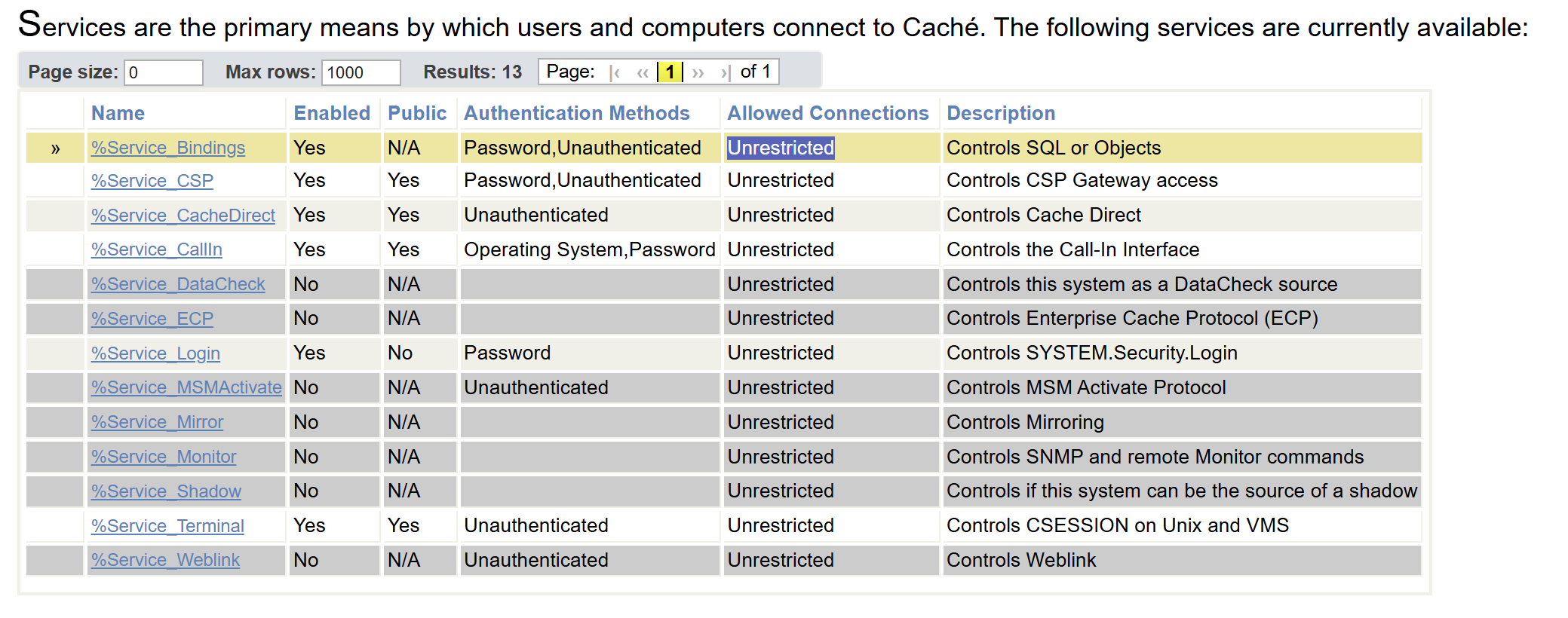 yeah it is .
JDBC package :
version=2.0.0
groupId=com.intersys
artifactId=cache-jdbc
com.intersys.jdbc.CacheDriver
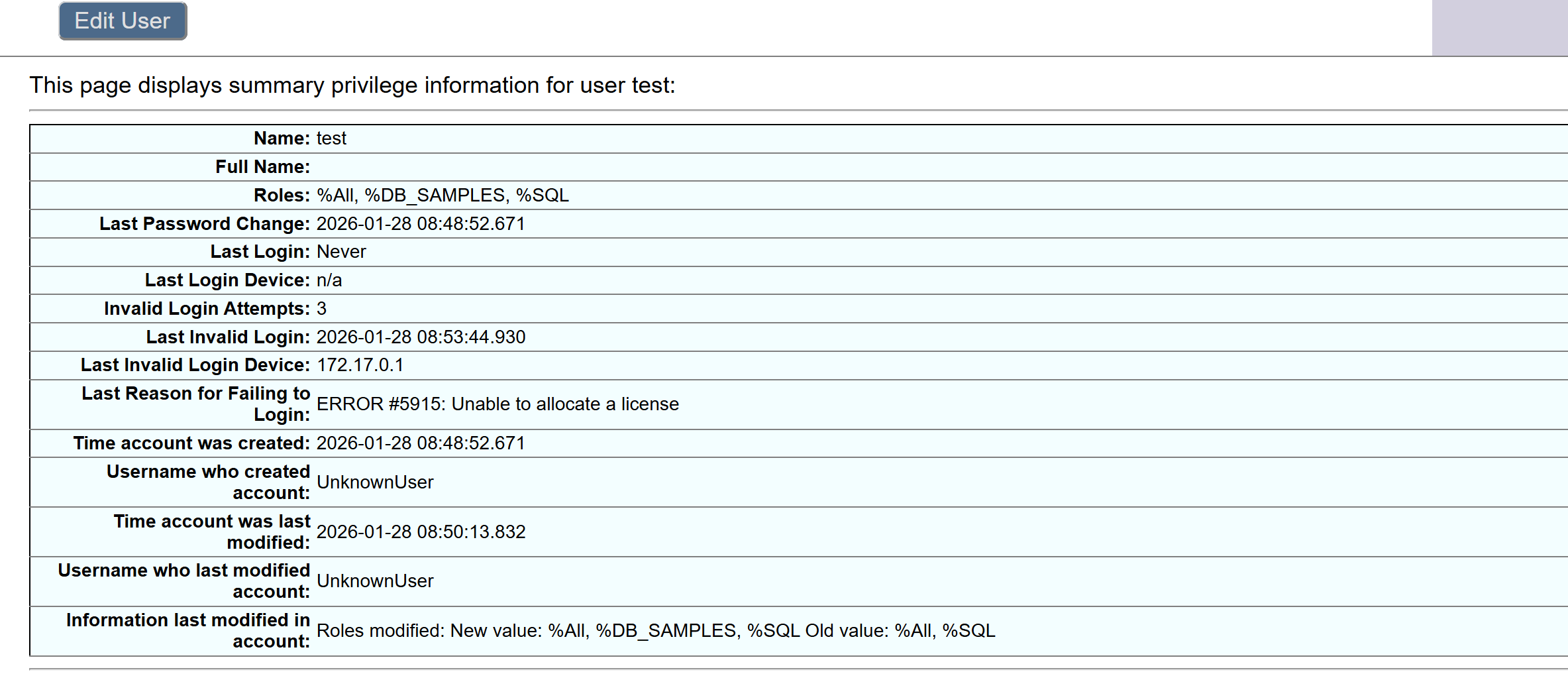
it looks like there is any licence error !