IRIS Configuration Manager - An open-source browser extension to make the comparison between different but equal IRIS/Cache instances easy!
The problem
How many times have we migrated an IRIS Instance to another machine, maybe even another version, and after a few days realized we forgot that one SSL Configuration critical for a Business Operations to work? Or maybe a credential, or a lonely class in a package by itself?
The solution
The simple solution is to make a checklist¹. A checklist of the entities we have to move. But simple checklists on Word documents are often forgotten, or just ignored. It’s a basic management principle that if you want people to follow processes, you can:
- Force them to do it by monitoring their actions;
- Systematically lock an activity behind a process (like using Pipelines to deploy code, and requiring automated tests to approve a PR);
- Make the process easier and more convenient than the manual action. That way, people will want to use the process. (That’s where I’m aiming)
A python script would have been just as easy. But people can forget where their script is, or where to download it. New versions would have to be redownloaded by everyone using it. An IRIS class or task also seems ideal, until you realize sometimes you’re migrating to a server in another network, and one instance just can’t access the other.
That’s why I chose a browser extension. Once installed, it’s always just a click away, even if you don’t use it for months. Updates are automatically installed for you. Even if you change browsers or lose the extension for whatever reason, the install from the store is also just a click away. And assuming you would always need access to the Administration Portal of both servers (maybe not even at the same time if you need to switch VPNs for example), the extension will also always be able to access both servers.
¹The complex (and better) solution would be automating the migration process itself. However with different IRIS/Cache versions, that’s a bigger headache.
What exactly does it compare?
As of the time I’m writing this, it compares 8 %SYS configurations and 5 for each namespace. But the implementation is super simple, so whenever we have new ideas of configs to export, adding them is very easy.
| Scope | Entity |
|---|---|
| %SYS | Namespaces |
| %SYS | Tasks |
| %SYS | WebApplications |
| %SYS | SqlConnections |
| %SYS | Users |
| %SYS | Roles |
| %SYS | Resources |
| %SYS | Ssl |
| Namespaces | Classes |
| Namespaces | Globals |
| Namespaces | Credentials |
| Namespaces | ProductionItems |
| Namespaces | Lookups |
How do I use it?
It’s as simple as I could make it.
- Install the extension for your browser. Currently Chrome and Firefox are supported
- Open the Administration Portal of the origin instance.
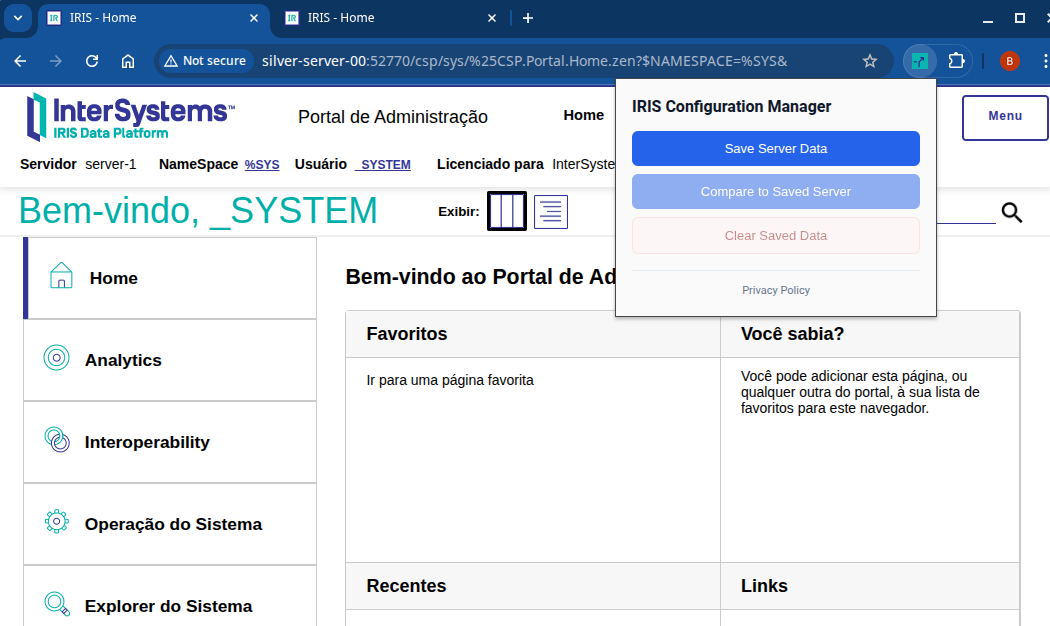
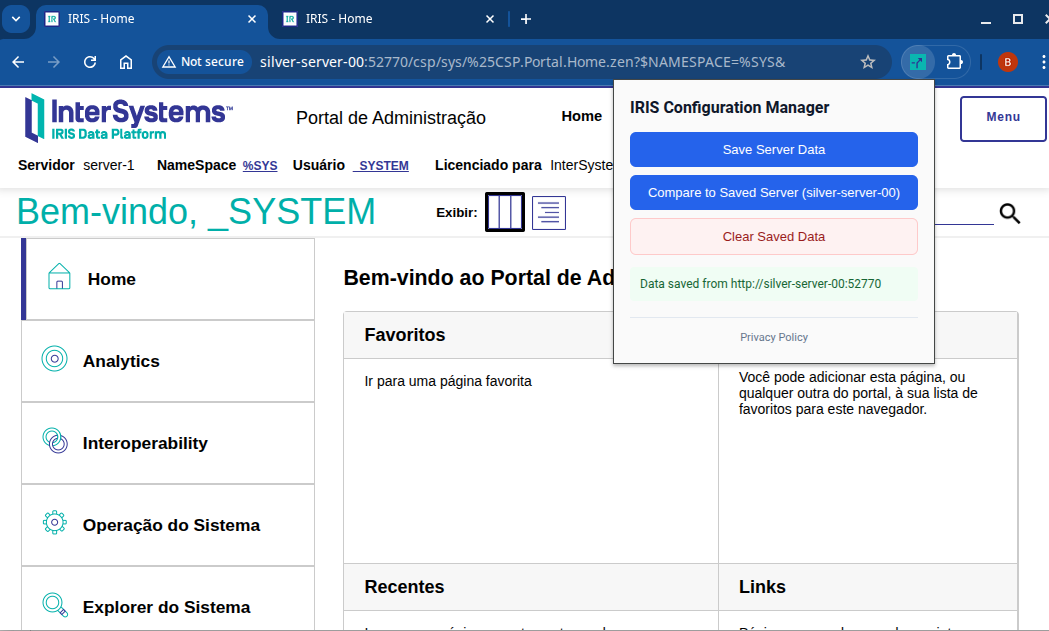
- Click “Save Server Data”.
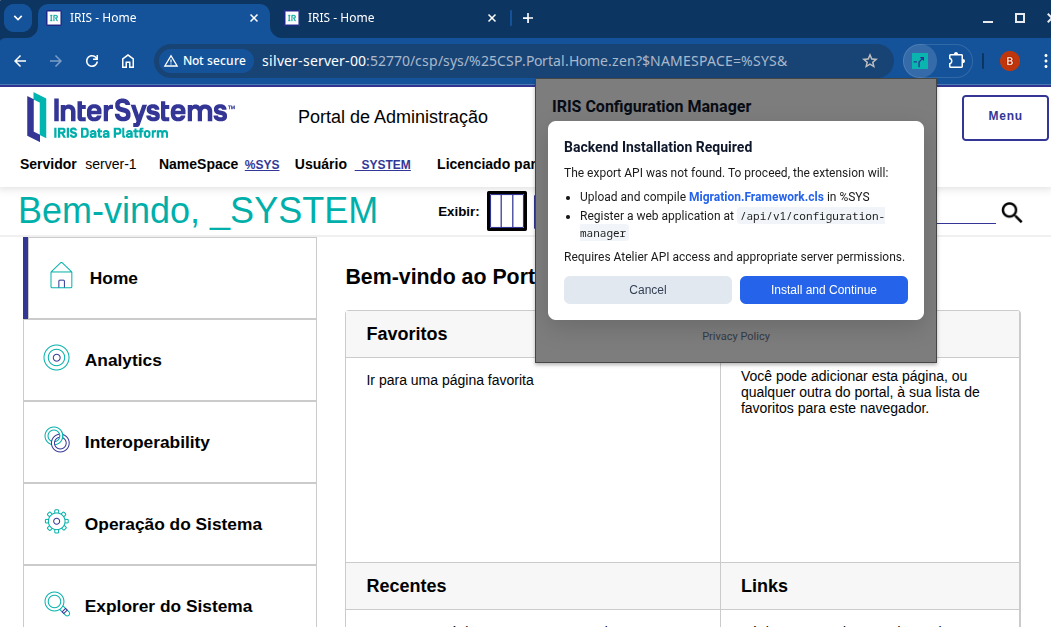
- Add your credentials, then click “Install and Continue”. (only needed the first time you setup an instance)
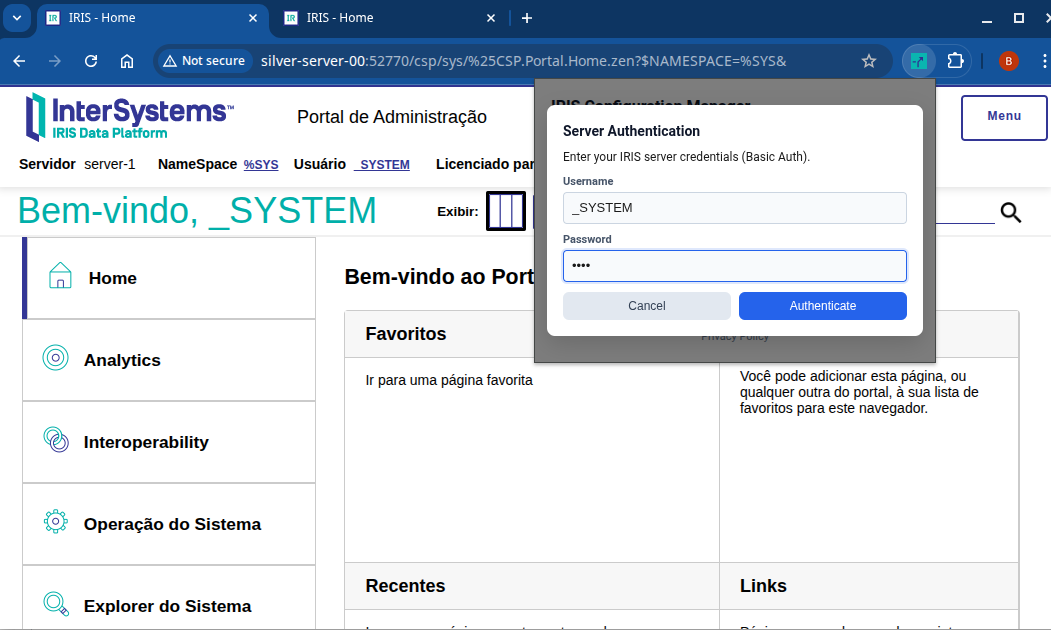
Here I'm using the _SYSTEM user for demonstration purposes only. You should you the same user you log into the portal.
- Open the Administration Portal of the target instance.
- Click “Compare to saved server”.
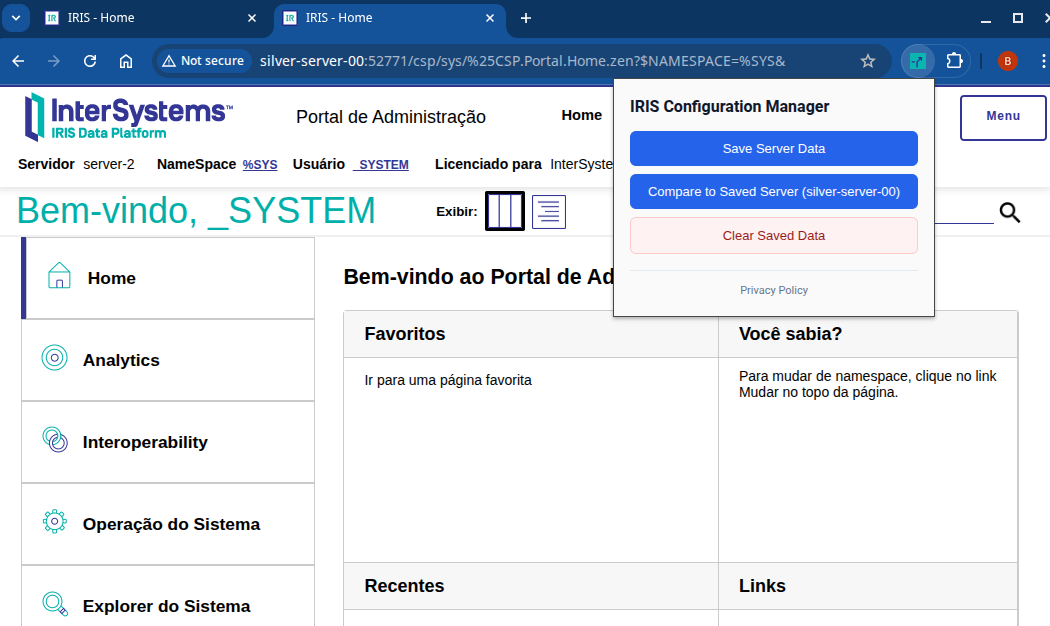
- Add your credentials, then click “Install and Continue”. (only needed the first time you setup an instance)
- View the results.
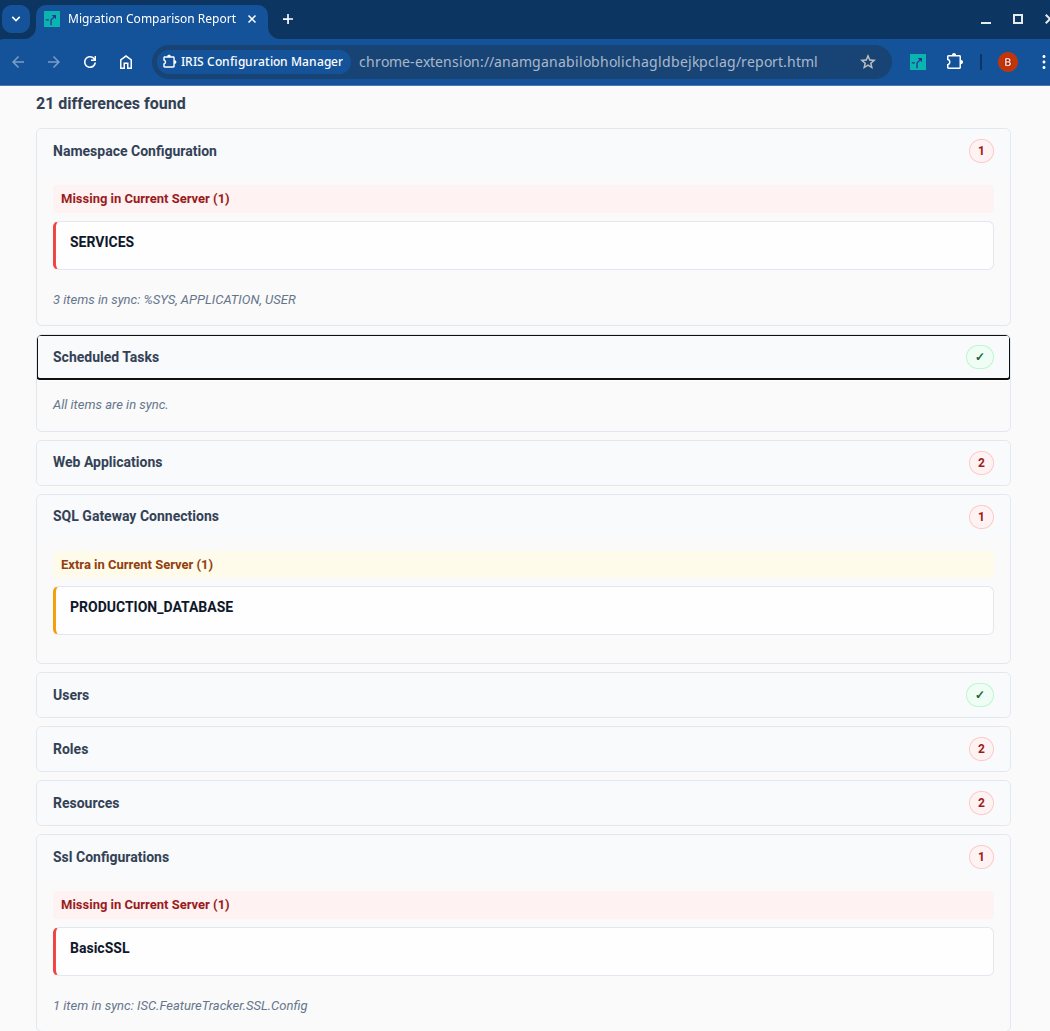
How does it work?
Always remember you can view everything in detail in the GitHub Repository!
The core functionality is in a single Objectscript class. It has a main method to be called by the Web Application and return the complete JSON, one method to retrieve each configuration and return it as a dynamic object to the main method, and a setup method which creates the web application programatically, meant to be called as a stored procedure using the /api/atelier/query endpoint.
Here are the queries I’m currently using for each entity:
| Entity | Query |
|---|---|
| Namespaces | SELECT * FROM Config.Namespaces_List() |
| Tasks | SELECT * FROM %SYS.Task WHERE Type = 2 |
| WebApplications | SELECT * FROM Security.Applications WHERE Type = 2 |
| SqlConnections | SELECT * FROM %Library.sys_SQLConnection |
| Users | SELECT * FROM Security.Users |
| Roles | SELECT * FROM Security.Roles |
| Resources | SELECT * FROM Security.Resources |
| Ssl | SELECT * FROM Security.SSLConfigs |
| Classes | SELECT * FROM %Library.RoutineMgr_StudioOpenDialog('*.cls',1,1,0,1,0,0) WHERE Name NOT LIKE 'Ens.%' AND Name NOT LIKE 'EnsLib.%' AND Name NOT LIKE 'EnsPortal.%' AND Name NOT LIKE 'CSPX.%' AND Name NOT LIKE 'HS.%' AND Name NOT LIKE 'HSMOD.%' AND Name NOT LIKE 'SchemaMap.%' AND Name NOT LIKE 'WebTerminal.%' |
| Globals | SELECT * FROM %SYS.GlobalQuery_NameSpaceList() |
| Credentials | SELECT * FROM Ens_Config.Credentials |
| ProductionItems | SELECT * FROM Ens_Config.Item WHERE Production = ? |
| Lookups | SELECT * FROM Ens_Util.LookupTable |
Conclusion
This is a work in progress, and I would very much appreciate all the feedback. So please, if you have any advice or see any issues with this, leave a comment below or add an issue to my github repository. If you want to contribute hands-on, please create your own fork and contribute with pull requests, or if you want to be a bigger part of it, contact me so I can add you as a direct contributor on the repository.
TL;DR
I created an open source browser extension to export and compare configurations between different IRIS/HS Instances. You can see the code here, and install it here on Chrome and here on Firefox.
Comments
what a great project!! thank you for making this available to the community!
Looks Great - and I can see how this could be usefull (for example, comparing Users/Resources and other security settings amongst Mirror Members).
I was going to say that a good extension would be for the ability for users to define their own Entity/Queries to submit to the servers, but - that would be a huge security risk and obvious SQL injection.
Thank you for the feedback!
That is indeed an interesting feature, but like you said it could come with certain risks... However, as the implementation follows the single-responsability principle (each classmethod is responsible for getting a certain entity's data and nothing else), it wouldn't be difficult to add checkboxes on the extension's pop-up and query only chosen resources.
This wouldn't allow for custom entities per se, but it would allow for the addition of many other entities to the API without diminishing performance or cluttering the report for people who only care about a few of them. I'll definitively add this to my to-do!
And just a reminder, this project is 100% open source, so anyone is welcome to fork it and add custom resources to fit more specific needs like quering custom tables and such :)