IKO Plus: VIP in Kubernetes on IrisClusters
.png)
Power your IrisCluster serviceTemplate with kube-vip
If you're running IRIS in a mirrored IrisCluster for HA in Kubernetes, the question of providing a Mirror VIP (Virtual IP) becomes relevant. Virtual IP offers a way for downstream systems to interact with IRIS using one IP address. Even when a failover happens, downstream systems can reconnect to the same IP address and continue working.
The lead in above was stolen (gaffled, jacked, pilfered) from techniques shared to the community for vips across public clouds with IRIS by @Eduard Lebedyuk ...
Articles: ☁ vip-aws | vip-gcp | vip-azure
This version strives to solve the same challenges for IRIS on Kubernetes when being deployed via MAAS, on prem, and possibly yet to be realized using cloud mechanics with Manged Kubernetes Services.
.png)
Distraction
This distraction will highlight kube-vip, where it fits into a Mirrored IrisCluster, and enabling "floating ip" for layers 2-4 with the serviceTemplate, or one of your own. I'll walk through a quick install of the project, apply it to a Mirrored IrisCluster and attest to a failover of the mirror against the floating vip is timely and functional.
IP
Snag an available IPv4 address off your network and set it asside for use as the VIP for the IrisCluster (or a range of them). For this distraction we value the predictability of a single ip address to support the workload.
192.168.1.152
This is the one address to rule them all, and in use for the remainder of the article.
Kubernetes Cluster
The Cluster itself is running Canonical Kubernetes on commodity hardware of 3 physical nodes on a flat 192.X network, home lab is the strictest definition of the term..png)
Nodes
You'll want to do this step through some slick hook to get some work done on the node during the scheduling for implementing the virutal interface/ip. Hopefully your nodes will have some consistentcy with the NIC hardware, making the node prep easy. However my cluster above had some varying network interfaces, as its purchase spanned over multiple prime days, so I virtualized all them by aliasing the active nic to vip0 as an interface.
I ran the following on the nodes before I get started to add a virtual nic to a physical interface and ensure it starts at boot on the nodes.
vip0.sh
#!/usr/bin/env bash
set -e

PARENT_NIC="eno1"         # if dynamic
VIP_IP="192.168.1.152/32" # available address on our lan

sudo bash -c "cat > /etc/systemd/system/vip0.service <<'EOF'
[Unit]
Description=Virtual interface vip0 for kube-vip
After=network-online.target
Wants=network-online.target

[Service]
Type=oneshot
ExecStartPre=-/sbin/ip link delete vip0
ExecStart=/sbin/ip link add vip0 link ${PARENT_NIC} type macvlan mode bridge
ExecStart=/sbin/ip addr add ${VIP_IP} dev vip0
ExecStart=/sbin/ip link set vip0 up
RemainAfterExit=yes

ExecStop=/sbin/ip link set vip0 down
ExecStop=/sbin/ip link delete vip0

[Install]
WantedBy=multi-user.target
EOF"

sudo systemctl daemon-reload
sudo systemctl enable vip0 --now
sudo systemctl status vip0 --no-pager
#!/usr/bin/env bash
set -e
PARENT_NIC="enps05" # if dynamic
VIP_IP="192.168.1.152/32" # available address on our lan
sudo bash -c "cat > /etc/systemd/system/vip0.service <<'EOF'
[Unit]
Description=Virtual interface vip0 for kube-vip
After=network-online.target
Wants=network-online.target
[Service]
Type=oneshot
ExecStartPre=-/sbin/ip link delete vip0
ExecStart=/sbin/ip link add vip0 link ${PARENT_NIC} type macvlan mode bridge
ExecStart=/sbin/ip addr add ${VIP_IP} dev vip0
ExecStart=/sbin/ip link set vip0 up
RemainAfterExit=yes
ExecStop=/sbin/ip link set vip0 down
ExecStop=/sbin/ip link delete vip0
[Install]
WantedBy=multi-user.target
EOF"
sudo systemctl daemon-reload
sudo systemctl enable vip0 --now
sudo systemctl status vip0 --no-pager
You should see the system assign vip0 interface and tee it up for start on boot.

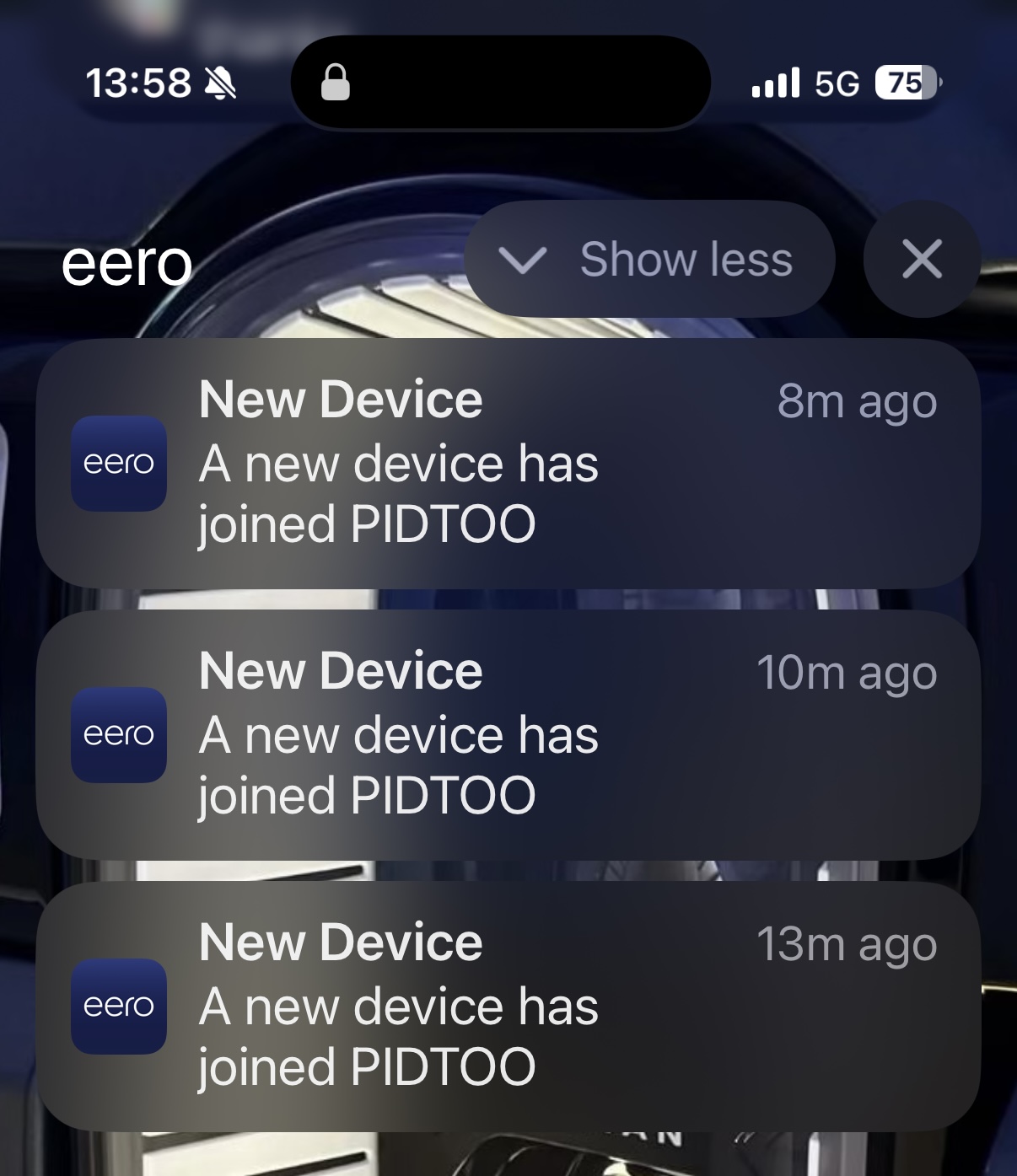
If your commodity network gear lets you know when something new has arrived on the network, you may get something like this after adding those interfaces on your cell.
💫 kube-vip
A descprition of kube-vip from the ether:
kube-vip provides a virtual IP (VIP) for Kubernetes workloads, giving them a stable, highly available network address that automatically fails over between nodes — enabling load balancer–like or control plane–style redundancy without an external balancer.
The commercial workload use case is prevelant for secure implementations where the IP address space is limited and DNS is a bit tricky, like HSCN connectivity for instance in England. The less important, but thing to solve for most standing up clusters outside of the public cloud, is basically ALB/NLB like connectivity to the workloads... have solved this with Cilium, MetalLB, and now have added kube-vip to my list.
On each node, kube-vip runs as a container, via a Daemonset, that participates in a leader-election process using Kubernetes Lease objects to determine which node owns the virtual IP (VIP). The elected leader binds the VIP directly to a host network interface (for example, creating a virtual interface like eth0:vip0) and advertises it to the surrounding network. In ARP mode, kube-vip periodically sends gratuitous ARP messages so other hosts route traffic for the VIP to that node’s MAC address. When the leader fails or loses its lease, another node’s kube-vip instance immediately assumes leadership, binds the VIP locally, and begins advertising it, enabling failover. This approach effectively makes the VIP “float” across nodes, providing high-availability networking for control-plane endpoints or load-balanced workloads without relying on an external balancer.
Shorter version:
The kube-vip containers have an election to employ a leader to determine which node should own the Virtual IP, and then binds the IP to the interface accordingly on that node and advertises it to the network. This enables the IP address to "float" across the nodes, bind only to healthy ones, and make services accessible via IP... all using Kubernetes native magic..png)
The install was dead simple, no immediate chart needed, but very easy to wrap up in one if desired, here we will just deploy the manifests that support its install as specified on the getting started md of the project.
kube-vip.yaml
apiVersion: v1
kind: ServiceAccount
metadata:
  name: kube-vip
  namespace: kube-system
---
apiVersion: rbac.authorization.k8s.io/v1
kind: ClusterRole
metadata:
  name: kube-vip
rules:
  - apiGroups: [""]
    resources: ["services","services/status","endpoints","nodes","pods","configmaps"]
    verbs: ["get","list","watch","update","patch","create"]
  - apiGroups: ["coordination.k8s.io"]
    resources: ["leases"]
    verbs: ["get","list","watch","create","update","patch"]
  - apiGroups: ["discovery.k8s.io"]
    resources: ["endpointslices"]
    verbs: ["get","list","watch"]
---
apiVersion: rbac.authorization.k8s.io/v1
kind: ClusterRoleBinding
metadata:
  name: kube-vip
roleRef:
  apiGroup: rbac.authorization.k8s.io
  kind: ClusterRole
  name: kube-vip
subjects:
  - kind: ServiceAccount
    name: kube-vip
    namespace: kube-system
#---
# (Optional) a tiny IP pool; you can also skip this and use per-Service annotation
# apiVersion: v1
# kind: ConfigMap
# metadata:
#  name: kubevip
#  namespace: kube-system
#data:
#  range-global: "192.168.1.152-192.168.1.152"   ### Your VIP (or a range) for the IrisCluster !!!!
---
apiVersion: apps/v1
kind: DaemonSet
metadata:
  name: kube-vip
  namespace: kube-system
spec:
  selector:
    matchLabels:
      app: kube-vip
  template:
    metadata:
      labels:
        app: kube-vip
    spec:
      serviceAccountName: kube-vip
      hostNetwork: true
      tolerations:
        - operator: "Exists"
      containers:
        - name: kube-vip
          image: ghcr.io/kube-vip/kube-vip:v0.8.0
          args: ["manager"]
          securityContext:
            capabilities:
              add: ["NET_ADMIN","NET_RAW"]
          env:
            - name: vip_interface           #### Your VIP interface on Nodes for the IrisCluster !!!!
              value: "vip0"
            - name: vip_cidr
              value: "32"
            - name: vip_arp                 # ARP advertising (L2)
              value: "true"
            - name: bgp_enable
              value: "false"
            - name: lb_enable               # kube-vip LB controller
              value: "true"
            - name: svc_enable              # watch Services of type LoadBalancer
              value: "true"
            - name: cp_enable               # NOT using API server VIP here
              value: "false"
Apply it! sa, rbac, daemonset..png)
Bask in the glory of the running pods of the Daemonset (hopefully)

IrisCluster
Nothing special here, but a vanilla mirrorMap of ( primary/failover ).
IrisCluster.yaml ( abbreviated )
# full IKO documentation:
# https://docs.intersystems.com/irislatest/csp/docbook/Doc.View.cls?KEY=PAGE_deployment_iko
apiVersion: intersystems.com/v1alpha1
kind: IrisCluster
metadata:
  name: ikoplus-kubevip
  namespace: ikoplus
spec:
  imagePullSecrets:
  - name:  containers-pull-secret
  licenseKeySecret:
    name: license-key-secret
  tls:
    webgateway:
      secret:
        secretName: cert-secret
  topology:
    arbiter:
      image: containers.intersystems.com/intersystems/arbiter:2025.1
      podTemplate:
        metadata: {}
        spec:
          resources: {}
      updateStrategy: {}
    data:
      compatibilityVersion: 2025.1.0
      image: containers.intersystems.com/intersystems/irishealth:2025.1
      mirrorMap: primary,backup
      mirrored: true
      podTemplate:
        metadata: {}
        spec:
          securityContext:
            fsGroup: 51773
            runAsGroup: 51773
            runAsNonRoot: true
            runAsUser: 51773
      webgateway:
        replicas: 1
        alternativeServers: LoadBalancing
        applicationPaths:
        - /*
        ephemeral: true
        image: containers.intersystems.com/intersystems/webgateway-lockeddown:2025.1
        loginSecret:
          name: webgateway-secret
        podTemplate:
          metadata: {}
          spec:
            resources: {}
        #replicas: 1
        storageDB:
          resources: {}
        type: apache-lockeddown
        updateStrategy: {}
      storageDB:
        resources: {}
      storageJournal1:
        resources: {}
      storageJournal2:
        resources: {}
      storageWIJ:
        resources: {}
      updateStrategy: {}
  serviceTemplate:
    spec:
      type: LoadBalancer
      externalTrafficPolicy: Local
---
apiVersion: v1
kind: Namespace
metadata:
  name: ikoplus
Apply it, and make sure its running...
kubectl apply -f IrisCluster.yaml -n ikoplusIts alive (and mirroring) !
Annotate
This binds the VirtualIP to the Service, and is the trigger for setting up the service to the vip.
Keep in mind here, we can specify a range of ip addresses too, which you can get creative with your use case, this skips the trigger and just pulls one from a range, recall we foregoed it in the install of kube-virt, but check the yaml for the commented example.
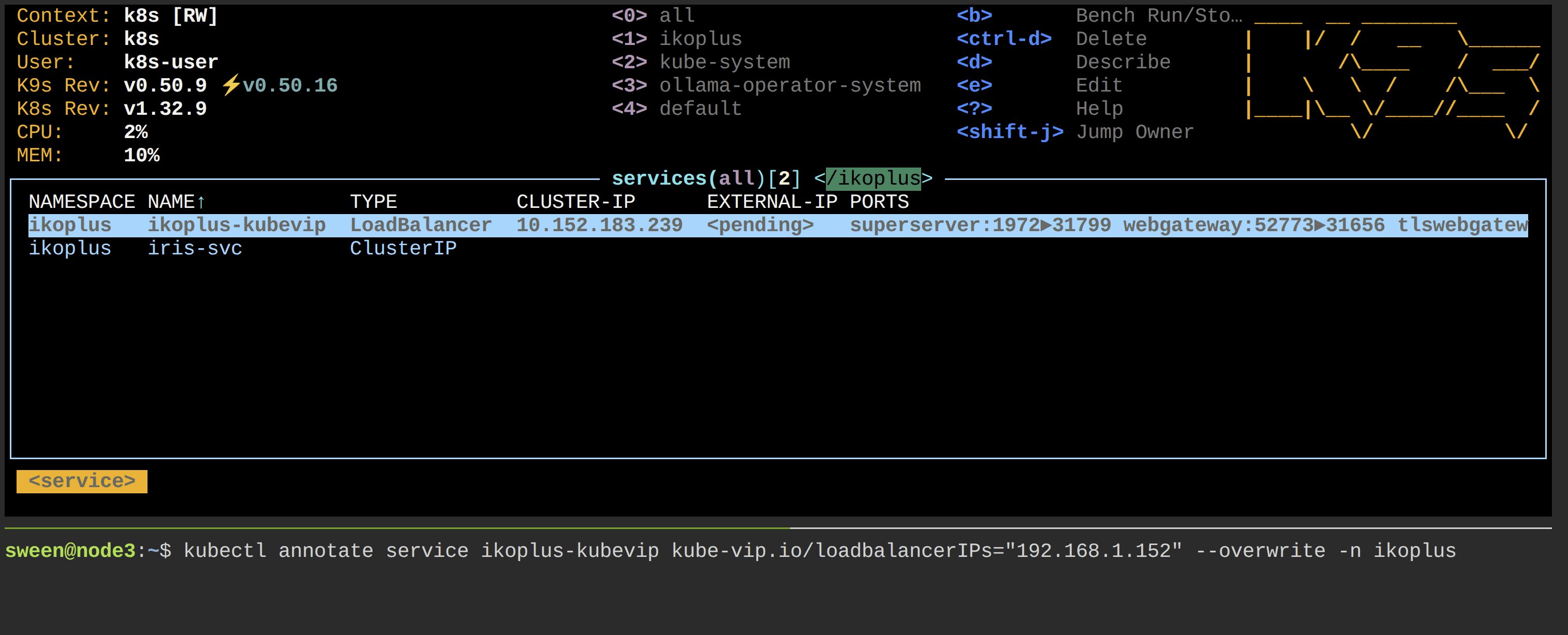
kubectl annotate service nginx-lb kube-vip.io/loadbalancerIPs="192.168.1.152" --overwrite -n ikoplus
Attestation
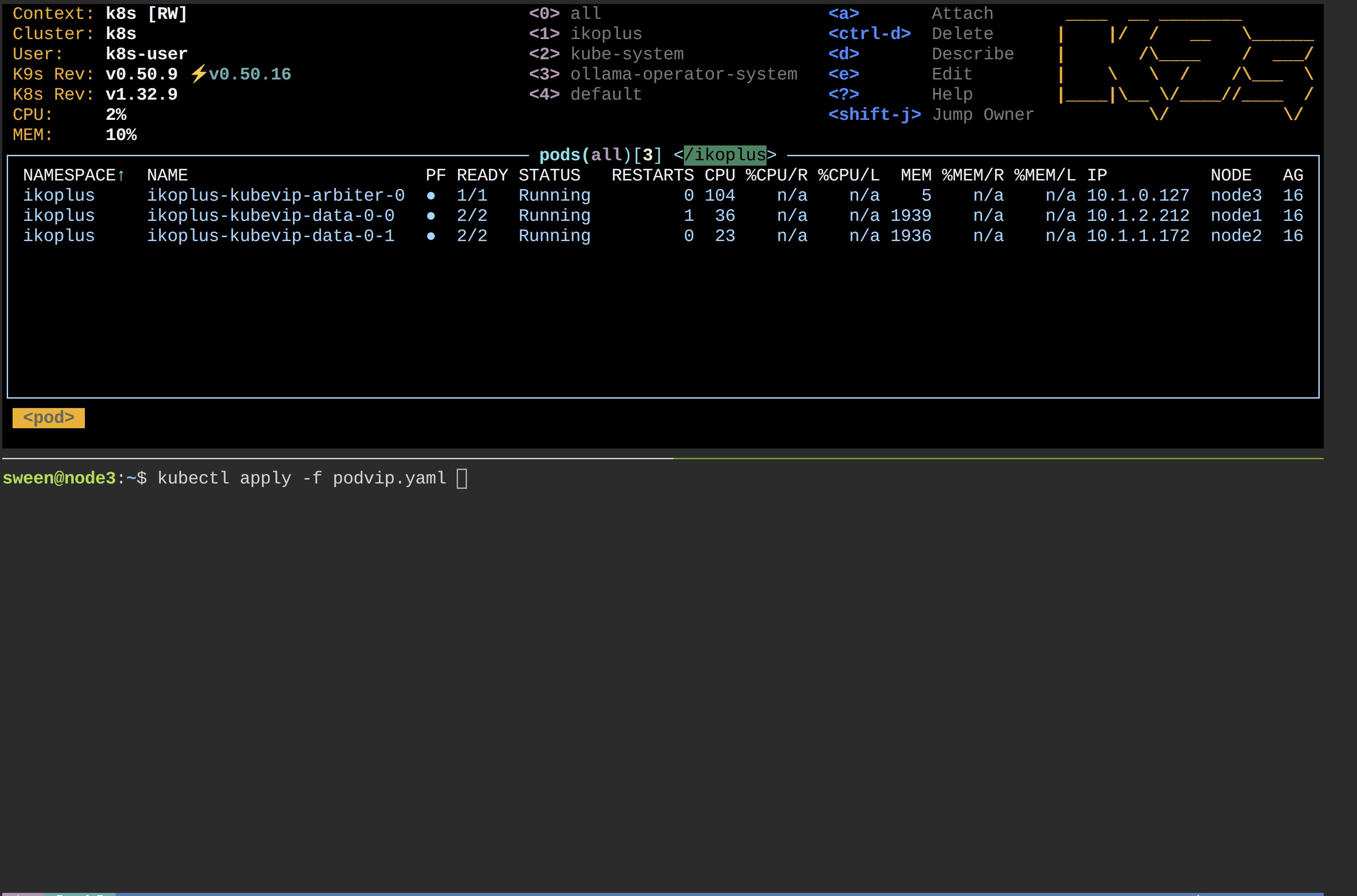
Lets launch a pod that continually polls against the smp url constructed with the vip and watch teh status codes during fail over, then we will send one of the mirrors members "casters up" and see how the vip takes over on the alternate node.
podviptest.yaml
apiVersion: v1
kind: Pod
metadata:
  name: podvip
  namespace: ikoplus
spec:
  restartPolicy: Always
  containers:
    - name: curl-loop
      image: curlimages/curl:8.10.1
      command:
        - /bin/sh
        - -c
        - |
          echo "Starting curl loop against https://192.168.1.152:52774/csp/sys/UtilHome.csp ..."
          while true; do
            status=$(curl -sk -o /dev/null -w "%{http_code}" https://192.168.1.152:52774/csp/sys/UtilHome.csp)
            echo "$(date -u) HTTP $status"
            sleep 5
          done
      resources:
        requests:
          cpu: 50m
          memory: 32Mi
        limits:
          cpu: 100m
          memory: 64Mi
 🎉
🎉
Comments
Great article!
Interesting things you're doing.