Visual Studio Code connection failed
I currently have an issue with a failed connection in VSCode and need some help.
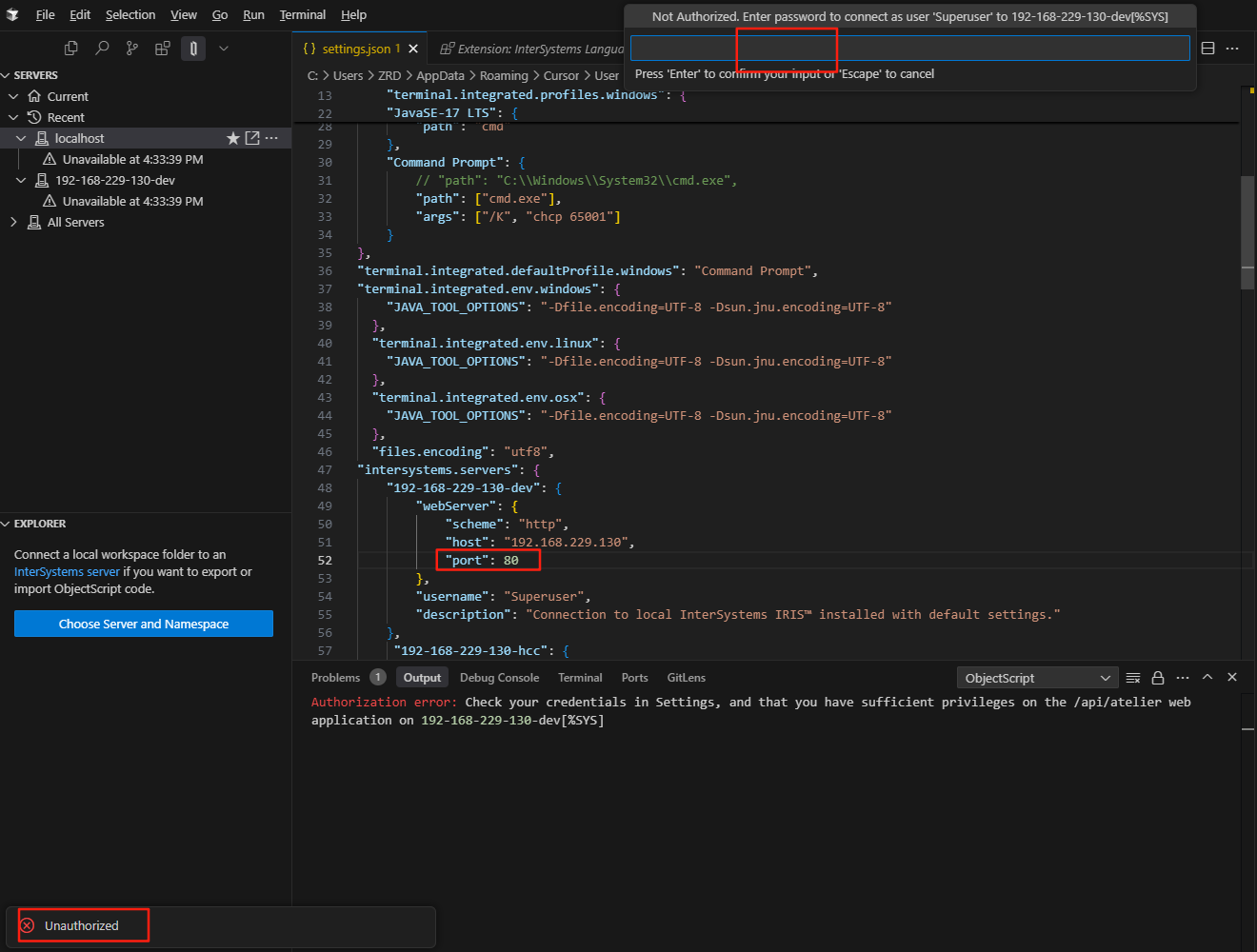
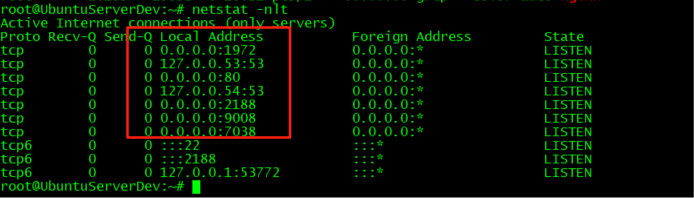
It doesn't work when using ports 80, 1972, and 7038.
Ubuntu2024 install soft:
nginx-1.24.0
ISCAgent-2024.1.3.456.0-lnxubuntu2404x64
WebGateway-2024.1.3.456.0-lnxubuntu2404x64
HealthConnect-2024.1.3.456.0-lnxubuntu2404x64
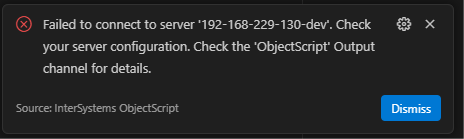
These are some configurations and screenshots.
nginx config:
.png)
port 1972/7038 error:


port 80 error:
Comments
Check the configuration of api/atelier web application. It should be enable to connect through port 80:
https://community.intersystems.com/post/having-trouble-connecting-your-…
It's not an issue with the username "superuser". I've set it as this username, and I'm not using HTTPS either.
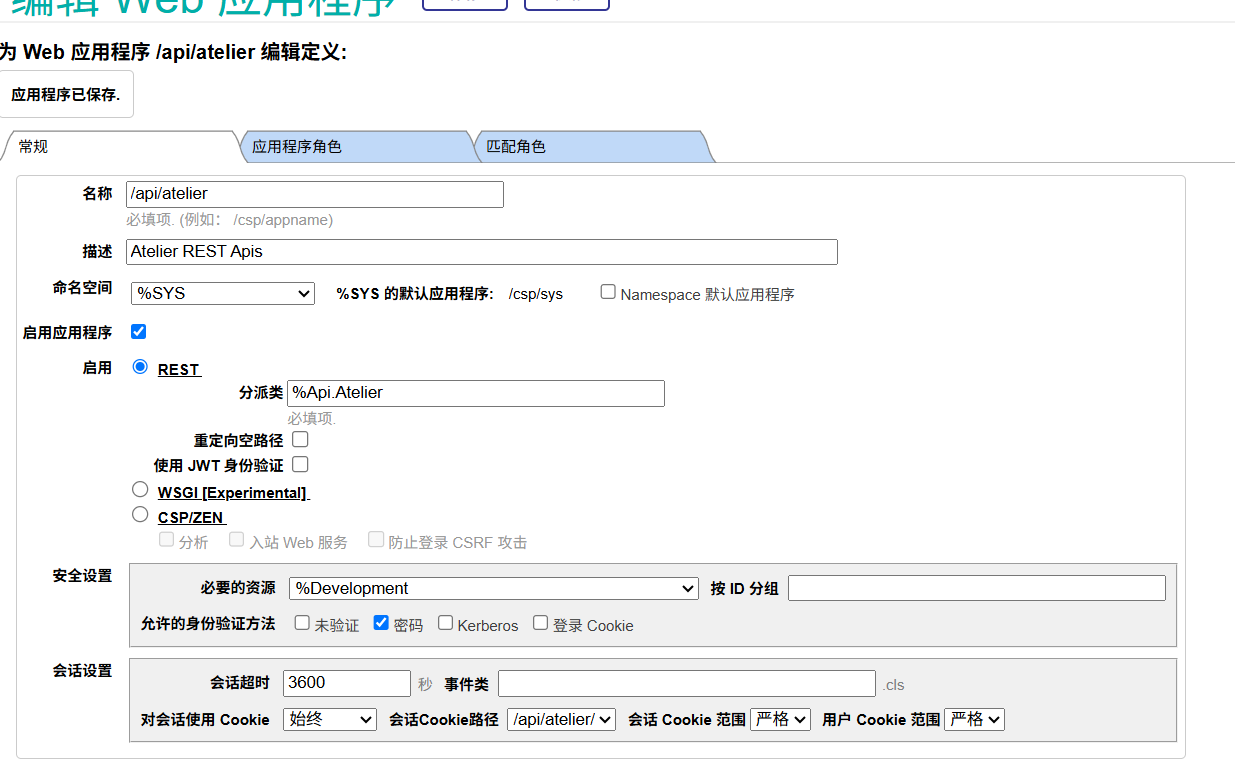
Is api/atelier web application enabled?
Check the image:
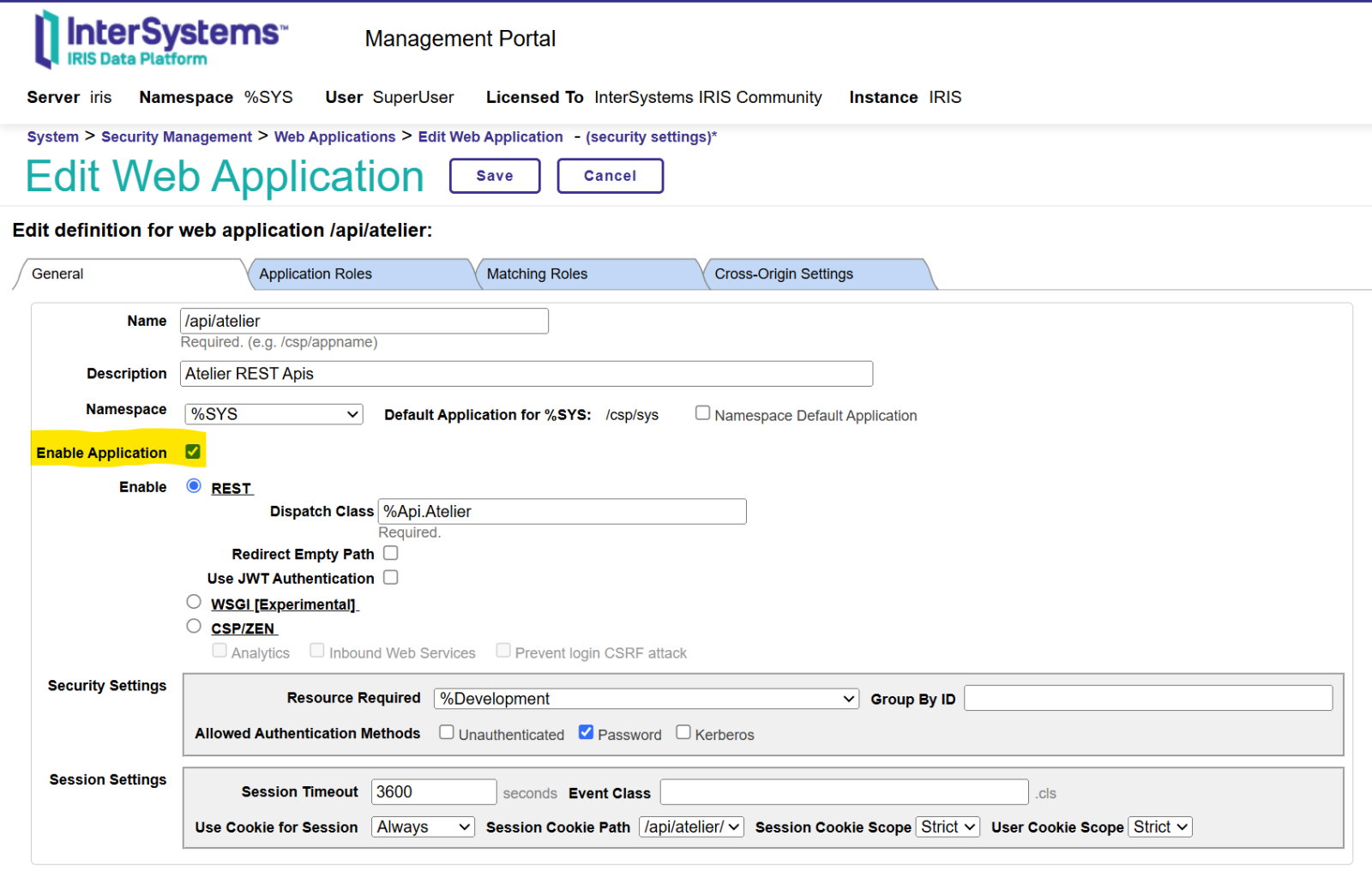
is enable.
Add Nginx configuration to solve the problem.
location /api/atelier/ {
CSP On;
CSPNSD_pass 127.0.0.1:7038;
}