InterSystems IRIS for Health ENSDEMO (supports arm64)
InterSystems IRIS for Health ENSDEMO
Yet another basic setup of ENSDEMO content into InterSystems IRIS for Health.
Make sure you have Docker up and running before starting.
Setup
Clone the repository to your desired directory
git clone https://github.com/OneLastTry/irishealth-ensdemo.git
Once the repository is cloned, execute:
Always make sure you are inside the main directory to execute docker-compose commands.
docker-compose build
Run your Container
After building the image you can simply execute below and you be up and running 🚀:
-d will run the container detached of your command line session
docker-compose up -d
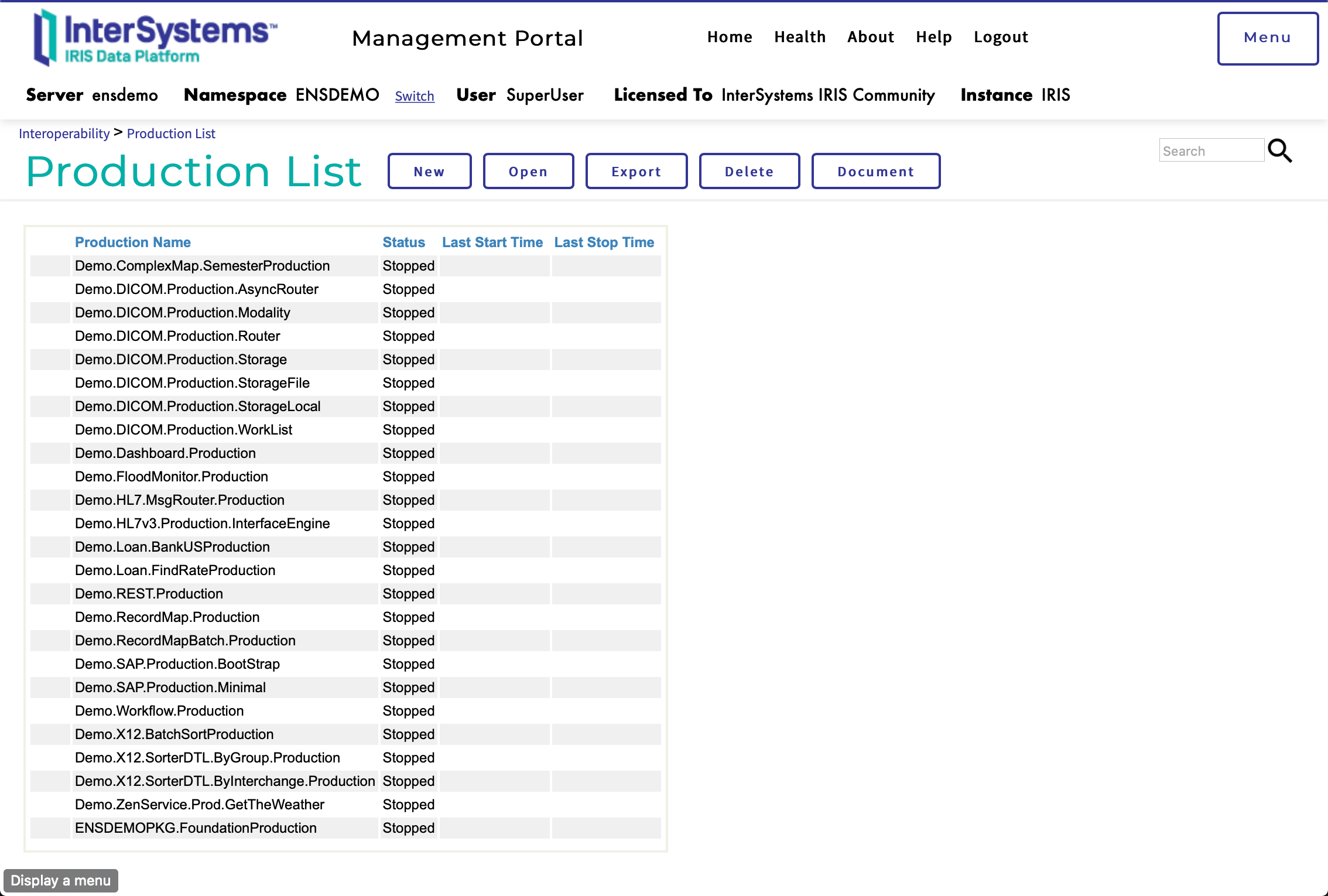
You can now access the manager portal through http://localhost:9092/csp/sys/%25CSP.Portal.Home.zen
- Username: SuperUser
- Password: SYS
- SuperServer port: 9091
- Web port: 9092
- Namespace: ENSDEMO
To start a terminal session execute:
docker exec -it ensdemo iris session iris
To start a bash session execute:
docker exec -it ensdemo /bin/bash
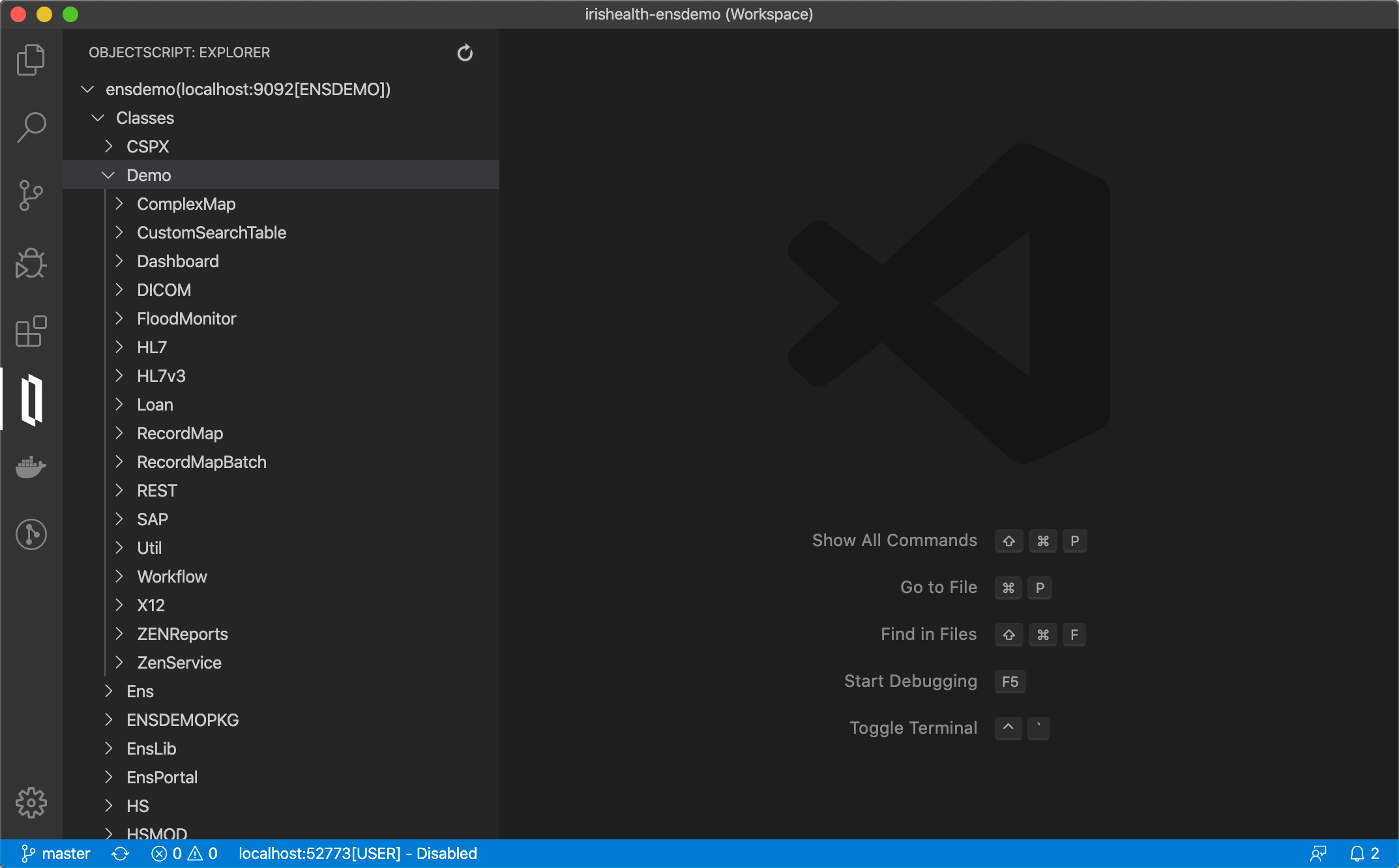
Using InterSystems ObjectScript Visual Studio Code extension, you can access the code straight from vscode
Stop your Container
docker-compose stop
Support to ZPM
zpm "install irishealth-ensdemo"
Comments
Nice, Rhenan! And ZPM it, please, too!
Will do soon!
Interesting.
Is it available for InterSystems IRIS?
Haven't tested but I would guess yes, I will run some tests changing the version in Dockerfile and post the outcome here.
Works for IRIS4Health
Hi, here is a similar article about ensdemo for IRIS and IRIS for health.
https://community.intersystems.com/post/install-ensdemo-iris
Also available as ZPM module now:
USER>zpm "install irishealth-ensdemo"
[irishealth-ensdemo] Reload START (/usr/irissys/mgr/.modules/USER/irishealth-ensdemo/1.0.0/)
[irishealth-ensdemo] Reload SUCCESS
[irishealth-ensdemo] Module object refreshed.
[irishealth-ensdemo] Validate START
[irishealth-ensdemo] Validate SUCCESS
[irishealth-ensdemo] Compile START
[irishealth-ensdemo] Compile SUCCESS
[irishealth-ensdemo] Activate START
[irishealth-ensdemo] Configure START
[irishealth-ensdemo] Configure SUCCESS
[irishealth-ensdemo] MakeDeployed START
[irishealth-ensdemo] MakeDeployed SUCCESS
[irishealth-ensdemo] Activate SUCCESS
USER>
Here is the set of productions available:

Is there any documentation on what the ens-demo module can do?
Unfortunately not as I'd like it to have. Even when ENSDEMO was part of Ensemble information was a bit scattered all over.
If you access the Ensemble documentation and search for "Demo." you can see some of the references I mentioned. (since IRIS does not have ENSDEMO by default, documentation has also been removed)
Thanks, @Renan Lourenco !
Perhaps, we could wrap this part of the documentation as a module too. Could be a nice extension to the app.
I like your idea @Evgeny Shvarov !! How do you envision that, a simple index with easy access like:
- DICOM:
- Link1
- Link2
- HL7
- Link1
- Link2
Or something more elaborated?
Also would that be a separate module altogether or part of the existing?
I see that the documentation pages are IRIS CSP classes. So I guess it could work if installed in IRIS. I guess also there is a set of static files (FILECOPY could help).
IMHO, the reasonable approach to have a separate repo ensdemo-doc and a separate module the, which will be a dependent module to irishealth-ensdemo
So people could contribute to documentation independently and update it independently too.
I had my bit of fun with documentation before, they are not as straightforward as they appear to be. That's why I thought of having a separate index.
I guess you know more about it.
I’d also ping @Dmitry Maslennikov
as he tried to make a ZPM package for the whole documentation.