StreamContainer.
Hello,
I make some changes in our ObjectScript code between our prod environment and dev environment in the process 'Hl7AdtFileIsoslBp'.
The operation is a class with "EnsLib.TCP.TextLineOutboundAdapter".
In prod:
.png)
In dev:
.png)
Like you can see, I don't have the contents of the text file.
I checked a lot of parameters but it seems identical.
The content of file is correctly received through TCP. So the only glitch is I don't see it in the 'View Full Contents'.
Best Regards.
Comments
Your request object needs to extend %XML.Adaptor for it to be visible in management portal's content section.
See: https://cedocs.intersystems.com/latest/csp/docbook/DocBook.UI.Page.cls?…
"Optionally include %XML.Adaptor as a superclass so that the properties defined in the referenced class can be displayed in the Management Portal. "
I modified the process to:
Class ??? Extends (Ens.BusinessProcess, %XML.Adaptor)
Unfortunately, it does not work. 
The added %XML.Adaptor is not active until the related object is closed and a new instance of it is opened again.
How to do the close ? I don't see any method for that.
Snippet of the code:
SET lineStream = ##class(%Stream.FileCharacter).%New()
...
SET streamCont=##class(Ens.StreamContainer).%New(lineStream)
$$$TOE(sc,..SendRequestSync(..TargetConfigName, streamCont))
you either remove the reference to the object
or terminate the process that holds the references.
Hi Michel!
have you seen how comic sans is viewed on mobile devices?
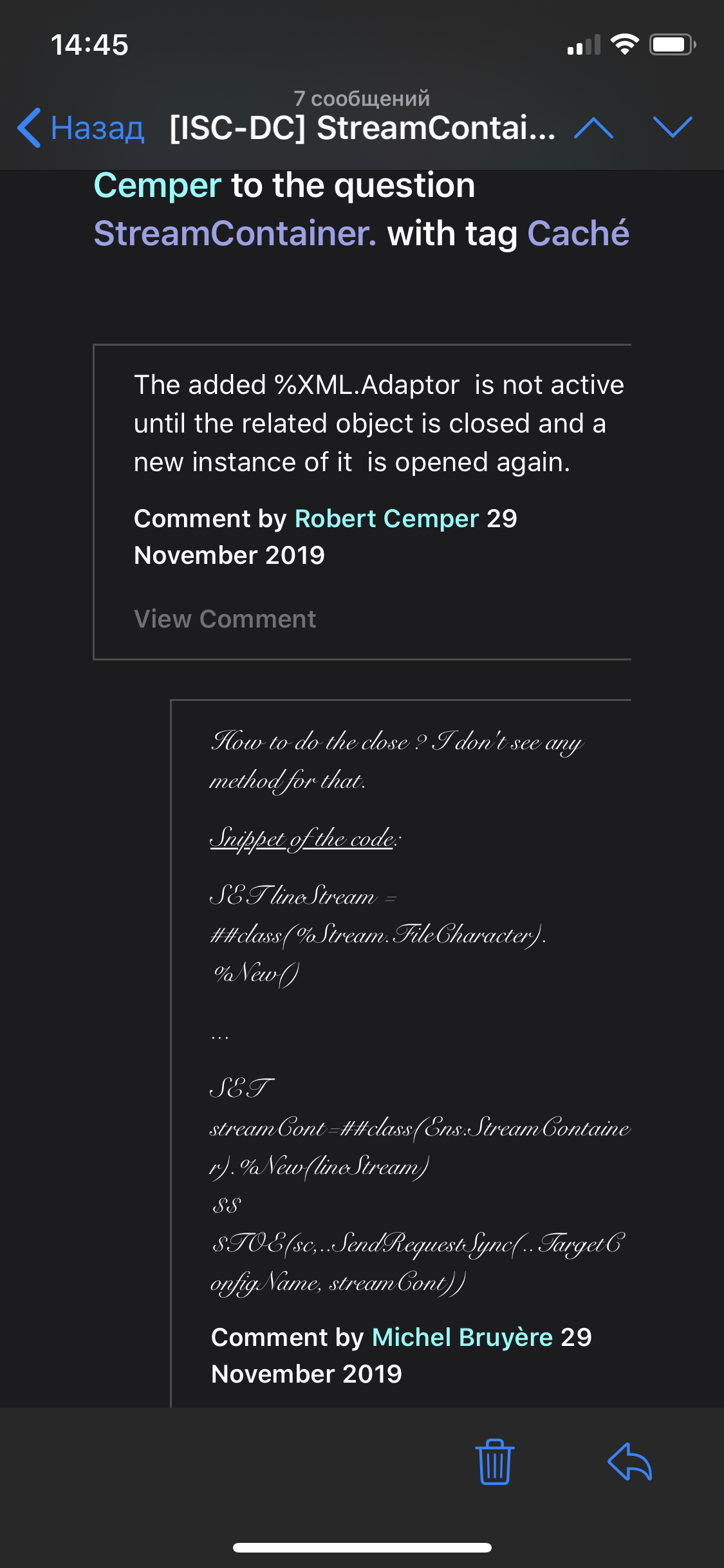
this is not very easy to read. Do you really need Comic Sans?
I like. 
I make some changes
What changes?
In the process for example:
- Prod environment:
SET date = hl7.GetValueAt("MSH:DateTimeOfMessage.Time") - Dev environment:
SET date = hl7.GetValueAt("MSH:DateTimeOfMessage.timeofanevent")
The glitch is related with the browser and probably also the Ensemble's version.
If I use another browser, I got :
.png)
If I read the HTML source, I can see my data. So, I have a solution. 