Visual Studio Intersystems extension - how to delete a server from list
Hi,
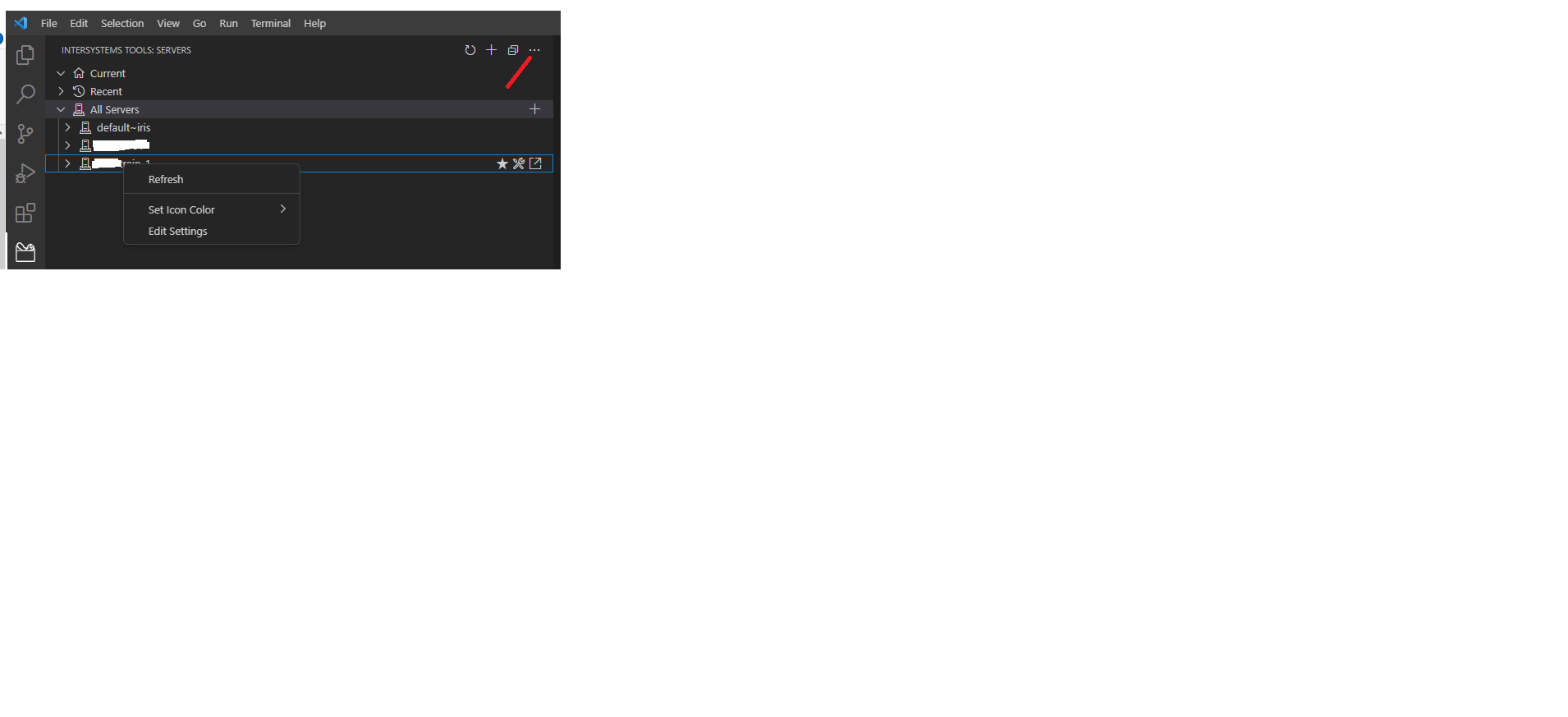
I'm in visual studio on my PC and I want to delete a server from the "All Servers" pull down menu.
I've tried right click the server - no "delete" option comes up
I've tried selecting the server - there is no "delete" option under the "3 dots" on top right of the Intersystems extension subpanel
Any idea of how to do this?
Discussion (1)2
Comments
Hi @Phillip Wu
Just right click on server and navigate to edit settings.
Click on edit settings.png)
Remove server settings from settings.json.png)
Just save the settings.
Thanks