Developer Portal for IRIS APIs with Redoc
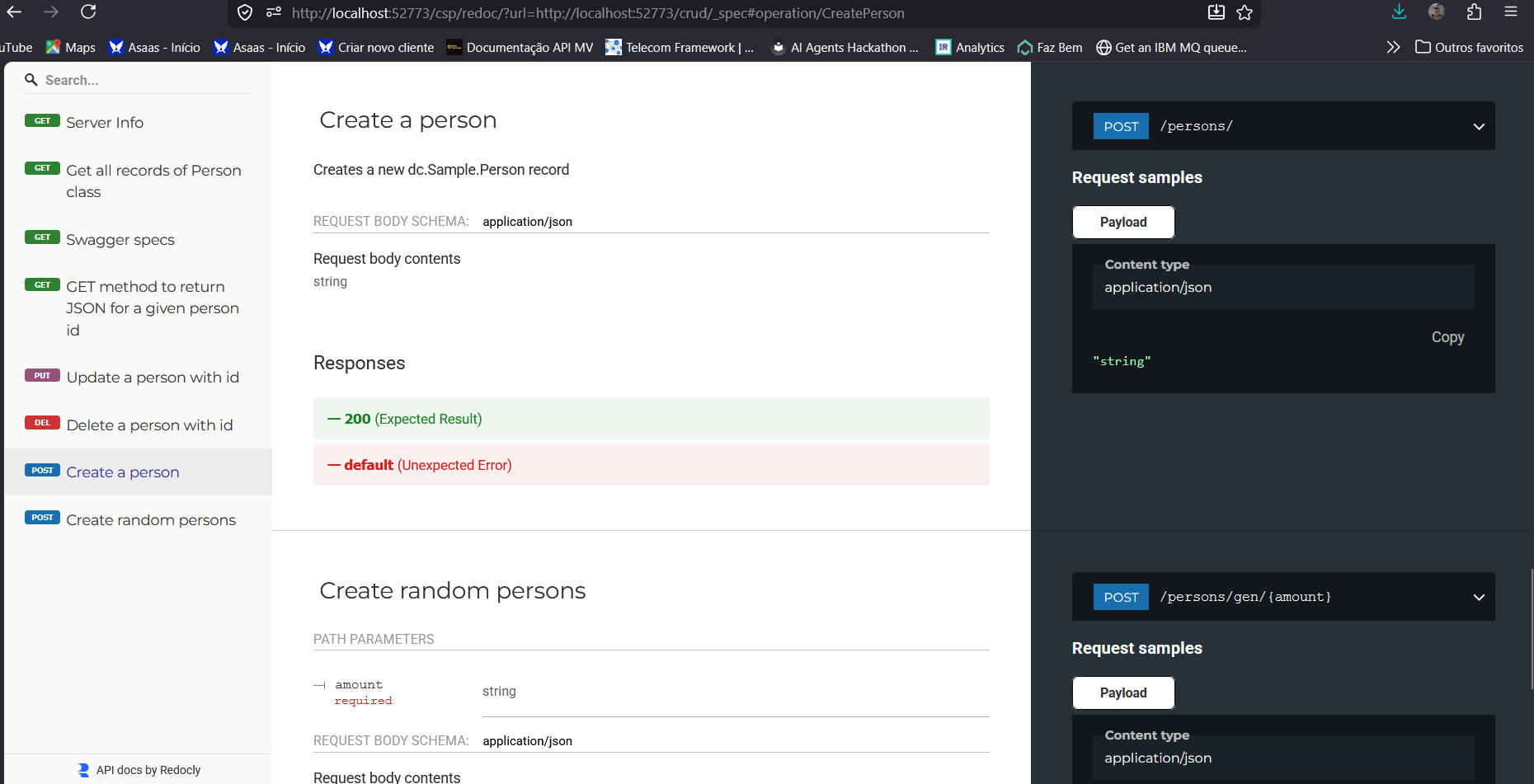
Redoc is an Open Source solution capable of rendering API specifications in OpenAPI 2.0 or 3.0+ as very beautiful and functional web portals. Currently, to have something similar, we need the ZPM SwaggerUI extension or we need to install IAM - InterSystems API Manager and then configure the IAM Developer Portal. Well, now the community has one more option, iris-redoc. This solution installs a web application on your IRIS instance that uses Redoc to present a beautiful web portal for your REST APIs:
How to Install and use
Go to https://openexchange.intersystems.com/package/iris-redoc.
It is very easy to install and use. There are 2 possibilities:
Add the dependency to your module.xml:
<?xml version="1.0" encoding="UTF-8"?>
<Export generator="Cache" version="25">
 <Document name="rest-api-template.ZPM">
   <Module>
     <Name>rest-api-template</Name>
     <Version>1.1.0</Version>
     <Packaging>module</Packaging>
     <SourcesRoot>src</SourcesRoot>
     <Resource Name="dc.Sample.PKG"/>
     <Dependencies>
       <ModuleReference>
         <Name>iris-redoc</Name>
         <Version>1.0.0</Version>
       </ModuleReference>
     </Dependencies>
      <CSPApplication
       Url="/crud"
       DispatchClass="dc.Sample.PersonREST"
       MatchRoles=":{$dbrole}"
       PasswordAuthEnabled="1"
       UnauthenticatedEnabled="1"
       Recurse="1"
       UseCookies="2"
       CookiePath="/crud"
      />
   </Module>

 </Document>
</Export>
The second option is to access the terminal of your IRIS instance and then execute the command:
zpm install iris-redocAfter installing, it is very simple!
Open http://[host]:[port]/csp/redoc/?url=[url of the swagger/openapi.json] using your browser.
Sample 1 (external public open api - github API sample): http://localhost:52773/csp/redoc/?url=https://raw.githubusercontent.com…
Sample 2 (your IRIS API):
http://localhost:52773/csp/redoc/?url=http://localhost:52773/crud/_spec
Now just navigate and enjoy Redoc.