First steps in InterSystems Data Studio
The recently published tutorial "Introduction to InterSystems Data Studio" inspired me to check out this product. And I think it’s an interesting look at how to manage a data fabric without deep-diving into complex code. It allows you to connect disparate data silos, transform the data through automated pipelines, and load it into a unified environment for analysis. So, I decided to write up an example of how you can use it. Basically, I'll walk you through the tutorial in case you don't have time to do it on your own. Though I would definitely suggest you actually follow the tutorial - it has lots of useful information.
To see how it works, I stepped into the shoes of a system administrator, logging in with the provided credentials to explore the interface. The layout centers on a few core pillars: defining where data comes from, cataloging its structure, and building automated "recipes" to move it into production.
And the very first step is to establish a connection to my data.
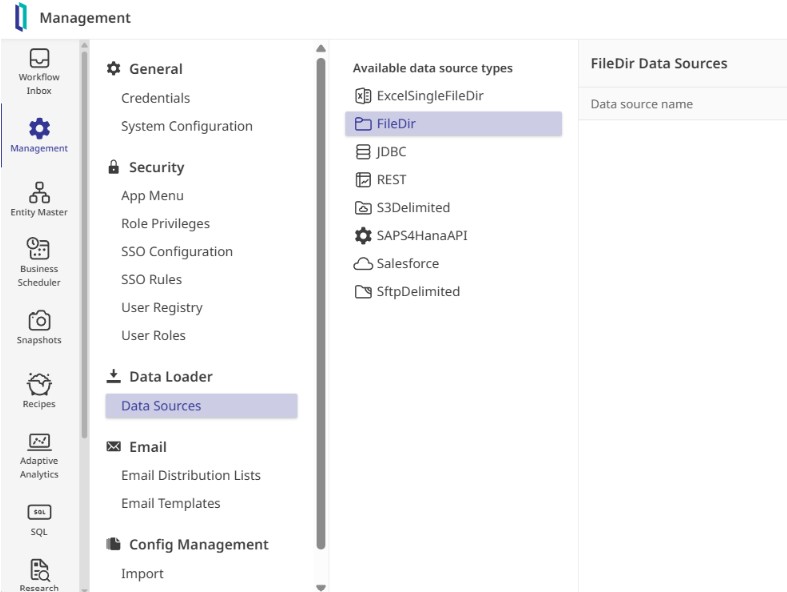
While IDS supports everything from cloud buckets to APIs, we start with a simple file directory source named TestFileDir. Once saved, the system automatically generated a folder structure to manage the file lifecycle, including dedicated spaces for samples, active processing, and archiving. Within the Samples folder is a small CSV of transaction data, which is used to feed the Data Schema Importer. This tool analyzed the file and automatically mapped the column names and data types, allowing publication of a formal schema draft without manual entry.
Now that there's data, it's possible to do something with it. And it's done via a "recipe".
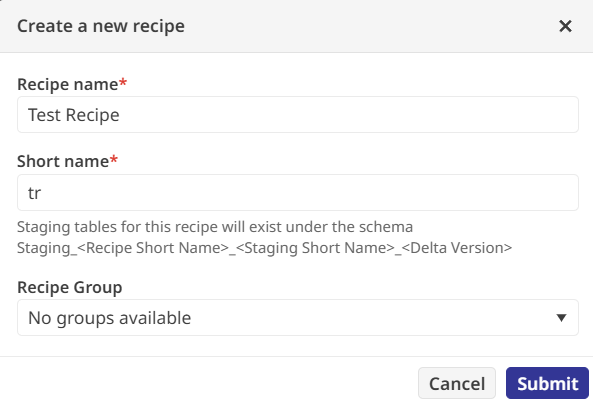
There are several types of activities that you can perform within the recipe:
- Staging activities extract data from sources into a staging area
- Transformation activities modify data fields based on business logic
- Validation activities check for data integrity against predefined rules
- Reconciliation activities compare data across different sources to ensure consistency
- Promotion activities move the processed data into final tables or files for use
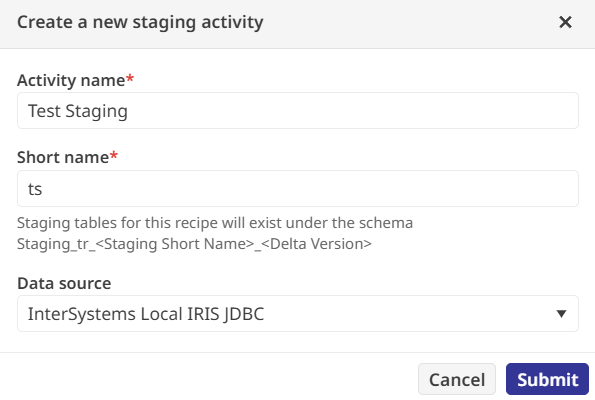
In the tutorial, we take the data from the example CSV file and transform some of the fields. This will involve Staging the raw source data so that it's ready to use
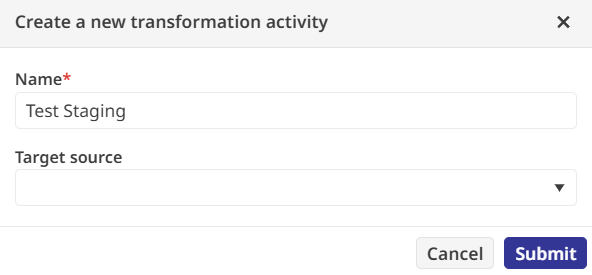
Transforming it based on our business logic (the first rule is to standardize product IDs into uppercase strings, and the second rule is to round the sale prices to a single decimal point, creating a new field called RoundedSalePrice)
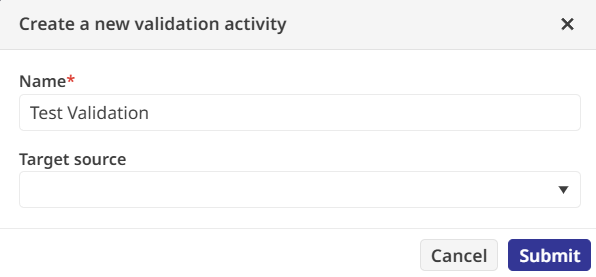
To ensure no bad data slipped through, there's a Validation activity. There's a regular expression to verify that every product ID is exactly one uppercase letter; by setting this failure to "Fatal," I ensured the pipeline would halt if it encountered anything unexpected.
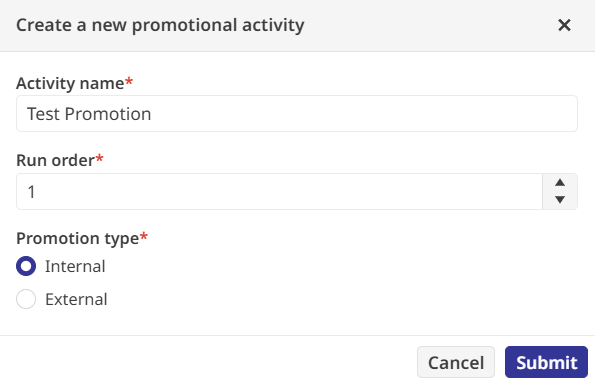
The final piece of the recipe is the Promotion activity, which moves the validated data to its permanent home. I targeted an internal table called Sample.Transactions and wrote a SQL expression to map my transformed staging fields into the production columns. After parsing the query to check for errors, the recipe was ready for the real world.
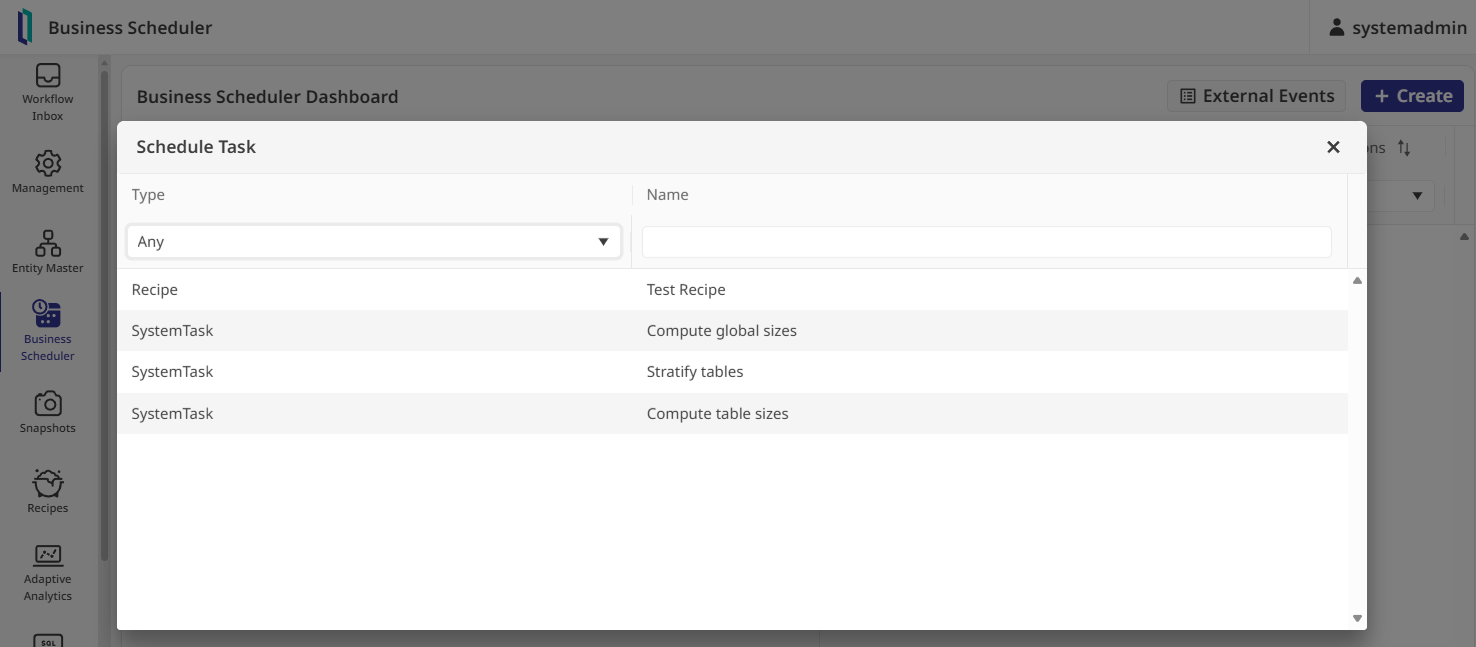
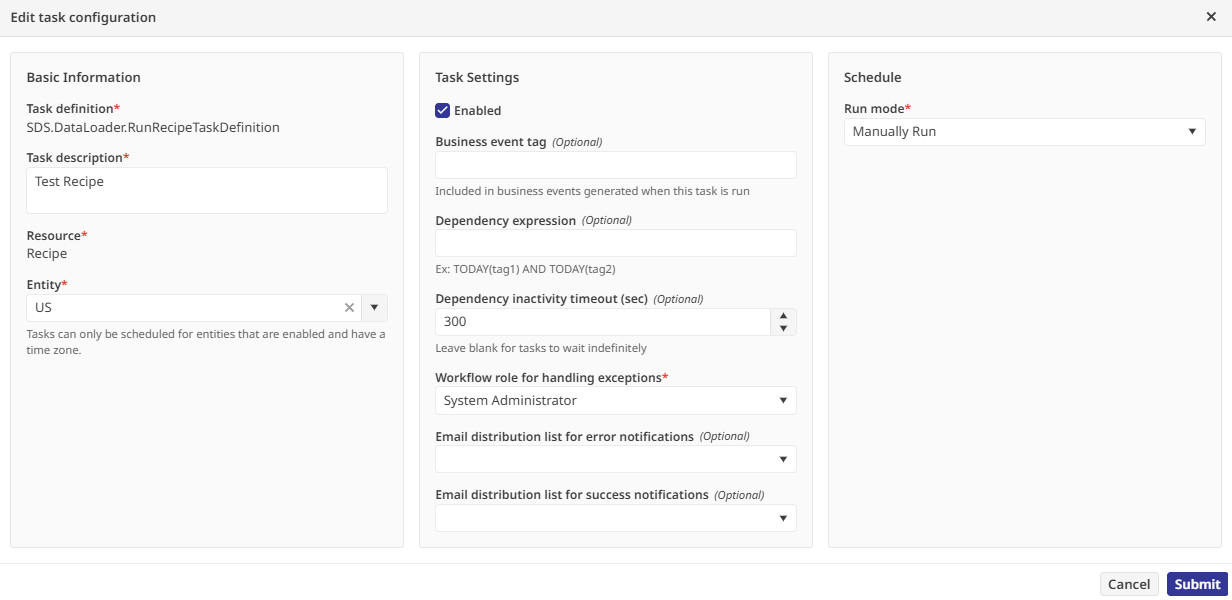
To actually run the pipeline, you need to open the Business Scheduler. Before a task can execute, it requires an "Entity" to provide context, like time zones, so I enabled the existing "US" entity in the Entity Master. Back in the scheduler, I created a task for my recipe
assigned it to the System Administrator role for exception handling, and set it to run manually
Clicking "Manually Run Now" put the system to work, pulling the CSV data and running it through every transformation and check I had defined.
Once the task finished, the Run History provided a detailed report showing that all records were processed without a single validation error. To verify the results for myself, I opened the internal SQL explorer and queried the Sample.Transactions table. There it was: my raw data, fully cleaned and validated, sitting in a production-ready format. It is a scalable approach to data processing that manages to stay simple even as the logic gets more complex.
If you want to walk through this entire process yourself in a live lab environment (and I would definitely recommend it), you can find it here: "Introduction to InterSystems Data Studio".