Dark mode for Management Portal using Dark Reader
The Management Portal doesn't have a native way to switch to Dark Mode. This can be resolved using a Chrome extension called Dark Reader. See the result:
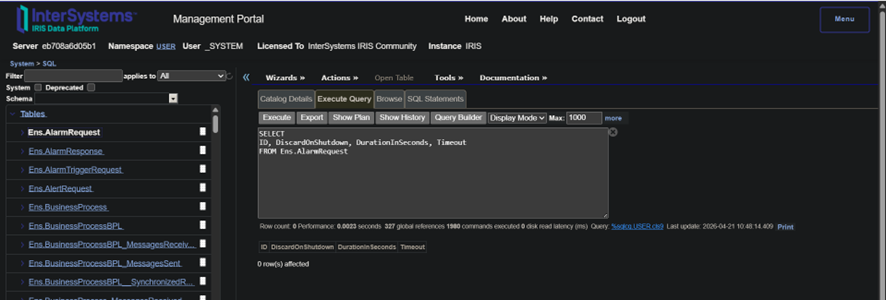
To install and use the Dark Reader:
1. Go to https://chromewebstore.google.com/detail/dark-reader/eimadpbcbfnmbkopoojfekhnkhdbieeh?hl=en
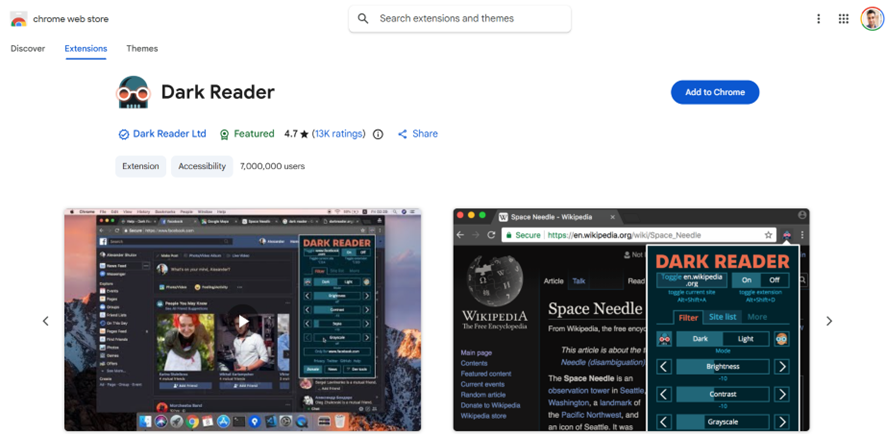
2. Click Add to Chrome
3. Go to your Management Portal and see the results.
4. To toggle (enable and disable) the Dark Mode to the current website use Shift + Alt + D.
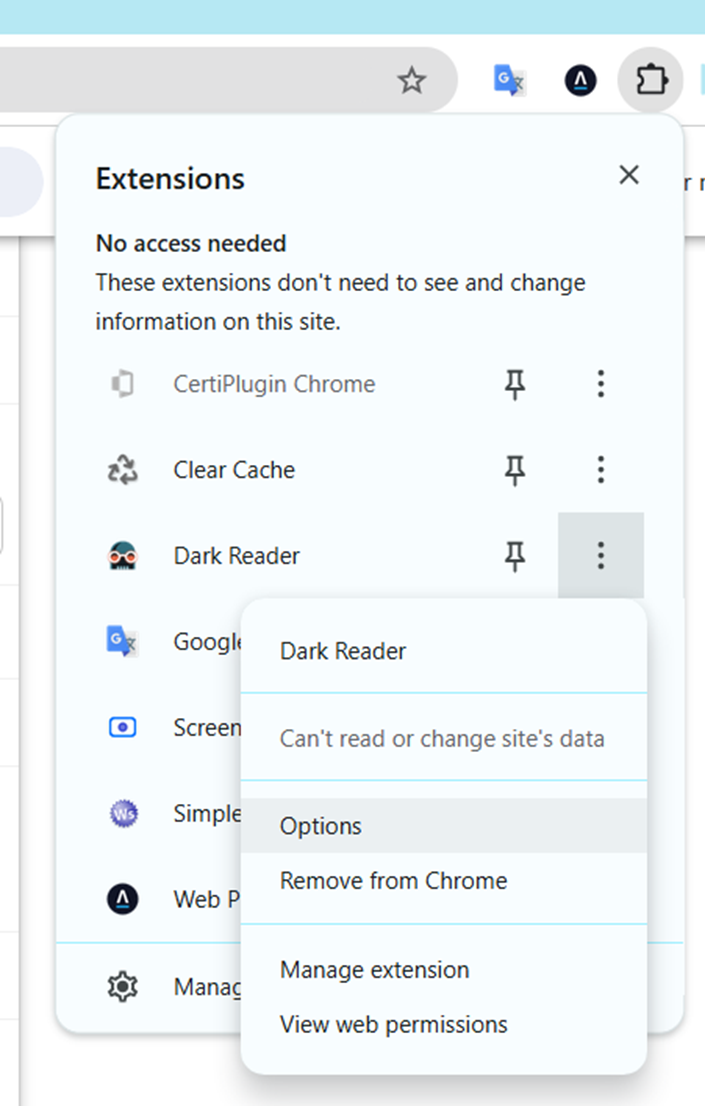
5. To configure the Dark Reader, go to the Extensions > Dark Reader > and tiple elipses button:
Enjoy this tip!
Discussion (0)0