How to export and deploy with code
Hi,
I want to realize configuration export and deployment through code, such as the export of Protol pages and production deployment. What should I do duction deployment. What should I do
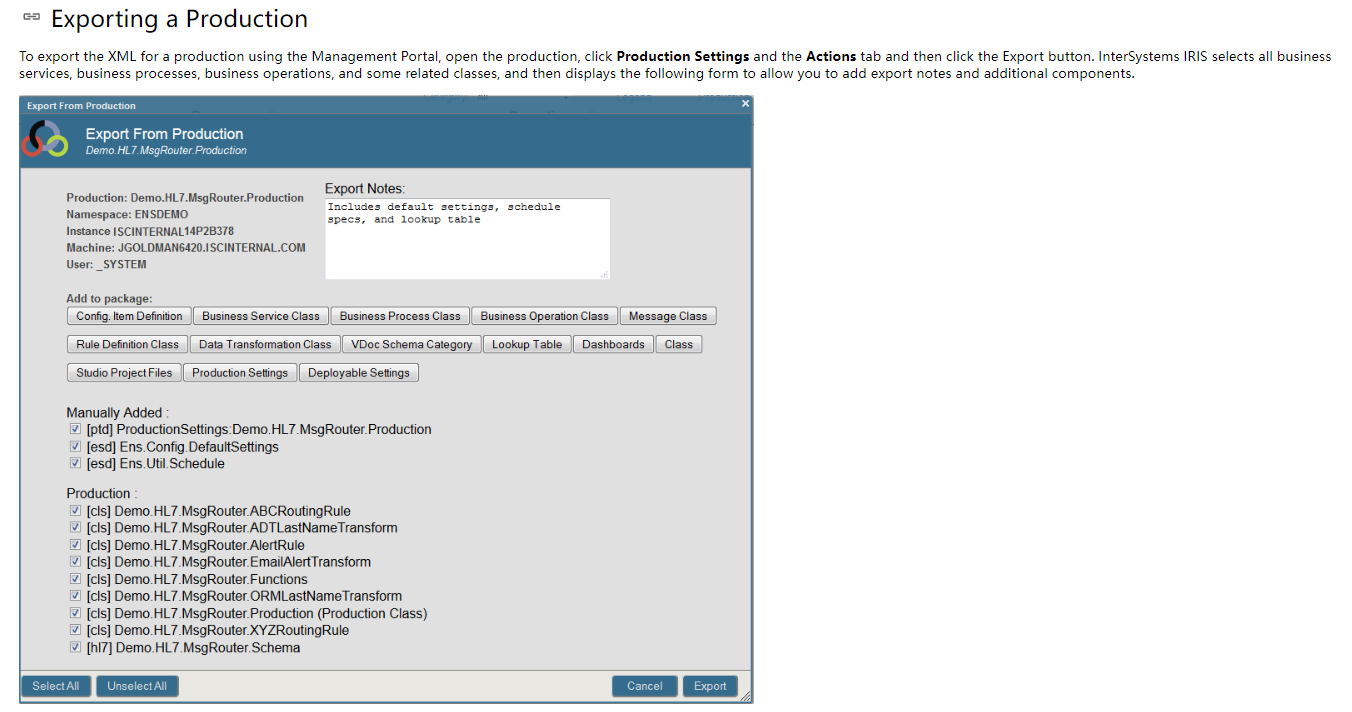
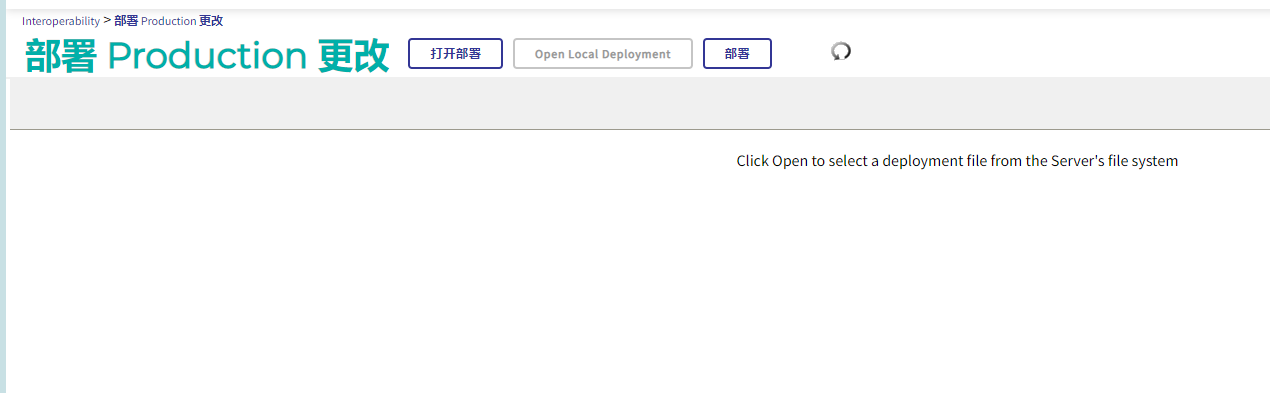
The following is a picture of export and deployment
--------------------------------------------------------------------------------------------------------------
Comments
You can automate export and deployment in code, but the approach depends on what exactly you want to move.
For interoperability productions, production-related configuration can be exported and imported with deployment/export features, and there are also class APIs for many configuration types. Production contents typically include Business Partners, System Default Settings, Credentials, and Lookup Tables. For Business Partners and System Default Settings, the Ens.Config package provides %Export and %Import methods. Lookup Tables can also be exported/imported in recent versions via $system.OBJ. [1]
For production deployment specifically, there is a documented deployment mechanism, and one cited API/class to review for programmatic work is Ens.Deployment.Utils. [2]
If your goal is to script deployment from the OS or a CI/CD tool, one approach described is to run ObjectScript from the command line using csession on Linux, for example:
csession ENSEMBLE -UUSER ##CLASS(package.class).method()
or feed a script file into csession:
csession ENSEMBLE -UUSER < deploy.mac [3]
For broader configuration beyond the production itself, InterSystems IRIS can export many system configuration items to XML. The Security package includes classes for items such as Web Applications, Resources, Roles, Services, Users, SSL Configs, and others. These classes provide Exists, Export, and Import methods, so they can be moved between environments. [1]
For web applications specifically, you can export/import them with Security.Applications. Example:
Export:
write ##class(Security.Applications).Export("c:\temp\webapp.xml",.n,"/csp/samples,/csp/user")
Import:
write ##class(Security.Applications).Import("c:\temp\webapp.xml",.n) [4]
If you want to deploy code as well as configuration, one recommendation mentioned is to keep code in repositories and deploy code via InterSystems Package Manager (IPM). Another option mentioned for class/routine movement is $system.OBJ.ExportUDL() for export and $system.OBJ.Load or $system.OBJ.LoadDir() for import. [5]
For environment-specific production settings, System Default Settings are recommended. They are intended to simplify moving a production between environments where only certain values such as file paths or port numbers differ. These settings can be transferred with %Export and %Import. [1]
“The purpose of system default settings is to simplify the process of copying a production definition from one environment to another. In any production, the values of some settings are determined as part of the production design; these settings should usually be the same in all environments. Other settings, however, must be adjusted to the environment; these settings include file paths, port numbers, and so on.
System default settings should specify only the values that are specific to the environment where InterSystems IRIS is installed. In contrast, the production definition should specify the values for settings that should be the same in all environments.” [1]
A practical way to organize this in CI/CD is to store environment-specific settings files in source control and load the right one during deployment based on the environment/branch. [1]
Two cautions called out in the material:
- Users and SSL configurations may contain sensitive information such as passwords, so storing them in source control is generally not recommended. Use Export/Import for one-off transfers instead. [1]
- When importing tasks, you may get
ERROR #7432: Start Date and Time must be after the current date and timeif schedule values are in the past; settingLastScheduleto0allows IRIS to reschedule the imported task. [1]
If you want, the most suitable starting point for your case is usually:
- Use
%Export/%ImportfromEns.Configfor production-related config. [1] - Use
Security.*export/import methods for portal/web/security configuration such as web applications. [1][4] - Run the import/deploy logic from
csessionor your CI/CD pipeline. [3] - Store environment-specific values in System Default Settings, not directly in the production definition. [1]
- For code deployment, use repository-based delivery and optionally IPM. [5]
Sources: